
Your Pasal account
Choose your name and cartoon avatar, manage your sign-in password, and find notification settings.
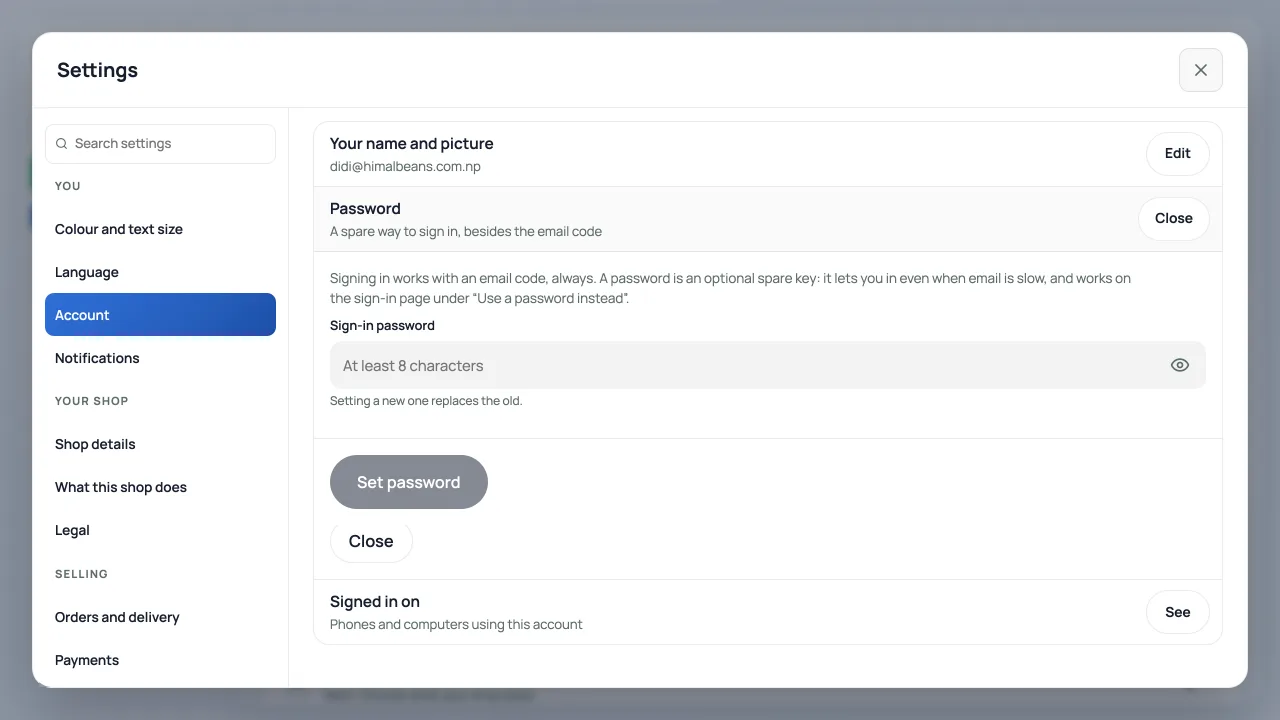
Open the account menu at the bottom of the left menu, then press your name and avatar at its top. This opens Settings → Account. You can also choose Settings, then Accountunder You. On a phone, reach the account menu through More.
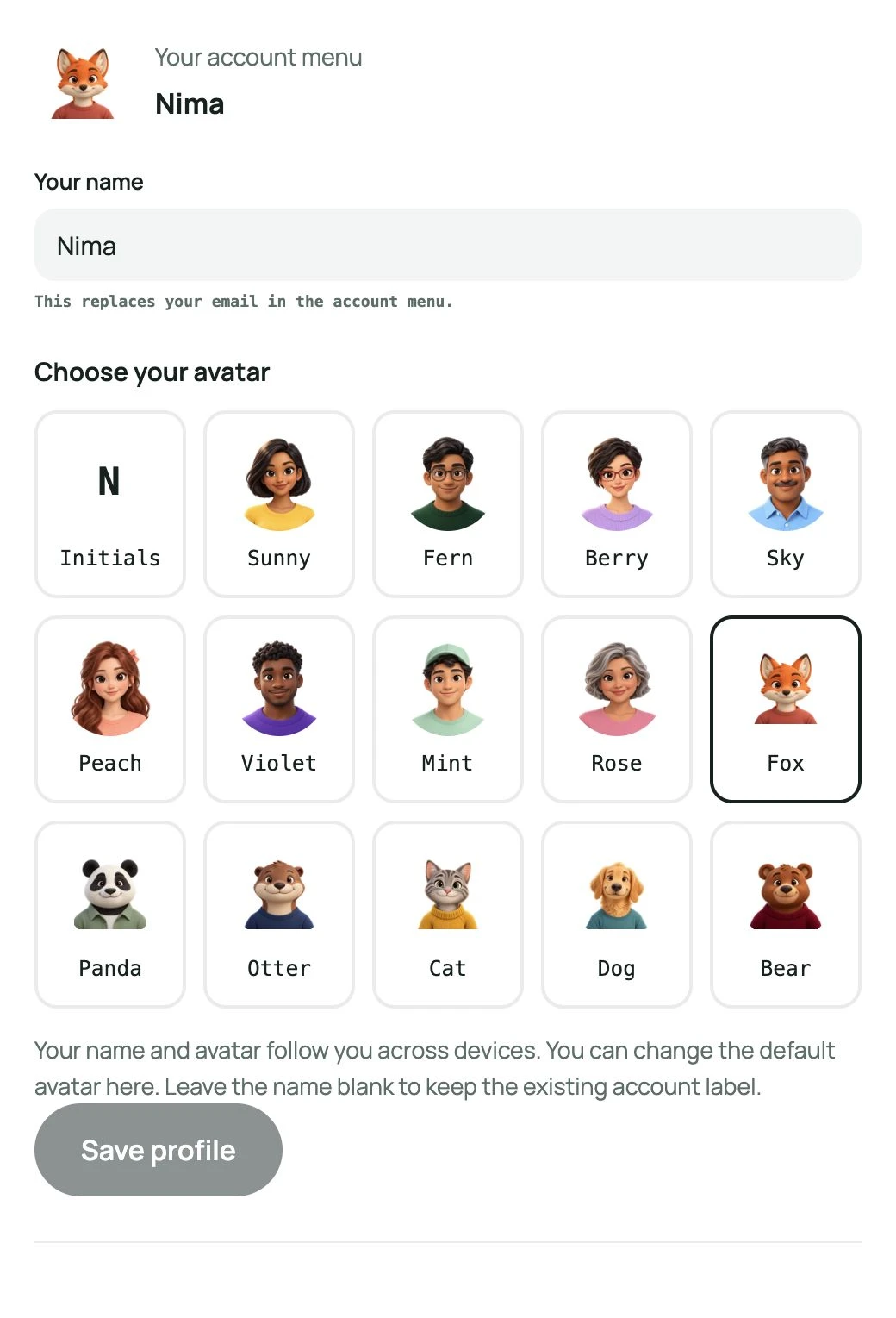
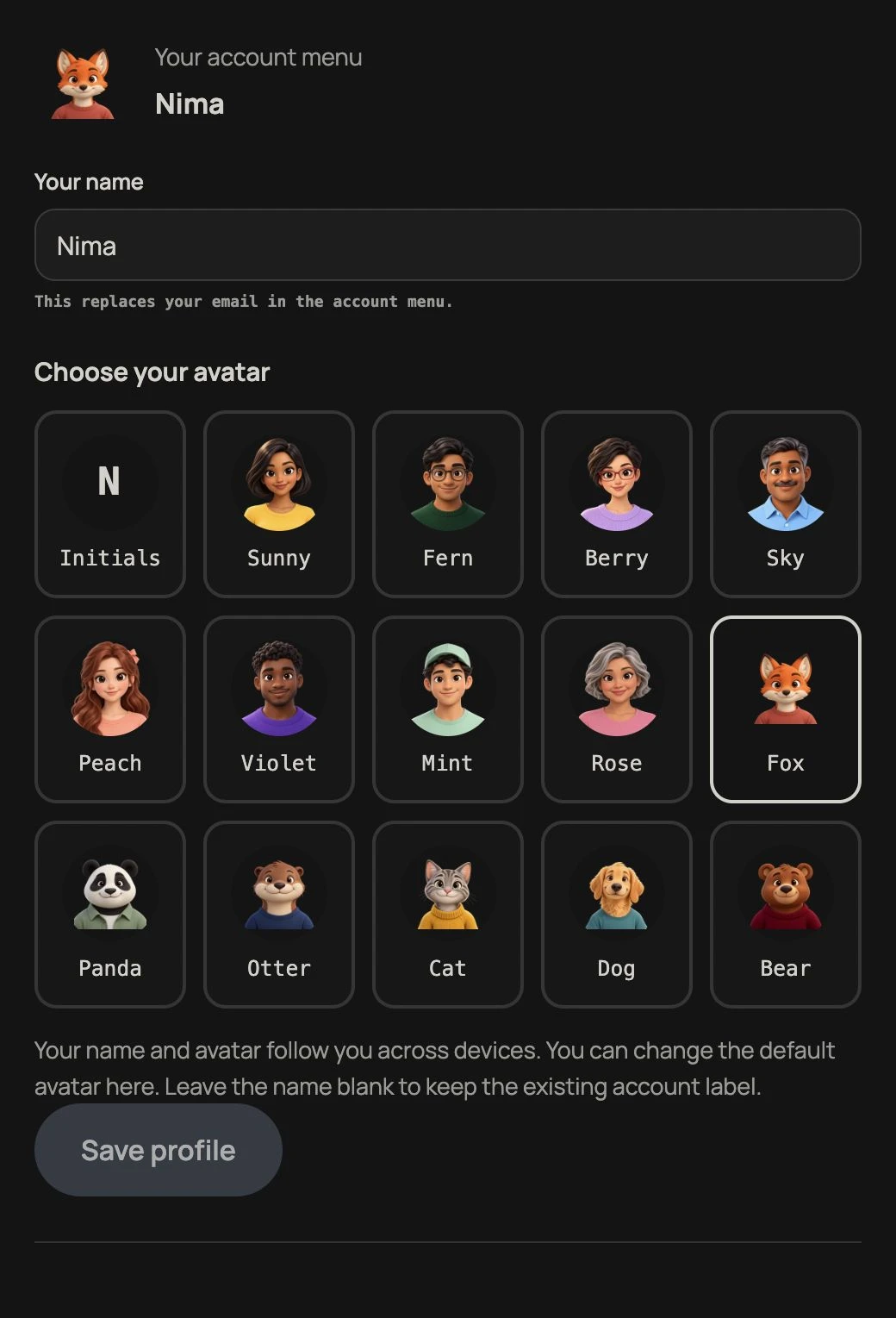
Your name and avatar
In Account, press Edit beside Your name and picture, enter Your name, choose a cartoon avatar and pressSave profile. The account menu uses this name instead of your email, on desktop and phone. Your email still identifies your sign-in account. These choices follow your account across devices; they do not change staff names on sales records.
Accounts without an avatar choice get a default portrait that stays the same across devices. Fox, Panda, Otter, Cat, Dog and Bear are available alongside the existing human cartoon portraits. A saved avatar or initials choice is kept. Choose Initials to return to a letter avatar. Leave the name blank to keep the existing account label. If saving fails, your draft stays here so you can try again. Closing Settings or pressing browser Back asks before discarding unsaved changes.
A password as a spare way in
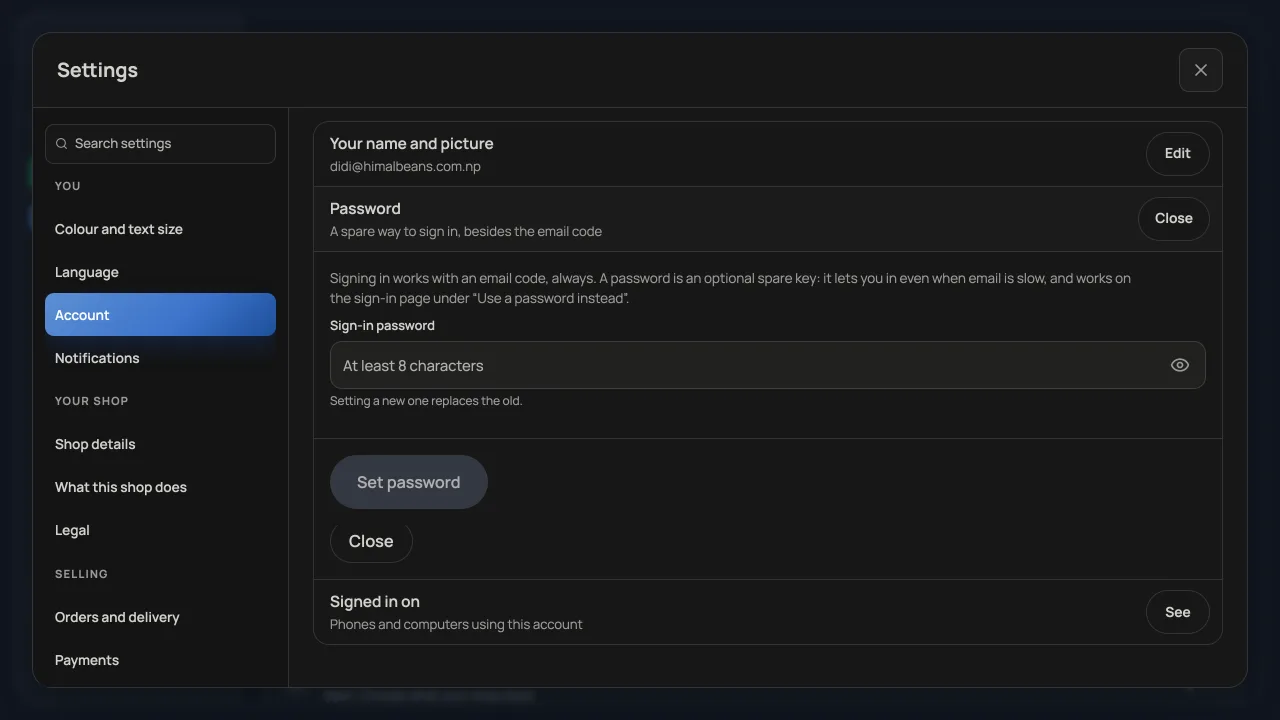
A password can help when email is slow. In Account, press Edit beside Password and set a sign-in password of at least eight characters. Press the eye icon inside the password box to show or hide what you typed, then pressSet password to save it. A new password replaces the old one; signing in with a six digit email code still works. See Signing in to your dashboard for the full walk.
Daily email and order and message alerts
Open Settings → Notifications. Daily summary email sends a recap to your sign-in address the morning after a day with sales. Order and message alerts belong to this device and browser, so each phone or laptop that should buzz needs its own setup. See Get alerted for every new order.
Owners also set the Google review link and optional automatic requests in Notifications. See Ask customers for an honest Google review. Saving a review link does not turn email requests on.
Colour and text size and Language are separate sections under You. They are remembered on this device. Find your way around the dashboardexplains the whole Settings list.
- Signing in to your dashboardA six digit code by email, an optional password, and what to do when neither one works.
- Find your way around the dashboardYour everyday pages, the account menu, the unified Settings window, search and working on a phone.
- Get alerted for every new orderInstall the dashboard like an app and turn on notifications so nothing is missed.