
Help · Orders & fulfilment
Get alerted for every new order
Install the dashboard like an app and turn on notifications so nothing is missed.
The order board updates live, but you can also get a buzz on your phone the moment an order or booking comes in.
- Install the dashboard. Open the Pasal shopkeeper app, or add pasal.studio to your home screen (Android: menu, then Install app; iPhone: Share, then Add to Home Screen). Customers still order from your link. They do not install anything.
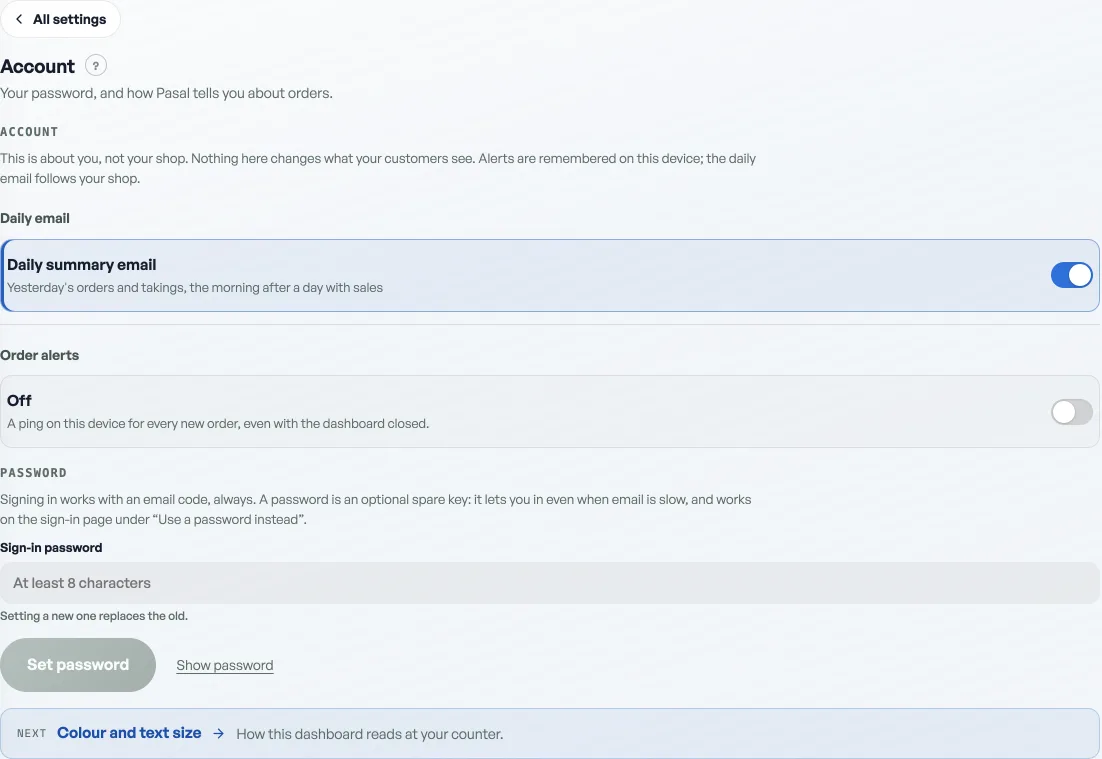
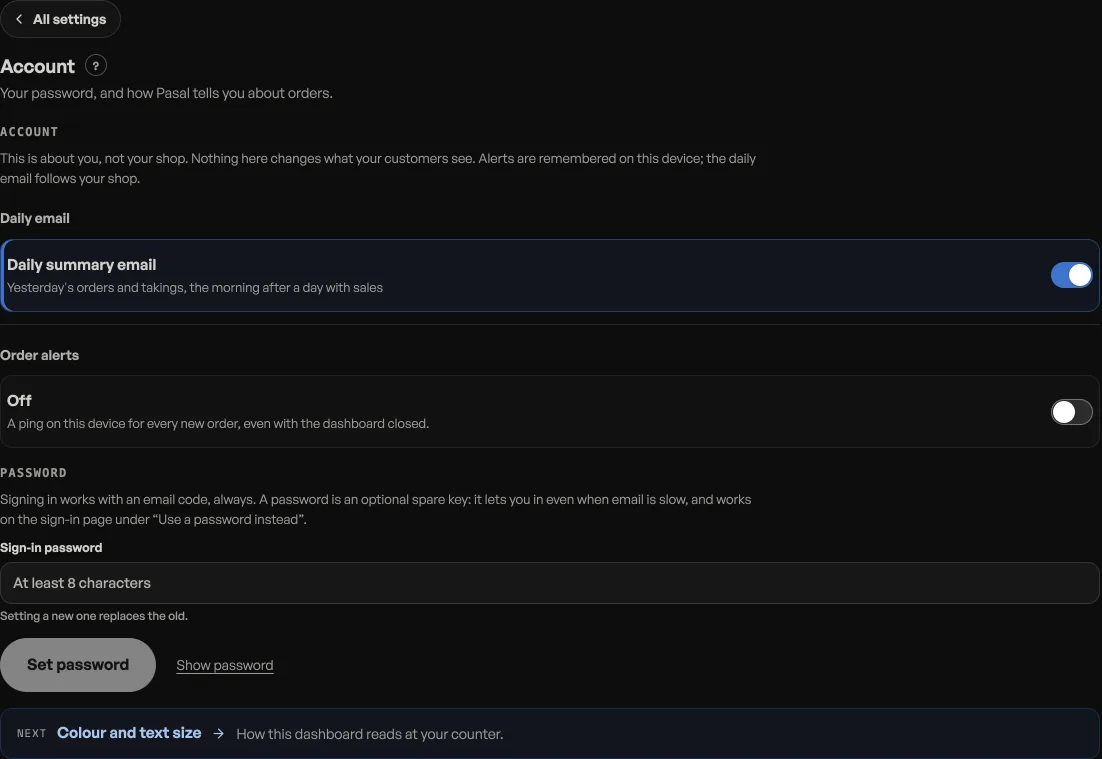
- Turn on alerts. Open Settings, then Account, and switch on Order alerts to allow notifications.
- Prove it. Press Test this device, just under the switch. One alert comes straight to this phone. If nothing arrives within a few seconds, the line under the switch says why.
Now new orders reach you even when the shop is not open on your screen.
Alerts belong to a device, not to the shop. Every phone and laptop that should buzz is switched on once, on that device. On an iPhone in Safari there is no switch until the dashboard is on the home screen, and the row says so in place of one. The Pasal app has the switch from the first screen.
If the switch will not go on, read the sentence under it. It names the thing that stopped it: a blocked permission, a device that is offline, a page that needs reloading. Nothing here fails quietly any more.
- Managing orders on your boardMove tickets through fulfilment, collect payment, and keep the board tidy.
- Take bookings and reservationsLet customers reserve a table or a slot, and manage them on the Bookings tab.
- Print receipts on a thermal printerConnect a 58mm or 80mm roll printer and print from the counter or any past order.