
Help · Money
Khata: let regulars pay later
Keep the credit book on your phone instead of a notebook by the counter.
Half a kirana's trade runs on trust: regulars take what they need and settle at the end of the month. The Khata tab is that notebook, with the arithmetic done for you.
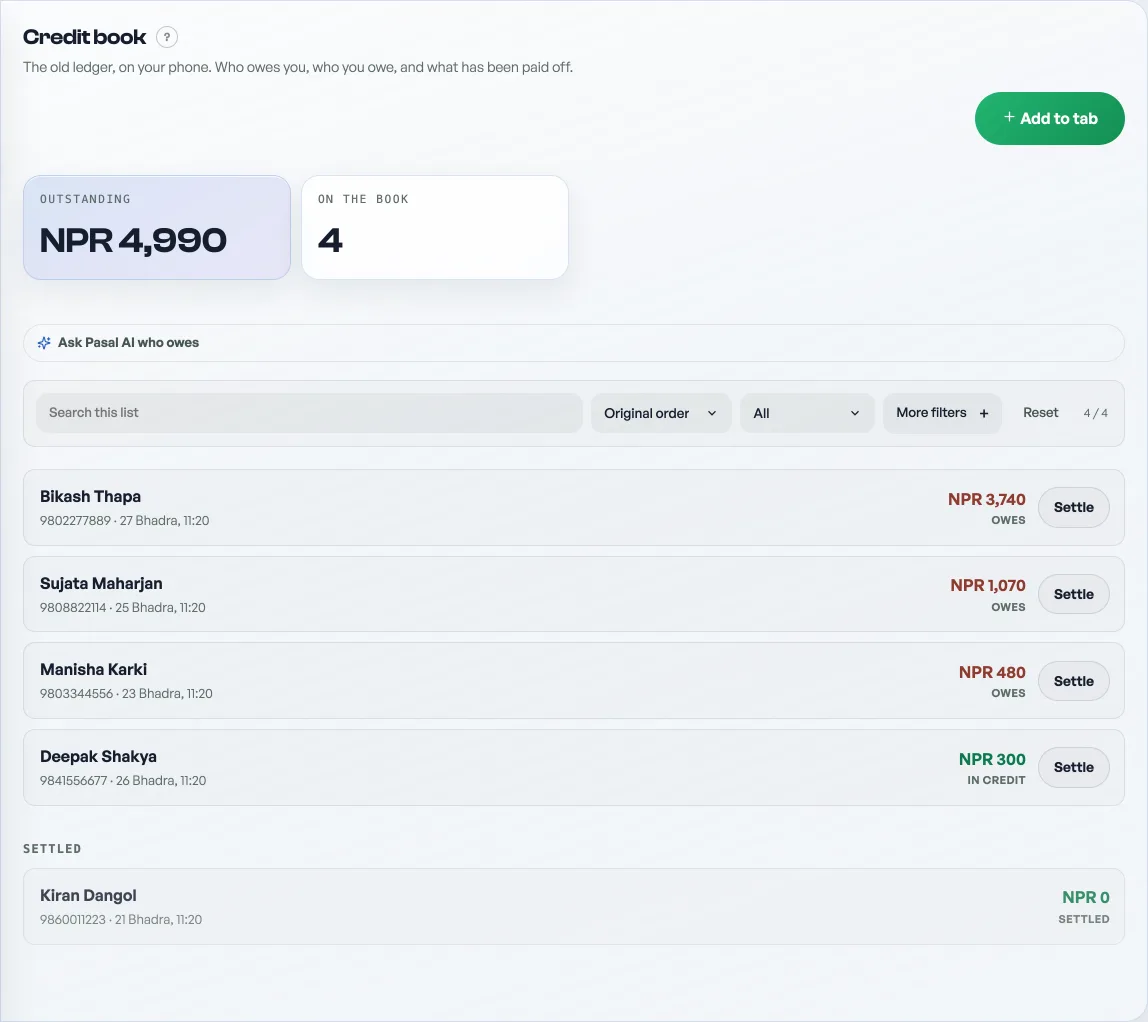
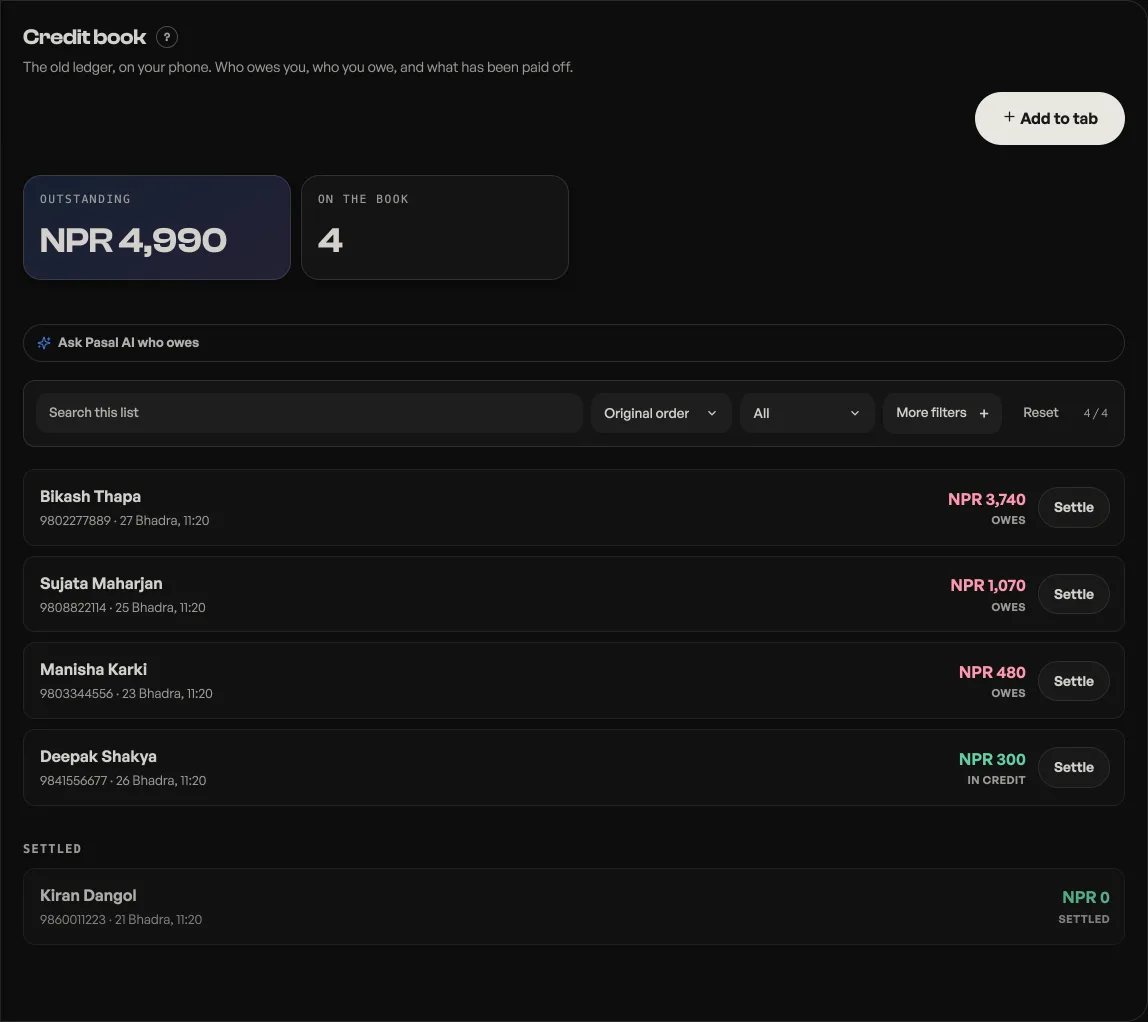
- Add to tab when someone takes goods on credit. Enter their name (a phone number helps you tell two Rams apart), the amount, and a note like "rice, oil, dal".
- Settle when they pay, in full or in part. Part payments are normal and the balance carries.
- Open a name to see their whole history, every credit and every payment, with the running balance.
The tab shows total outstanding across everyone and how many names are on the book, so you know what is owed to you at a glance. Someone who has overpaid shows as in credit rather than a negative.
Khata is on by default for grocery and jewellery shops. Any other shop can turn it on under Shop profile, "What this shop does", where the switch reads Khata (credit book). It is yours and your permitted staff's only, never visible to customers.
Khata is a Pro tool, with one deliberate exception: on the free plan you cannot put new credit on the tab, but payments always record, so a debt can always be settled and every balance stays readable. Nothing on the book is ever locked away. See What happens when your free trial ends and What Pro costs and how to turn it on.
Correcting a line
Open the customer's page and every line carries a pencil. It opens Correct this entry, where you can change the amount and the note. Save, and the balance at the top redraws with it.
Correct rather than add an opposite line. Two lines cancelling out leave a page that says a regular took goods twice and paid once, which is a harder conversation than the one you were trying to avoid.
Removing a line
The same panel offers Delete this entry, and it tells you what will happen before it does it: how much moves off your paid figures for that day, and whether the customer ends up owing more or less the moment it goes. Read that sentence. Deleting a payment makes somebody owe more, and that is the one worth being sure about.
Khata payments count into Paid today, Paid this week and Sales, so a deleted payment changes those figures too. Nothing is hidden from you on the way.
- Check the month's takingsThe Sales tab month by month: what counts as paid, what is still owed, and the spreadsheet for your accountant.
- What happens when your free trial endsWhich tools go quiet, what deliberately keeps working, and why nothing you have built is ever locked away.
- What Pro costs and how to turn it onThe price of Pro by the month and the year, what it adds, what stays free forever, and how to pay for it today.