
WhatsApp automatic product help
Let automatic product help answer customers who message your shop on WhatsApp, and take over a conversation when you want to reply yourself.
Automatic product help can answer customers who message your shop's WhatsApp number: it finds products by name or code and recommends items, as it does on Instagram and Messenger. It stays off until you turn it on, and it appears only after Pasal has switched it on for your shop. To connect the number and read messages, see Connect Instagram to your dashboard.
Turn it on
Open the WhatsApp tab in the Inbox, then Inbox settings → Automatic product help. Read which provider is used (Anthropic's Claude), tick that your customer privacy notice says so, and click Enable automatic product help.
What customers get
- It answers only a customer who wrote to you in the last 24 hours, the time WhatsApp allows. It never starts a conversation.
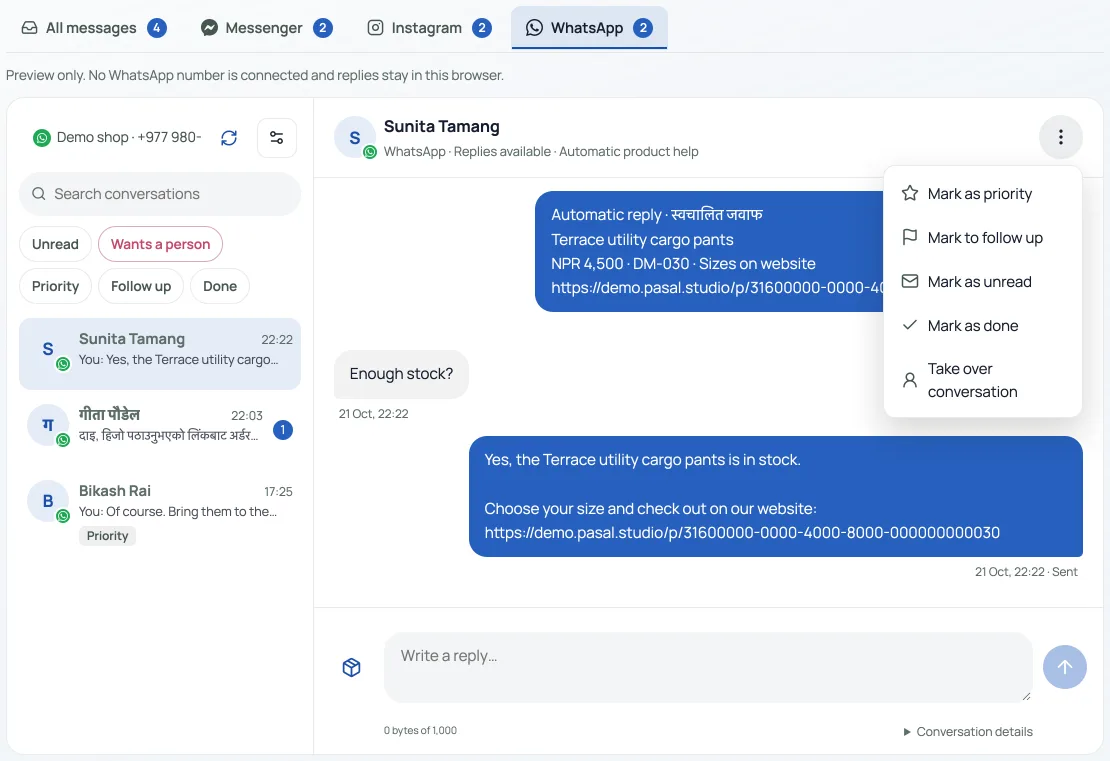
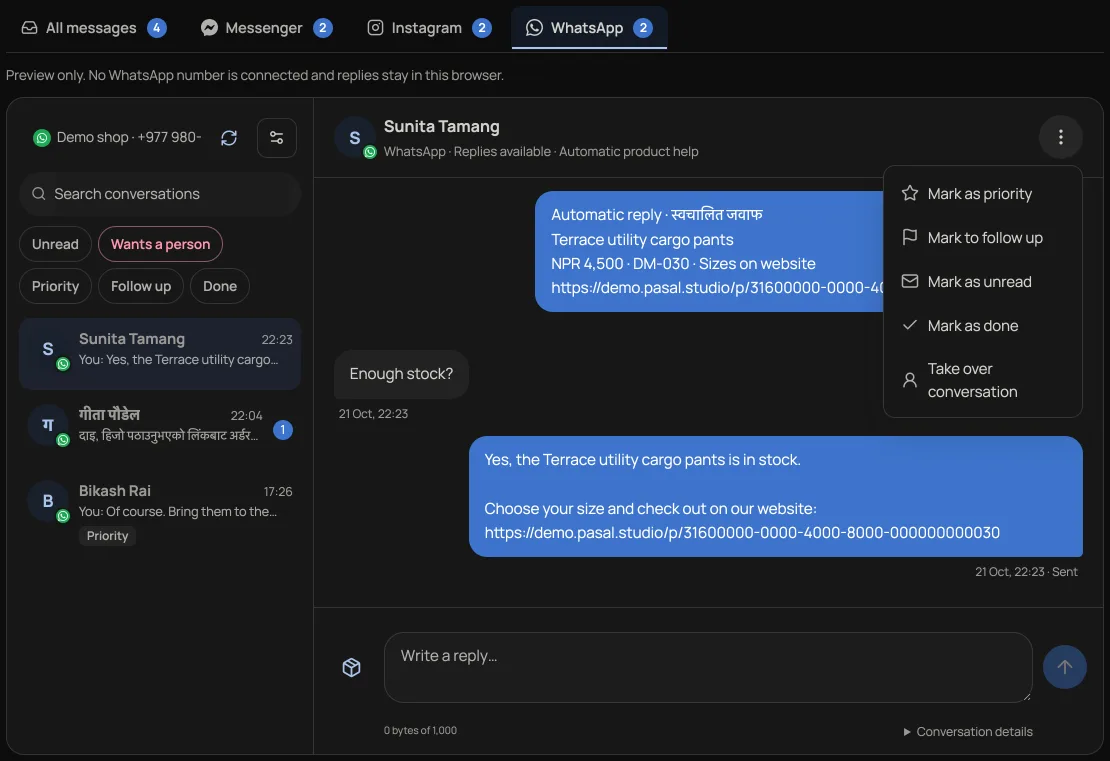
- Products go as text with a link to each one, which WhatsApp shows as a preview. The first reply of the day, or the first after a pause, starts with "Automatic reply · स्वचालित जवाफ".
- A greeting gets two buttons: Recommend products and Talk to a person. Talk to a person, or HUMAN, pauses it for that customer and marks the conversation Wants a person. START resumes it.
Take over a conversation
Your reply from Pasal, Take over conversation in the conversation's header or its ⋮ menu, or a reply from the WhatsApp Business app on your phone pauses it for that customer until you press Resume automatic product help. Turn off automatic product help in Inbox settings switches it off for the whole number.
If no automatic reply arrives
Check that automatic product help is on and that this conversation is not paused. A customer who sent HUMAN or tapped Talk to a person sends START to resume. A customer whose last message is more than 24 hours old gets no reply.
- Connect Instagram to your dashboardRead customer DMs, share products and enable product recommendations on Instagram, Messenger and WhatsApp.
- Chat with shoppers on your shop pageTurn on a chat button on your shop page from the Inbox. Shoppers write to you there, you answer from the Inbox, and automatic product help can answer product questions for you until you reply.
- Add your own 360° photos or a 3D product modelLet shoppers rotate a set of product photos or explore a GLB model, alongside the usual gallery.