
Staff email, the customer screen, and several counters
Set up named counters in Staff, assign cashiers, and keep a separate cash shift for each drawer. Customer screens still share the shop feed.
One shop can have named physical counters, such as Front counter and Upstairs counter. Each keeps its own bill drafts and cash shift while sharing the shop's stock and invoice sequence. A staff email or till PIN identifies a person; it does not create a counter automatically.


The pictures use a demo cafe called Himal Beans. Nabin, Sabina, Prakash and Maya are placeholder names, so each screen is easy to follow.
Set up a physical counter
- Open Staff, then Counters, and press Add counter.
- Enter the counter name and choose its assigned cashiers. Leave everyone unticked to allow any cashier. Press Save counter. Add a cashier and their PIN through Who works hereif their name is missing.
- On that device, press Open the counter on desktop or Counter on a phone. Choose the named counter, then the cashier and their PIN when asked.
- Enter Opening cash and press Start shift. Use a different named counter for a different physical drawer. Reopening the same counter continues its current cashier's shift.
The cashier picker and counter header show the cashier's name and initials. Tap the header name to switch person. Close the previous shift before another cashier starts, count its cash, then let the next cashier enter their own opening cash. See Count the drawer and close a shift.
A different cashier cannot continue the previous cashier's open shift. Pasal refuses that mismatch; it does not put the incoming cashier's sales into the previous cashier's drawer.
Owners can use Cash drawer and shift beside a counter in Staff to inspect its current and recent closed shifts. Edit changes its name or assigned cashiers. Retiring a counter keeps its history; changing its name does not rewrite old sales.
A table payment whose reply did not arrive
Pasal saves the original table payment request on this browser before sending it. If its reply is lost, press Check payment. After a reload, reopen the same named counter under the same signed-in account and unlock the earlier cashier when asked. Review the saved bill and confirm it. It keeps the original request, counter, shift, payment method and tender, even if that shift has closed. Do not take money again. A confirmed result returns the original paid bills; a definite refusal asks you to review Sales. Clearing browser data or using another device removes this local recovery path.
टेबलको भुक्तानी पठाउनुअघि यस ब्राउजरमा पहिलेको अनुरोध सुरक्षित हुन्छ। उत्तर नआएमाभुक्तानी जाँच गर्नुहोस् थिच्नुहोस्। रिलोडपछि उही खाताबाट उही गल्ला खोलेर पहिलेको क्यासियर छान्नुहोस्। पहिलेको बिल जाँच गरेर पुष्टि गर्नुहोस्; फेरि पैसा नलिनुहोस्। सिफ्ट बन्द भए पनि पहिलेको अनुरोध, तरिका र बुझाएको नगद जोगिन्छ। ब्राउजरको डाटा मेटेमा वा अर्को उपकरण चलाएमा यो स्थानीय रिकभरी हुँदैन। स्टोरेज अनुमति नभए नयाँ टेबल भुक्तानी पठाइँदैन।
What is a staff email for
A staff email is a second login into your shop, so you do not hand out your password. They sign in at pasal.studio/login with the exact address you typed, and they see the tabs you ticked. Pack orders, add a product, take a return. You can take that access away without changing your own password.
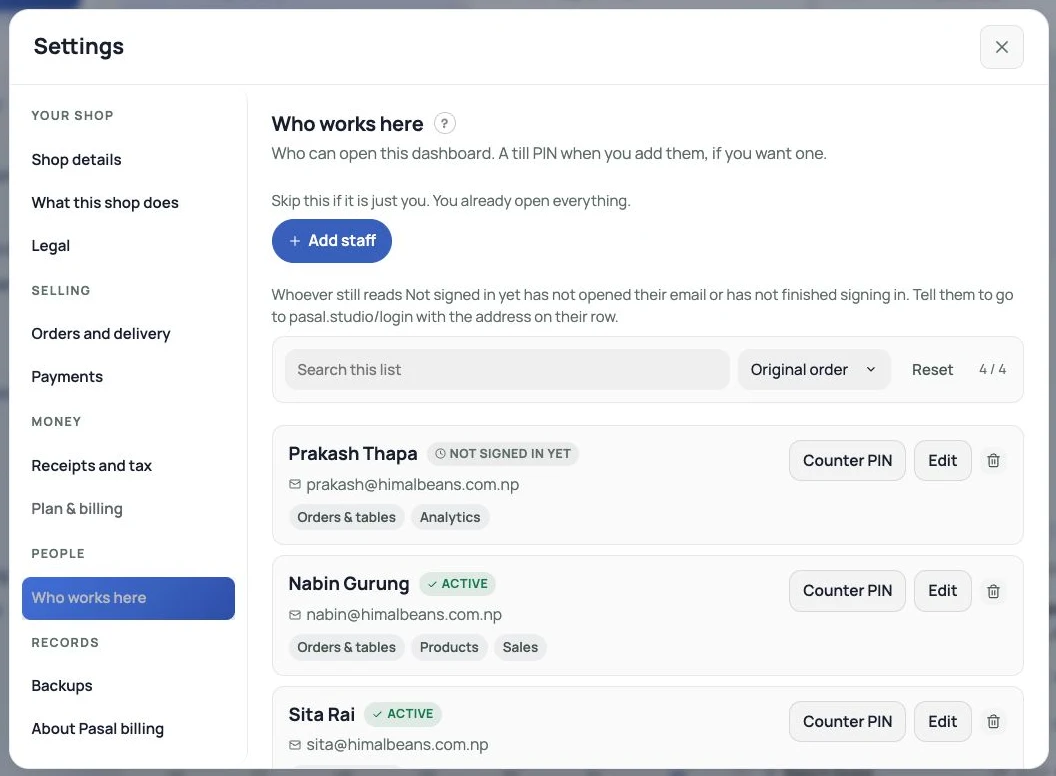
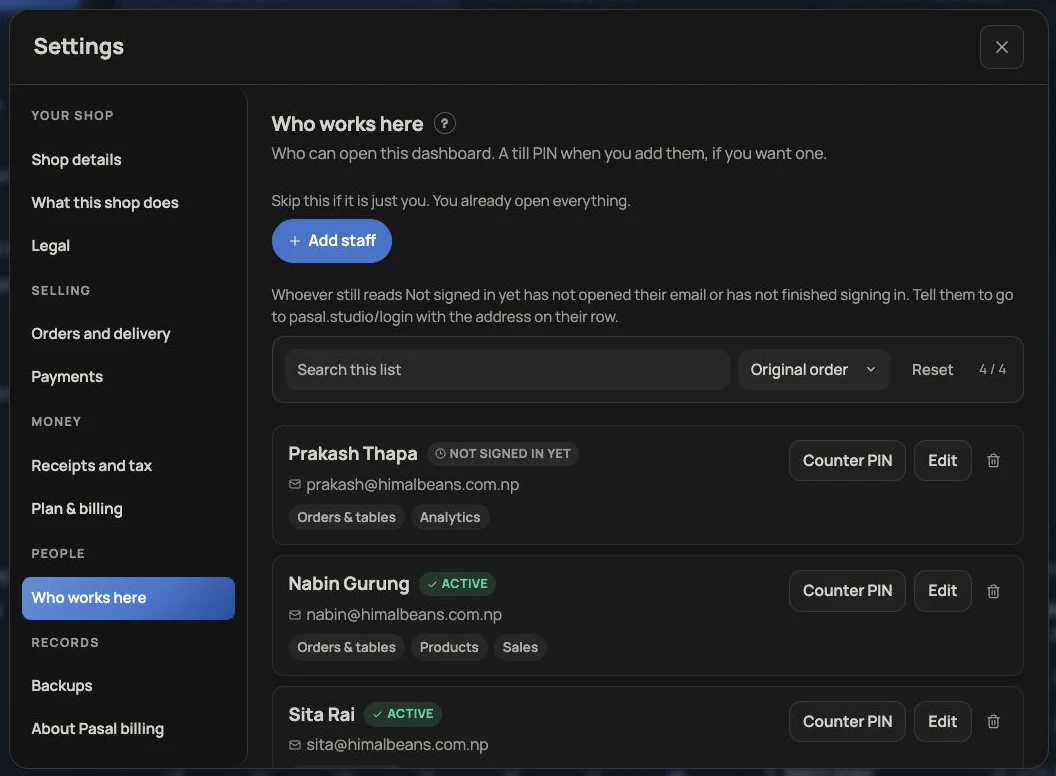


They must not press Create your shop. That starts a second shop, disconnected from yours. The invite is how they join yours. An address that already runs its own shop cannot join: the row reads Cannot join. Ask them for a second address. See Add staff and choose what they see.
Staff accounts are a Pro tool. When Pro ends the dashboard locks until the owner subscribes.
What is a till PIN for
A PIN is who is ringing. Nabin taps his name, types his code, and the sale is named Nabin. He never has to see Orders or Settings. That is a cashier. It does not change whose login the phone holds. If the shop phone is still signed in as the owner, the database still sees the owner. Sign in as yourself on the name list is how Nabin becomes himself for Payslips and the tabs he was given.


Same person can have both: an email so they can work the dashboard, a PIN so the till knows it is them when they ring. How to set a PIN is under Ring a sale at the counter. Who took money today is the Staff tab.
If Nabin set up the customer screen and Sabina rings
It still works. The customer screen belongs to the shop, not to Nabin. Sabina's bill appears on it. Stay on that screen. If it is sitting on the dashboard home, it is not listening.
If Sabina already opened a customer screen from her login
Same shop, same customer-screen feed. The last bill published by either counter is what the screens show. Named counters have separate drafts and drawers, but this feed does not separate their customer displays.
Can a cafe have more than one customer screen
Yes, as mirrors. A TV plugged into the till, and an iPad facing the queue, show the same bill. Open Customer screen on each device and leave them there.


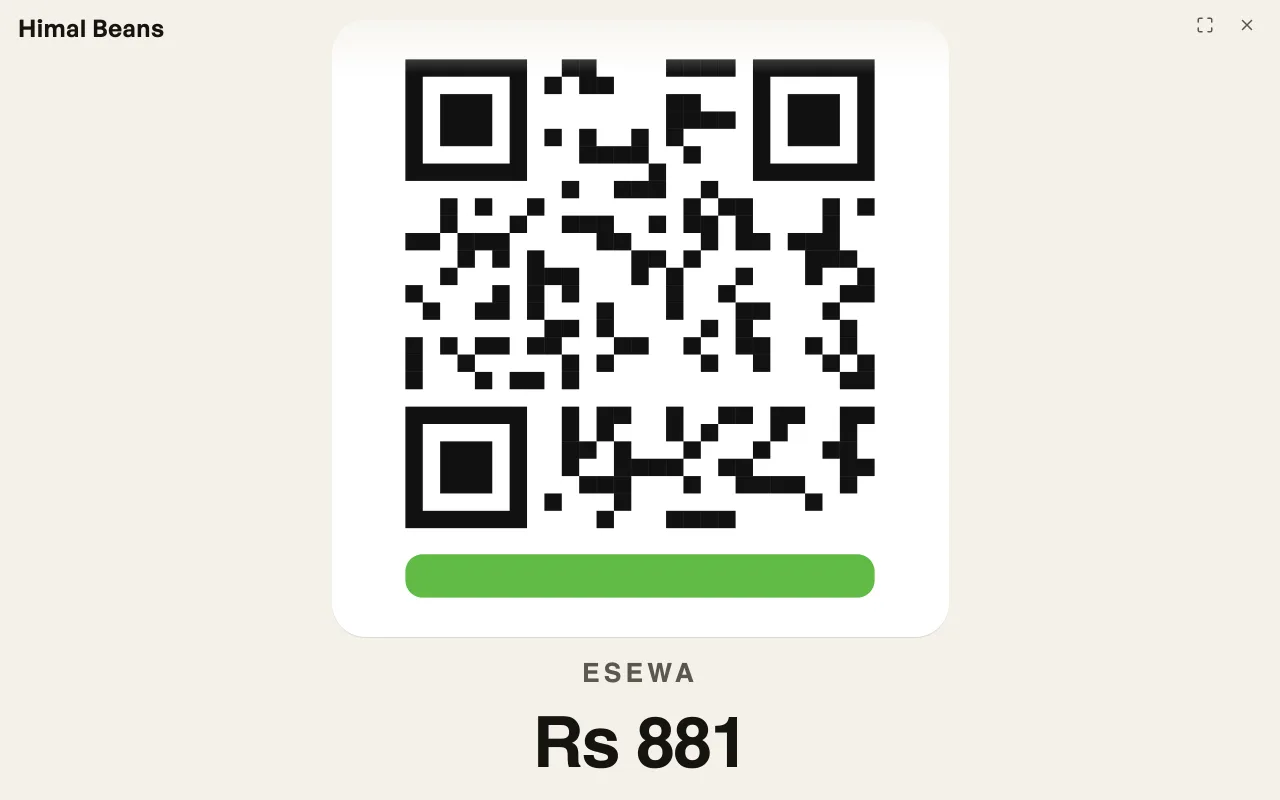

How to open that window, and what it shows when you send to a table, is under Ring a sale at the counter. Photographs for the idle screen live on Marketing. This is not the TV board for the kitchen.
Several counters and several staff
Several people can have PINs or dashboard emails. The owner creates physical counters separately inStaff → Counters. Choose a different named counter for each physical drawer. Held bills stay on the device and counter where they were parked. Customer screens continue to share the shop feed.
After payment: an optional Google review
When the owner has saved a review link under Settings → Notifications → Google reviews, the customer screen shows its review QR while idle and after a completed paid sale. After payment it saysThank you and Share your experience on Google. It does not show during billing, the payment QR or an unpaid table send. No saved link means no review QR. Automatic emails can remain off. See Google reviews.

A shopping mall
Each shop is its own Pasal shop, with its own catalog, its own till, and its own books. The jewellery counter is not on the cafe's till. An account runs one shop, so the jeweller signs up with their own email.
A supermart with several checkouts
Several named counters can serve separate queues in one shop. They share stock and the shop's invoice sequence, so they do not each start their own invoice numbering. Paid walk-in and table sales, and Khata bills, keep the counter name. The customer-facing screen is still a shared shop feed, so it cannot reliably show a separate bill for each checkout lane.
Separate customer-display feeds are not currently supported for counters in the same shop. Creating separate shop accounts just to separate those displays would also separate stock and books. It is not a workaround for this shop's counters. This guide describes the web dashboard; it does not establish the same named-counter support in the Pasal Desk or mobile app.
Count and close each named counter's own shift against its own drawer. The older unnamed counter still has a shop-wide Close the day summary. Do not use that summary as a separate drawer balance for each named counter.
Does each staff email get its own counter
No counter is created automatically for an email. Email is who can open the dashboard; PIN is who rang. The owner creates the physical counters in Staff → Counters and assigns cashiers there.
- Add staff and choose what they seeTwo lists: a PIN for the till, or an email for this dashboard.
- See who rang at the counterToday and this week, named from the till and from signed-in New orders, with a total for each person.
- Ask customers for an honest Google reviewSave the Google link in Settings, Notifications; show its QR after payment and control optional emails.