
See who rang at the counter
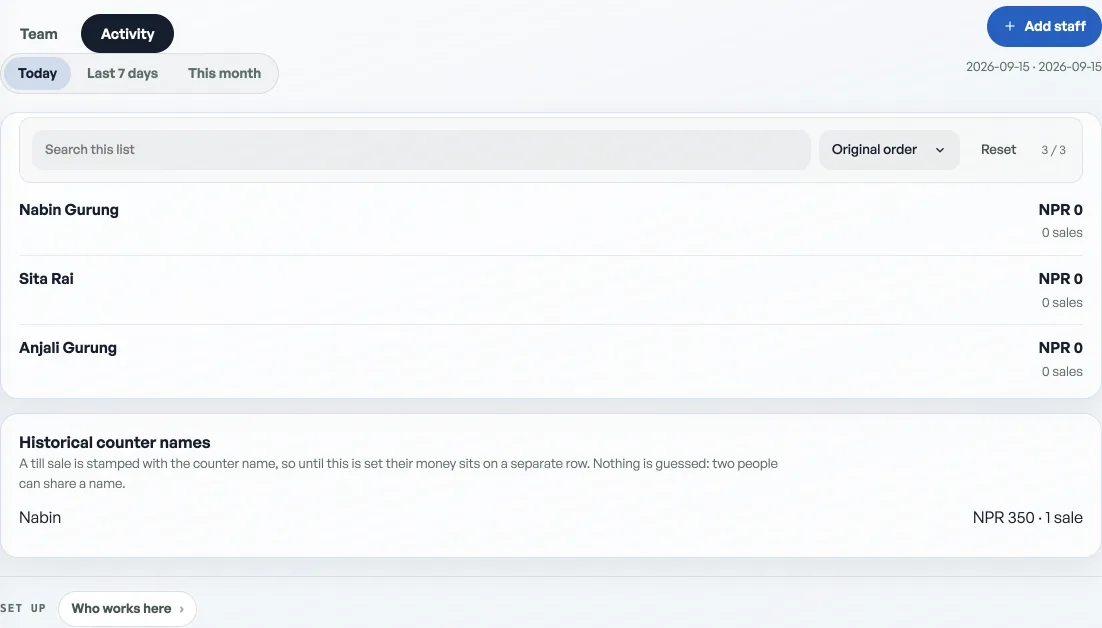
Today and this week, named from the till and from signed-in New orders, with a total for each person.
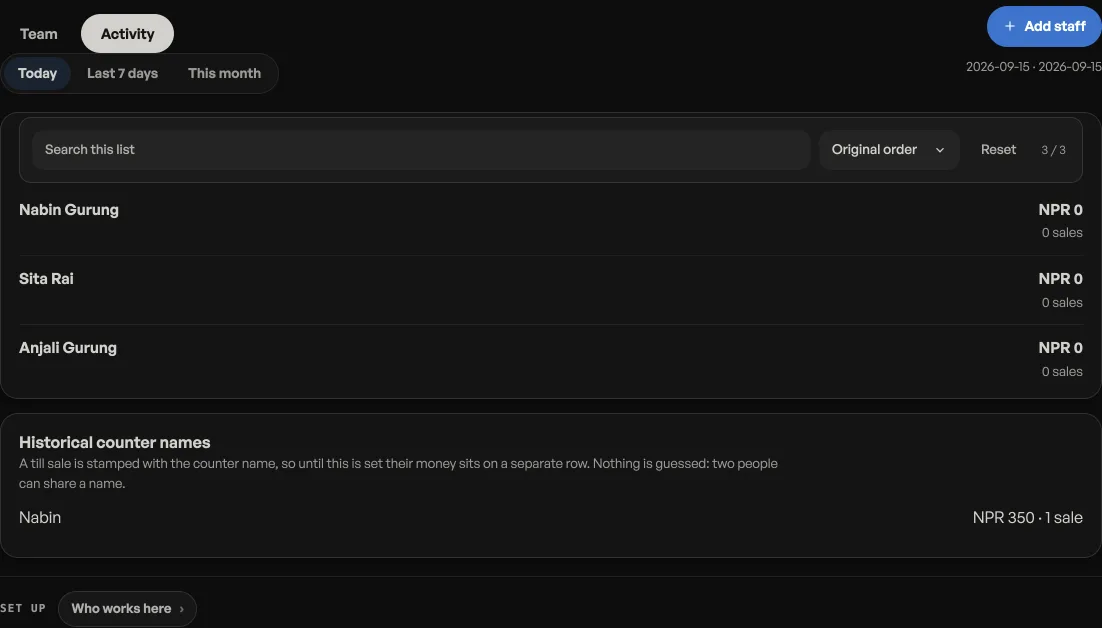
The Staff tab in the rail has two sides. Team is who can open the dashboard.Activity is who took money at the counter, and who placed a New order while signed in. Today, the last seven days, or this month. Each name shows how many sales and how much they came to. The days are Kathmandu's, the same days Home and Close day already use.
People on the till list and people with a dashboard login both show even at zero, so a quiet day still names who can take a sale. A name that only exists on old sales still appears, because the sale keeps the name that was on it that day. On Activity those sit under Historical counter names. Counter sales with no name sit at the bottom as No name. Guest orders with no name are not here. Packing or Mark paid does not write a name.
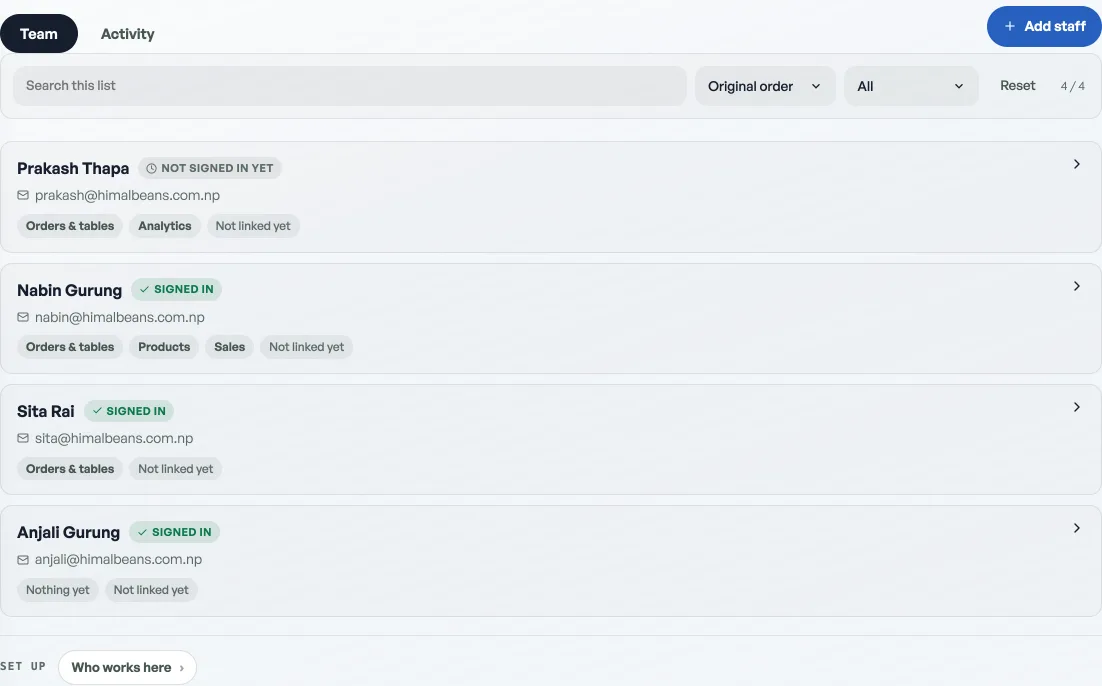
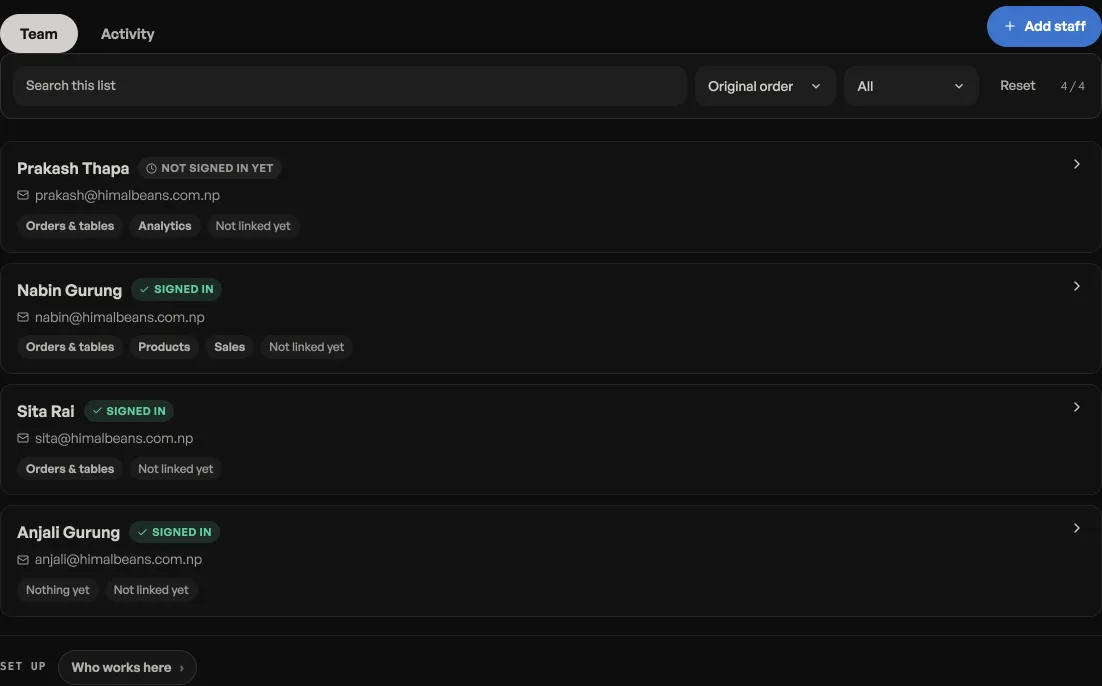
Names start landing once someone is on the dashboard list, or once a signed-in person takes a sale. Till PINs are set when you add them, or they choose one at the counter. See Add staff and choose what they see and Ring a sale at the counter. A staff email does not give them their own till. See Staff email, the customer screen, and several counters.
This tab is yours alone. A staff account cannot open it.
- Add staff and choose what they seeTwo lists: a PIN for the till, or an email for this dashboard.
- Staff email, the customer screen, and several countersA staff email is a dashboard login, not a new till. The customer screen follows the shop. Extra TVs are mirrors. A supermart with several queues is not this yet.
- Ring a sale at the counterOpen the counter, build a bill, take cash or QR, and hand over a receipt.