
Issue a payslip and keep the record
Pay somebody on your staff list, record how the money moved, and hand them a document a bank will take seriously.
Payslips sits on the rail behind More, under People. It issues a slip, keeps the record of how somebody was paid, and adds up what you have paid out over a period. A staff member opens the same tab and sees their own slips and nobody else's.
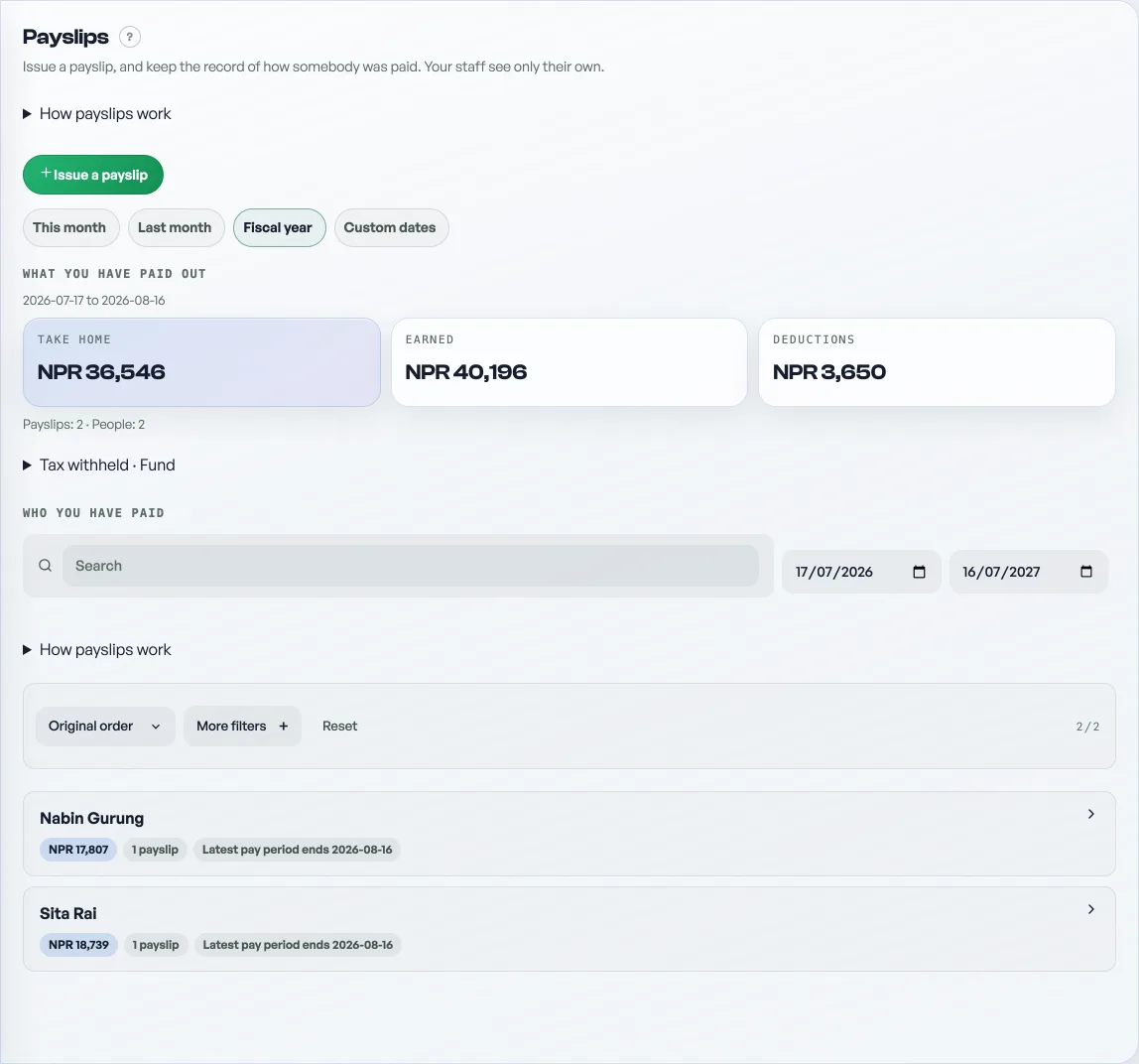
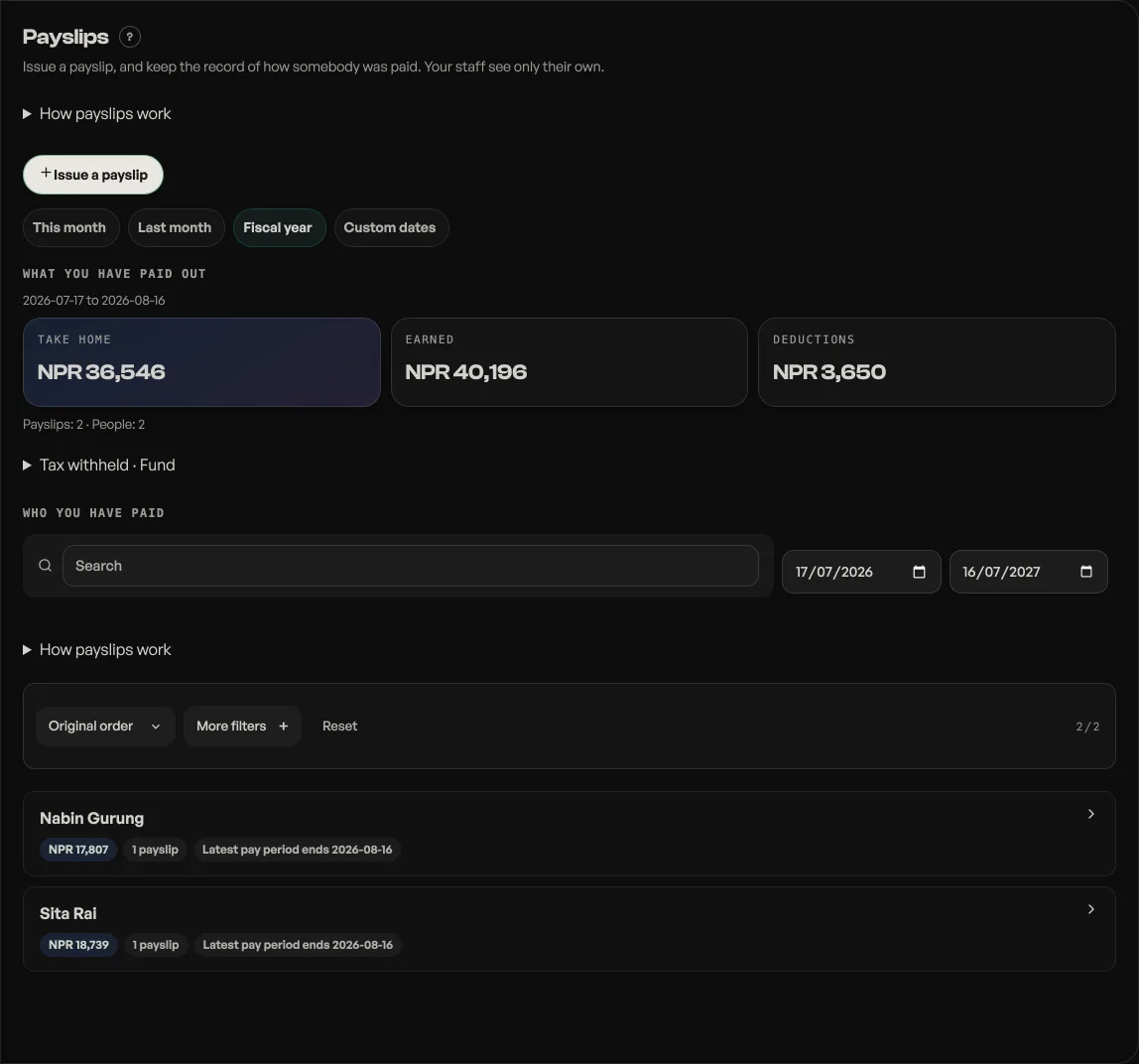
No law requires a payslip. This is your own record, and the one your staff can show a bank or a landlord. What the law does ask for is that you keep pay and attendance records for five years, under Labour Rules 2075, and this is where they live.
Who you can issue one to
Only somebody on your staff list, under Settings, then Who works here. A payslip binds to that person's own Pasal account, which is what lets them read it and what stops anybody else reading it. With nobody on that list the Who is this for picker has nothing in it, and the screen offers you the way to go and add them. Adding somebody to the list needs Pro. See Add staff and choose what they see.
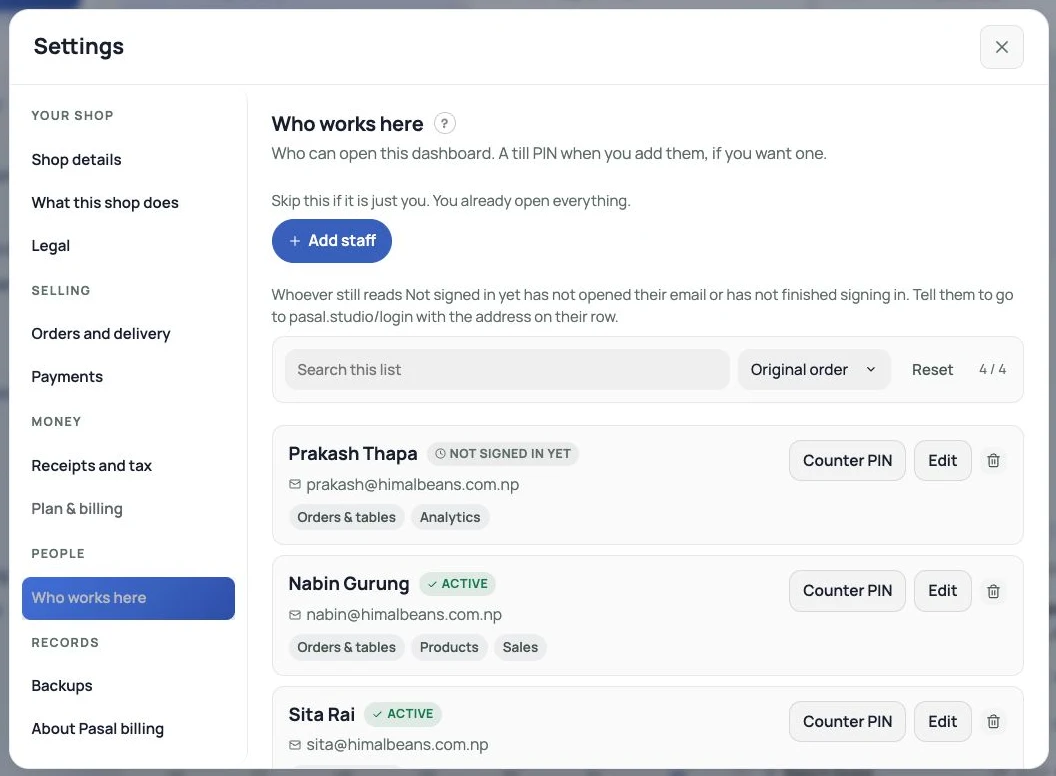
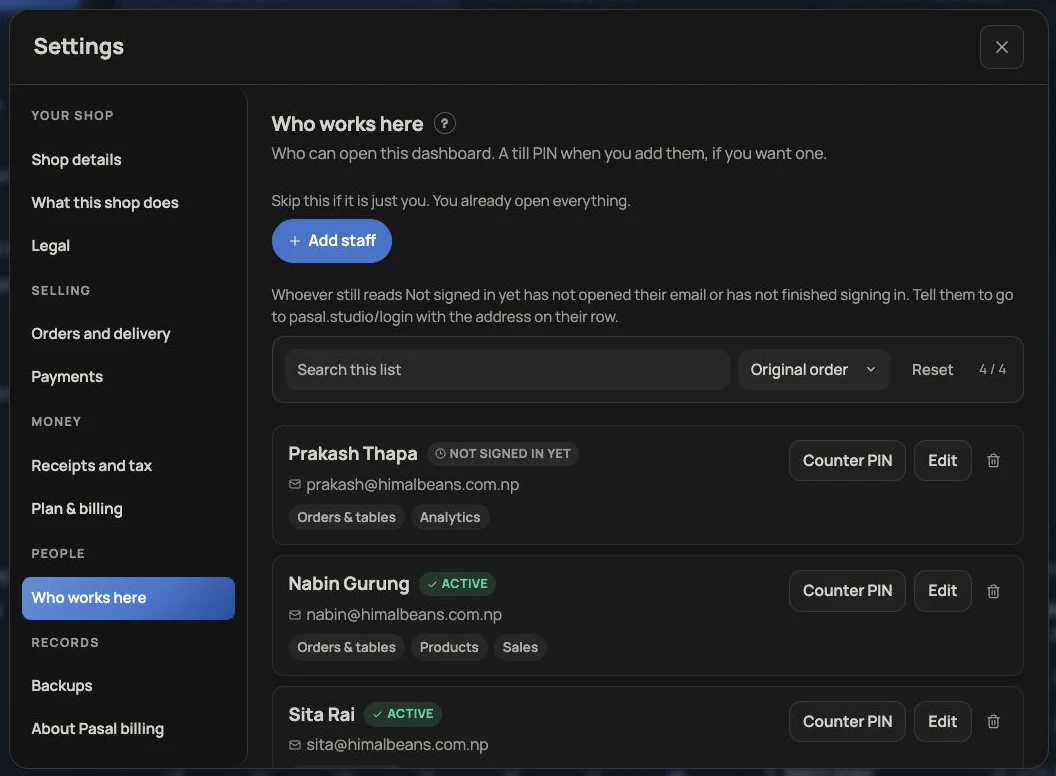
Somebody who has never signed in to Pasal has no address anybody has proved, so their slip has no online reader at all. It still exists, you still see it, and it still prints. You hand them the paper in person, which is what a shop paying in cash does anyway.
Filling the form
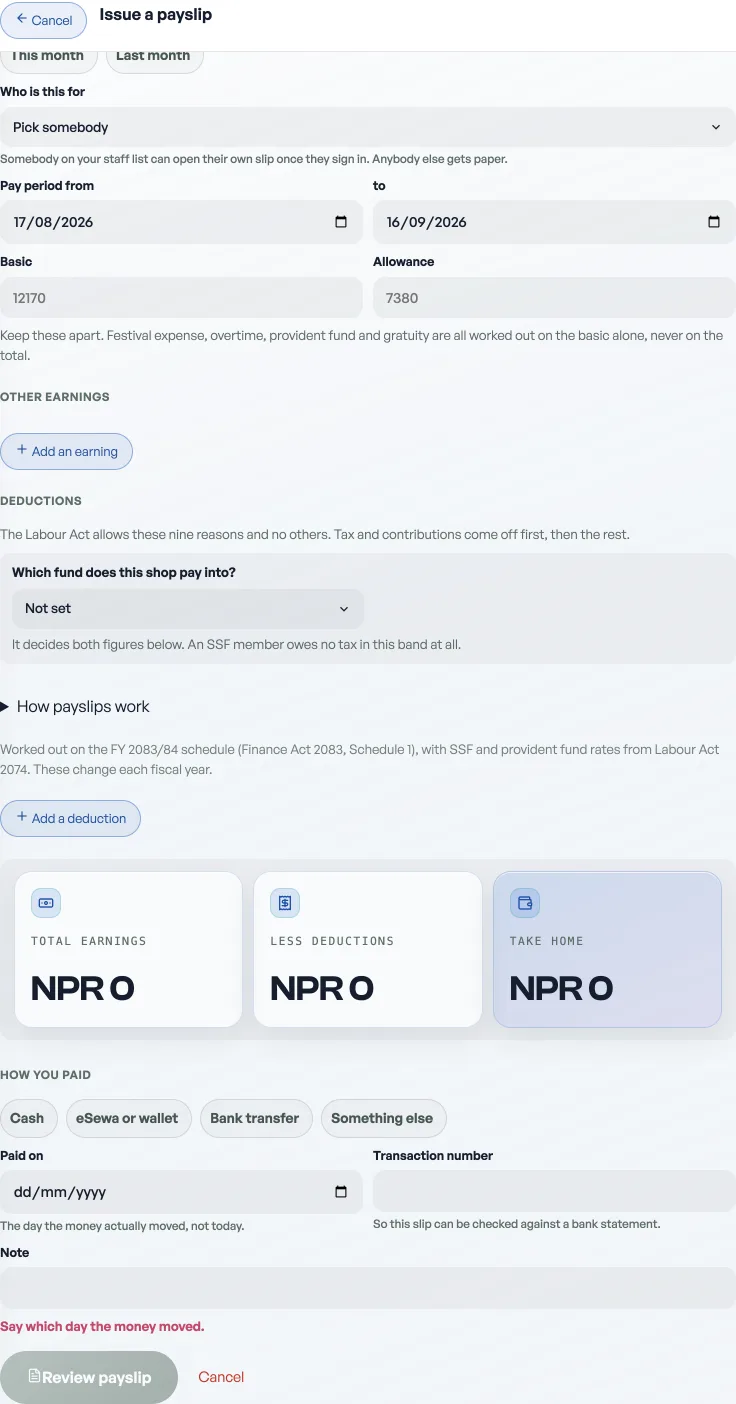
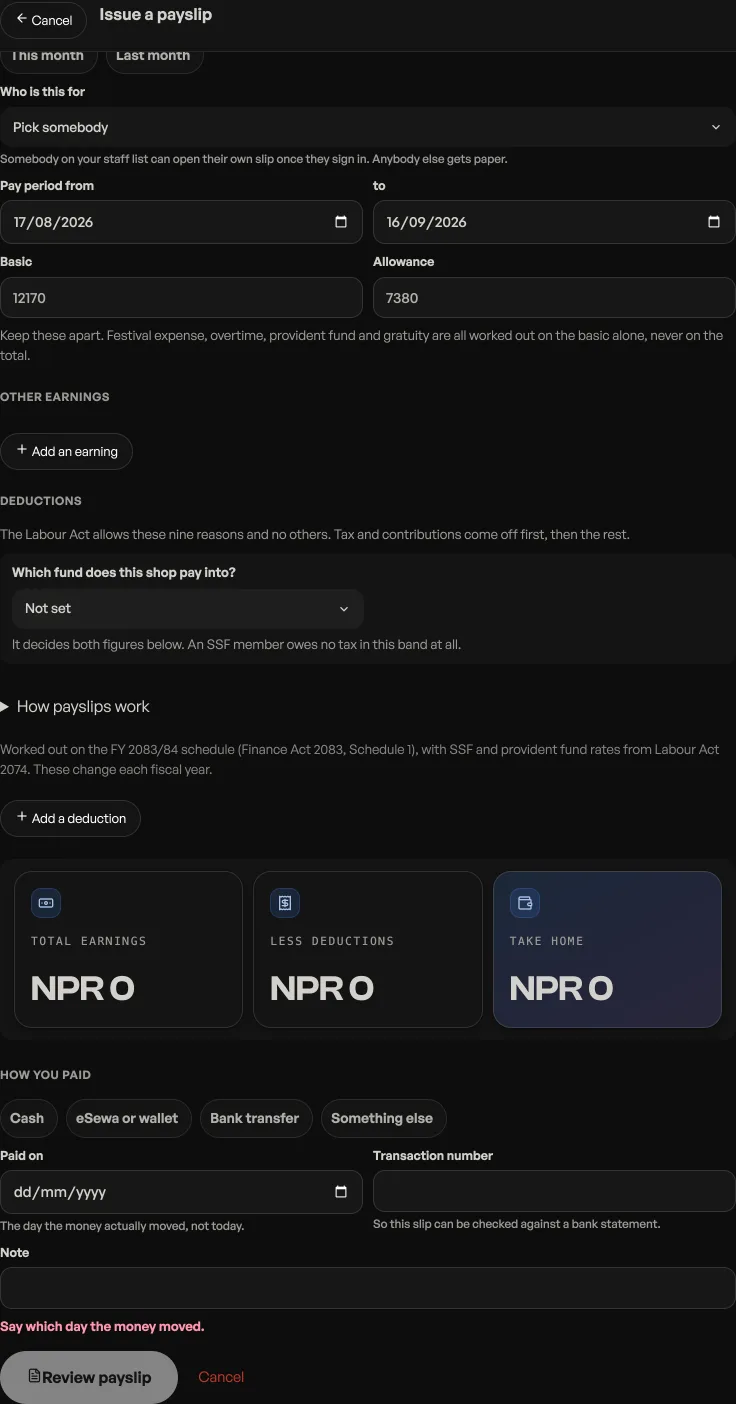
- Pick the person, then the pay period. The period is the stretch that was worked, not the day you paid it.
- Keep Basic and Allowance apart. This is the pair worth getting right. Festival expense, overtime, provident fund, gratuity and leave encashment are all worked out on the basic alone and never on the total, so a slip that rolls them into one figure makes every one of those impossible to work out later.
- Add any other earnings, then any deductions.
- Say how you paid: cash, eSewa or wallet, bank transfer, or something else. Blank would record a guess, so the form will not issue without it. Put the transaction number in if there is one, and the slip can then be checked against a bank statement.
- Paid on is the day the money actually moved, not today. A slip written on Thursday for a Tuesday transfer says Tuesday.
Deductions are a closed list, and the order is the law's own
The Labour Act 2074 allows a deduction from pay on nine grounds and no others, so the reason is a picker and not a box you type into: tax, provident fund or insurance or SSF, a court order, something the shop provides, days not worked, damage they caused, an agreement you both signed, a union fee, and an advance or a loan. Anything outside those nine is not a lawful deduction, and a shopkeeper typing "fine" into a free text box would have written one with nothing to tell them.
Tax comes off first, then the contributions, then the rest. That sequence is part of the rule rather than a matter of layout, so Pasal writes the slip in it whatever order you typed the lines in.
The number on each slip
A slip carries a number like 2083/84-01: the fiscal year, then an unbroken count. The count runs per person per fiscal year rather than per shop, so nobody can read your headcount off their own slip. It is a separate run from your tax invoice numbers as well, so payslips can never put a hole in the series an accountant checks. See Tax invoice numbers.
Correcting one, and why there is no delete
A payslip cannot be edited and cannot be deleted. Press Correct and Pasal issues a new slip that supersedes the old one. Both stay on the record, the new one is marked as a correction, and only the newer of the two counts towards the totals. One correction per slip, so the trail is a line rather than a fork.
That is the whole reason the record is worth keeping. Deleting a payslip takes a document out of somebody's employment history and leaves nothing behind saying it was ever there, which is exactly the position you do not want to be in if a Labour Office ever asks to see your papers.
Getting it to them
View opens the slip as an A4 document: your legal name and address at the head, your PAN if you have set one, the payment method and reference printed rather than tucked away, and real empty space above the signature rules so your chhap has somewhere to go. Print is inside that view.
Email it sends to the address that person signed in with, and to nothing else. There is no box to type an address into, deliberately: a mistyped address that is still a real address belongs to somebody, and posting a person's wages to a stranger is not a small mistake. The button only appears once there is an account for it to reach.
What the totals mean
The tiles on the board add up the slips the reader can see, so yours cover the shop and a staff member's cover themselves. Opening one person hides those tiles and shows only their payslips. Shop totals stay on the board. Fund counts only what came off the worker: their provident fund share, their half of an insurance premium, their SSF contribution. What the shop adds on top, the employer match and gratuity, is not on a payslip at all and is not counted here.
Wages are never added into the Paid out total on their own, and the reason is on that page. They are shown beside it, with one button to record them once. They also fill the Wages pane of the pack you hand your accountant.
- Add staff and choose what they seeTwo lists: a PIN for the till, or an email for this dashboard.
- Tax invoice numbersFill in your PAN and every paid order gets a numbered tax invoice, counting up from 1 each Shrawan.
- Write down what your shop paid outOne errand: type a cost, and see where the money went. Wages and goods sit beside the total and are never added into it.