
Product specifications
Add facts customers ask about, like RAM, storage, warranty or fabric, and they show as a table on the product page.
Specifications are short facts about a product, each a name and a value: "RAM: 8 GB", "Warranty: 1 year", "Fabric: cotton". They show as a table on the product page, under the description, on every design.
Add them
- Open Products and edit a product (the pencil on its row).
- Open Specifications. Press a suggested name (Pasal suggests names that fit your kind of shop) or Add a specification for your own, and type the value.
- Press Done, then save the product. Nothing changes on your shop page until you save.
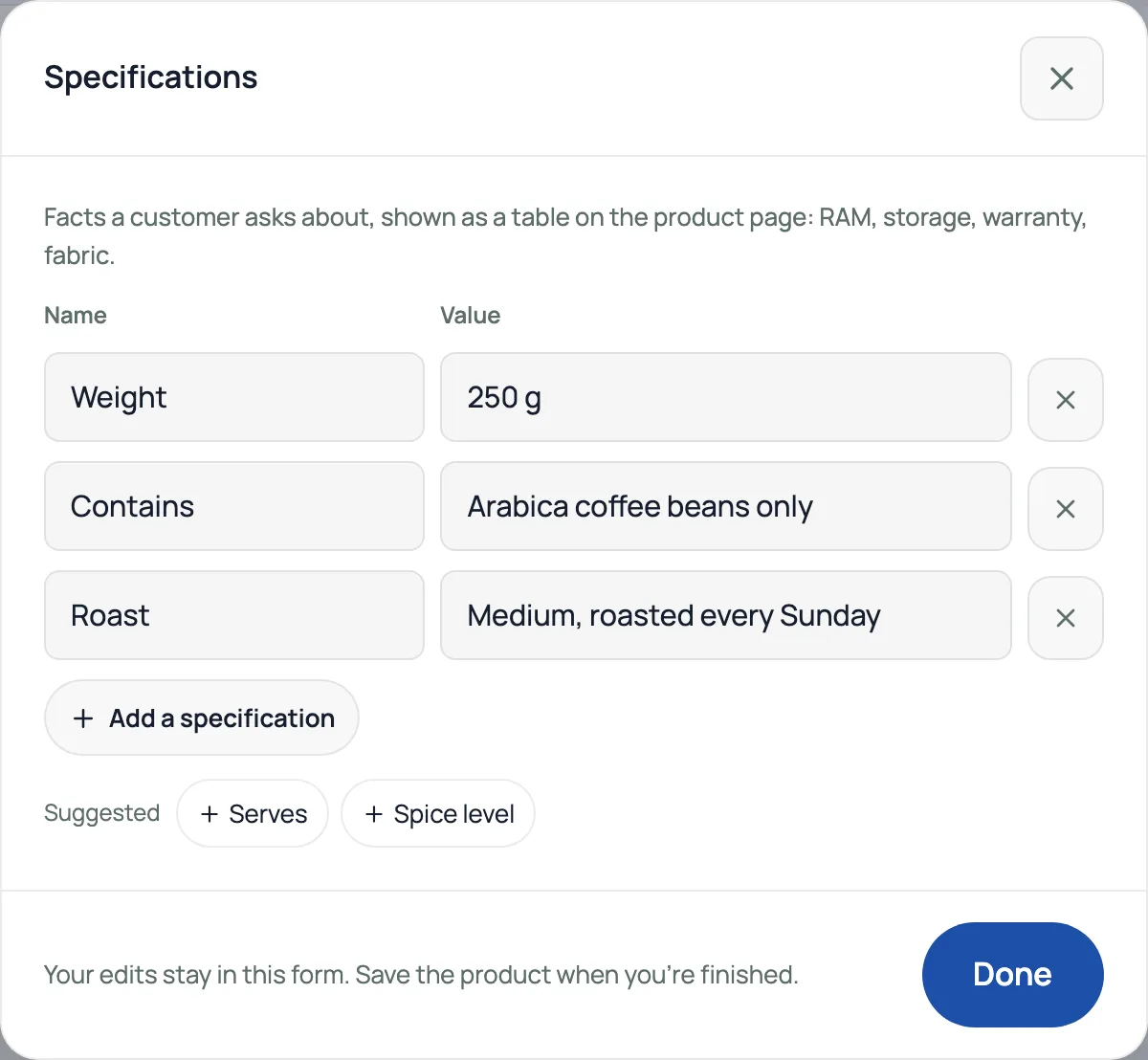
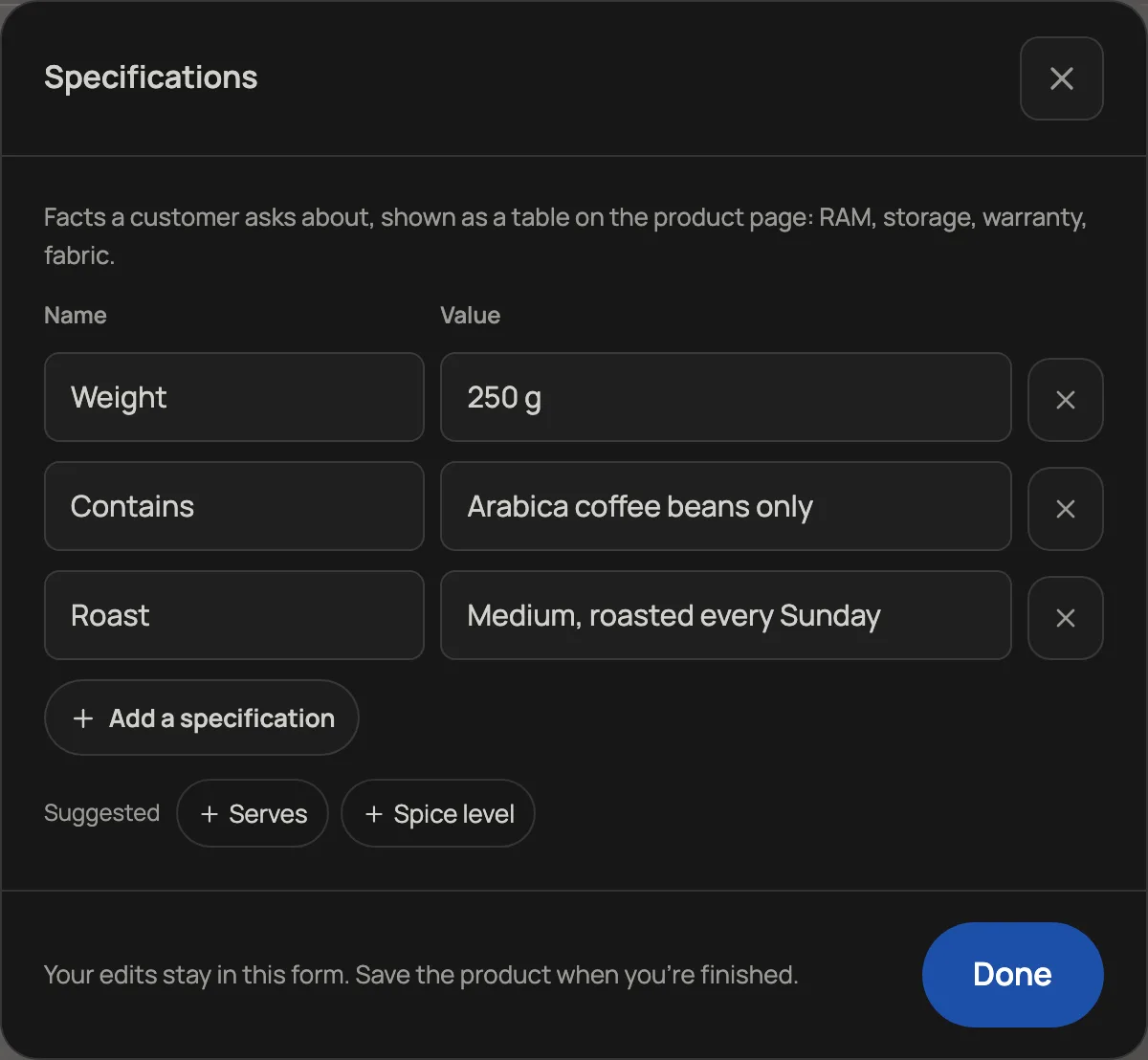
- Up to 20 rows a product. A name can be 40 letters, a value 120.
- Each name once per product. A row needs both a name and a value.
- Leave out dates and anything that changes, such as "Best before". The table is fixed text, and it is also sent in your product feed, where Meta keeps it.
- Brand and model have their own boxes in the editor, and those reach the bill.
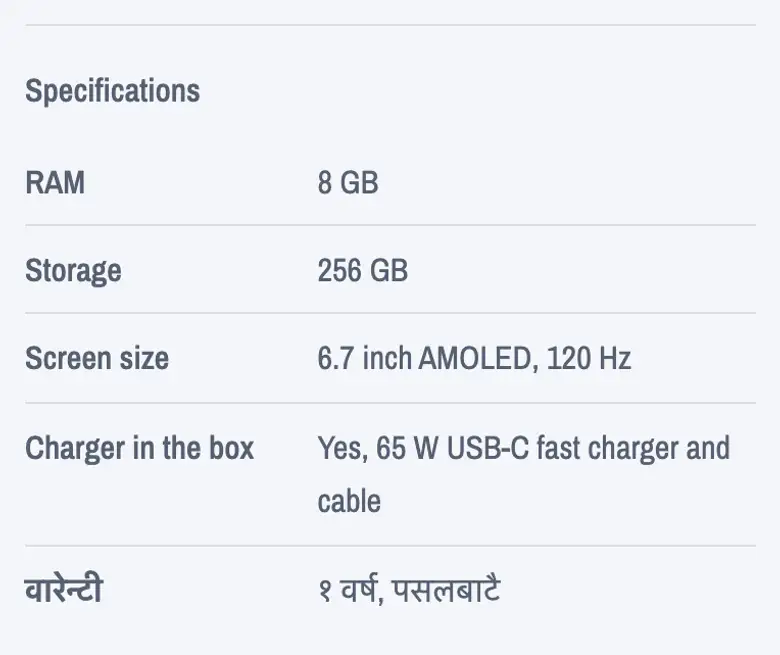
सामानहरू मा सामान खोलेर विशिष्टताहरू मा नाम र मान थप्नुहोस्, जस्तै RAM: ८ GB वा वारेन्टी: १ वर्ष। सामान सेभ गरेपछि यी सामानको पेजमा विवरणमुनि तालिकामा देखिन्छन्। एउटा सामानमा २० वटासम्म राख्न सकिन्छ।
Read next
- Product feeds for Facebook and Instagram catalogsOne address Meta Commerce Manager reads your products, prices and stock from, so catalog ads match your shop.
- Sell loose goods by weightPrice rice, dal, sugar or oil per kilo and let customers pick an amount.
- Track a unit by its serial numberReceive individual units, choose one at the web counter and find its sale or service history.
Still stuck? Message usTell us what is happening and we will reply, usually the same day.
WhatsApp usOr email support@pasal.studio