
Help · Account & troubleshooting
What Pro costs and how to turn it on
The price of Pro by the month and the year, what it adds, and how to pay for it today.
Pasal is Pro. The tools you run the counter and the back office with are what you pay for.
The price
- NPR 2,000 a month, per shop, billed monthly.
- NPR 18,000 a year, which works out at NPR 1,500 a month, so three months free.
- No commission. Customers pay you directly and the money never touches Pasal, so what you sell is entirely yours.
The year's saving is worked out from those two figures and said as a percent: the pricing page wears it as a tag on the annual card, and the Plan & billing pane says it beside the way to take it. It is arithmetic, not a slogan, so if the prices ever change and the year stops saving anything, the claim is dropped rather than fudged.
Every new shop opens on Pro free for 90 days, switched on automatically, no card. See What happens when your free trial ends.
What happens when Pro ends
The dashboard locks and asks you to upgrade to Pro to keep using Pasal. Nothing you have made is deleted. Your shop link stays published. Subscribe and every tab comes back as you left it.
What Pro adds
- Counter with printed PAN/VAT bills, see Ring a sale at the counter.
- Khata, the credit book, see let regulars pay later.
- Events, tickets and the door scanner, see Sell tickets to your events.
- Bookings: tables, visits, chairs, see Take bookings and reservations.
- Loyalty points and promo codes.
- The TV board for the kitchen or the collection counter, see Put your orders on a TV.
- The job book, to cost one job end to end, see Work out what a job kept.
- Staff accounts and roles, see Add staff and choose what they see.
- Unlimited products, your own domain with its certificate, your pasal.studio address, and Visitors & sales over 30 days with traffic sources.
How to turn it on today
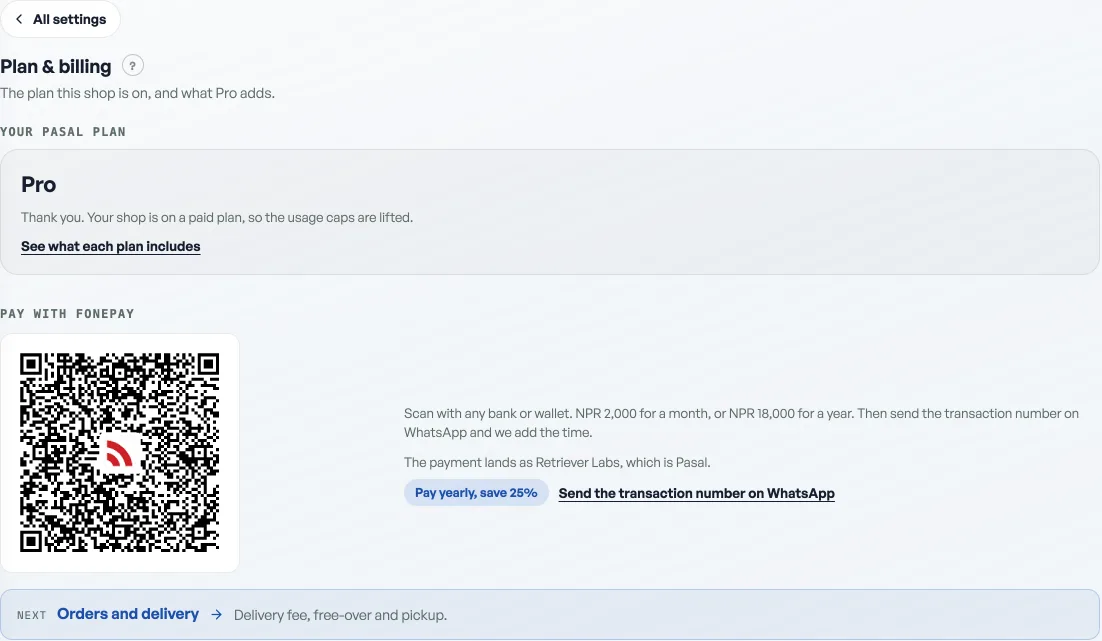
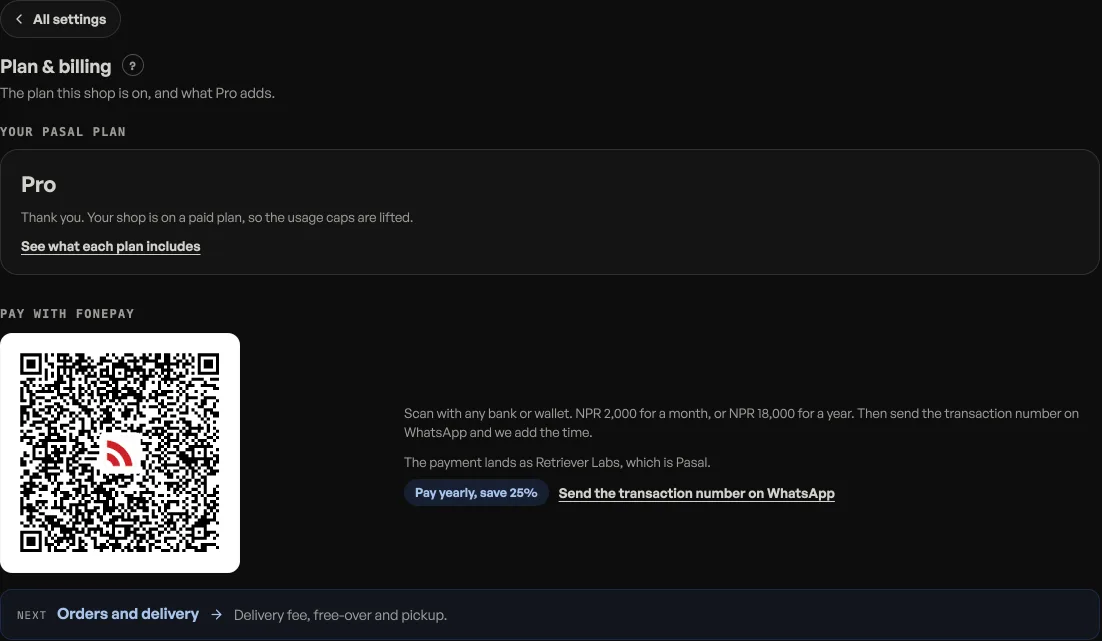
Scan the Fonepay QR on Shop profile, Plan & billing, or on the pricing page. Any bank or wallet will do. The payment lands as Retriever Labs, which is Pasal. Then send the transaction number on WhatsApp and we switch Pro on for your shop. There is no international card to find.
A Buy Pro button that takes you to eSewa is built and is not switched on yet, because it currently runs against eSewa's test gateway. Until that is live, the Fonepay QR is the way, and switching Pro on is the same day.
Paying early adds to what you have rather than replacing it, so renewing before you lapse never loses you days.
Checking what you are on
Open Shop profile, then Plan & billing under Your shop. It names your plan and, on Pro, the date it is paid until. There is no countdown anywhere else, so if you are near the end of your 90 days this is the screen to look at.
Stopping at the end of a period is always allowed and takes nothing you have made: see What happens when your free trial ends for the lock that follows.
- What happens when your free trial endsPasal locks until you upgrade to Pro. Nothing you have made is deleted.
- Take bookings and reservationsLet customers reserve a table or a slot, and manage them on the Bookings tab.
- Work out what a job keptOpen a book for one job and it answers what came in, what it cost, and what stayed with you.