
Help · Your shop online
Your own pasal.studio address
Turn pasal.studio/your-shop into yourshop.pasal.studio with one button, and every link and QR follows.
Every shop starts reachable at pasal.studio/your-shop. It can also have your-shop.pasal.studio, which is shorter to say, easier to print, and reads like an address rather than a page on somebody else's website. It costs nothing extra and takes one button.
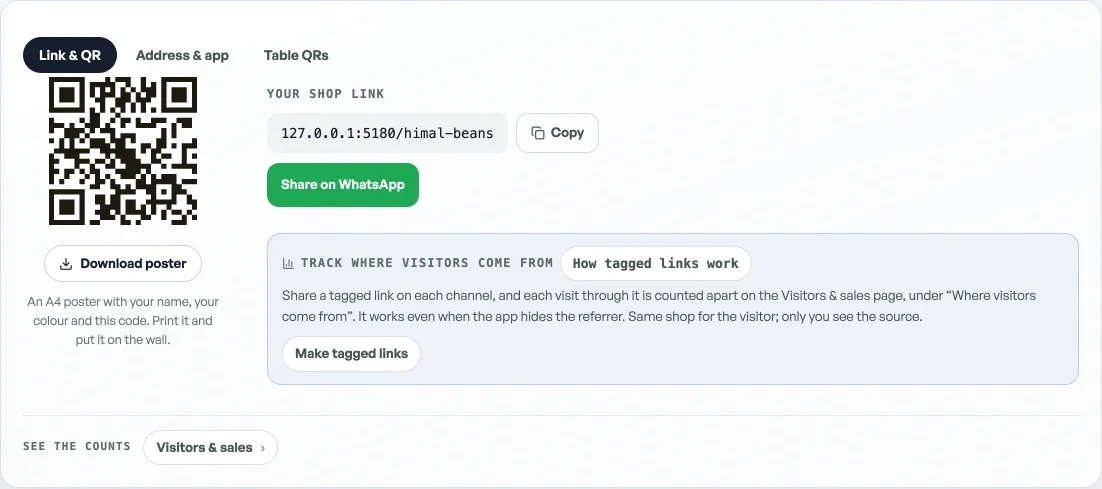
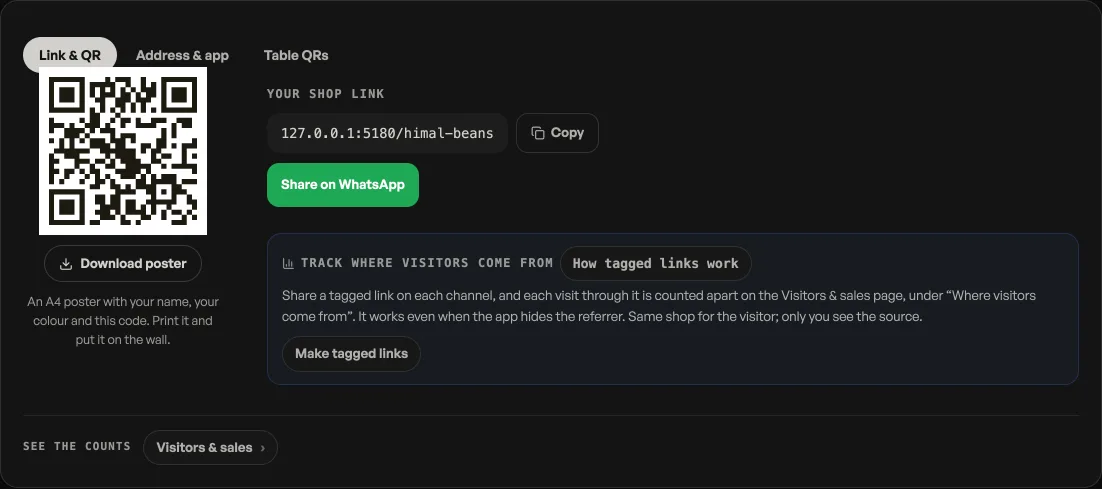
- Open Link & QR on the rail, behind More, then the Address & app tab across the top.
- Find Your pasal address and press Turn on your-shop.pasal.studio.
- Wait a few seconds. The certificate is issued for you, and the card changes to say your shop lives there.
Most shops opened recently have this already: it is claimed for you as the shop publishes. If yours did not take, usually a patchy connection at the wrong moment, the button is sitting there waiting.
What changes, and what does not
Every link and QR code Pasal makes for you switches to the new address: the copy button, the WhatsApp share, the downloadable QR, your table QRs, and the address search engines are told is the real one.
Your old link keeps working. pasal.studio/your-shop does not break, ever. Cards you have already printed, the link in your Instagram bio, a QR on a customer's fridge: all still open your shop. You do not need to reprint anything, though the next batch may as well carry the shorter one.
The name comes from your shop link
The address is whatever your shop link already is, so there is no second name to choose and no way for the two to disagree. It has to be lowercase letters, numbers and hyphens, which the link you picked at signup already was.
It needs Pro
Turning the address on is a Pro feature, and your first 90 days are Pro, so it is there for the claiming from your first day. When Pro ends the dashboard locks until you subscribe; your pasal.studio/your-shop link stays published. See What Pro costs and how to turn it on.
Want yourbrand.com instead? That is a different job and we do it with you, see Your shop on your own domain. For printing and sharing whichever address you end up with, see Share your shop link.
- Share your shop linkPut your catalog on Instagram, WhatsApp, a QR at the counter, or your own domain.
- Your shop on your own domainServe your shop on your own web address, like yourbrand.com.
- Let dine-in guests order from the tableA QR on every table: guests scan, order to that table, and it reaches your board labelled Table 4.