
Product reviews from buyers
Let customers who ordered on your shop page rate what they bought. Publish, hide or reply once, in Marketing → Product reviews.
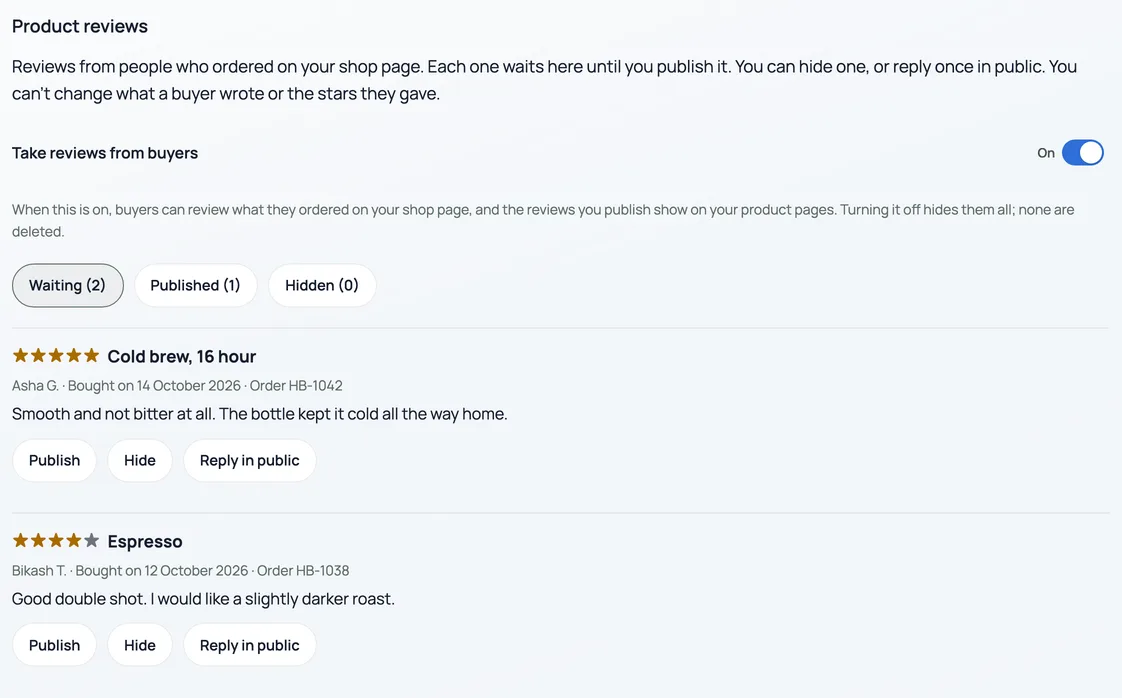
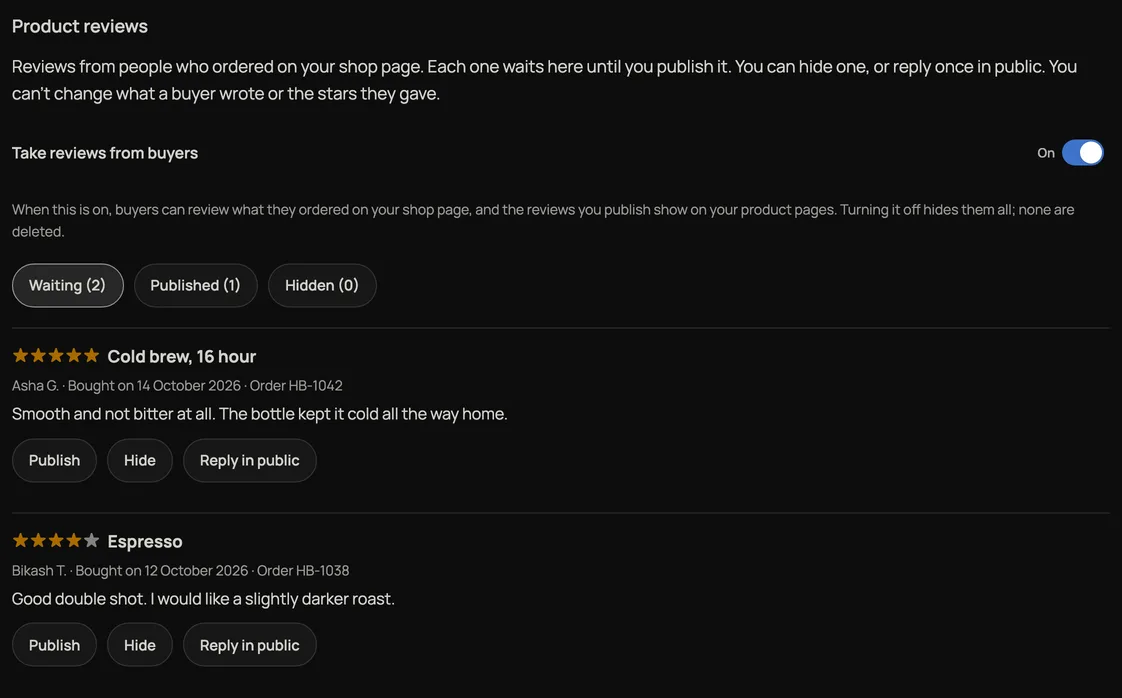
Customers who bought on your shop page can rate what they bought, 1 to 5 stars, with words if they like. Every review waits for you. Nothing shows on your product pages until you publish it.
Turn it on
- Open Marketing and choose Product reviews. Only the owner sees it.
- Switch on Take reviews from buyers. It is off until you do.
Who can write one
- A customer signed in on your shop page with the email address they ordered with, for an order they placed themselves on your shop page from 20 October 2026, up to 180 days old.
- Only once you have marked the order done and paid. If the order is later cancelled or refunded, its review is not shown.
- One review per product per customer. They write it in their account on your shop page, under Rate what you bought, and can take it down there.
- Counter sales, Instagram orders and orders you or your staff entered cannot be reviewed, and neither can your own shop by you or your staff.
Publish, hide or reply
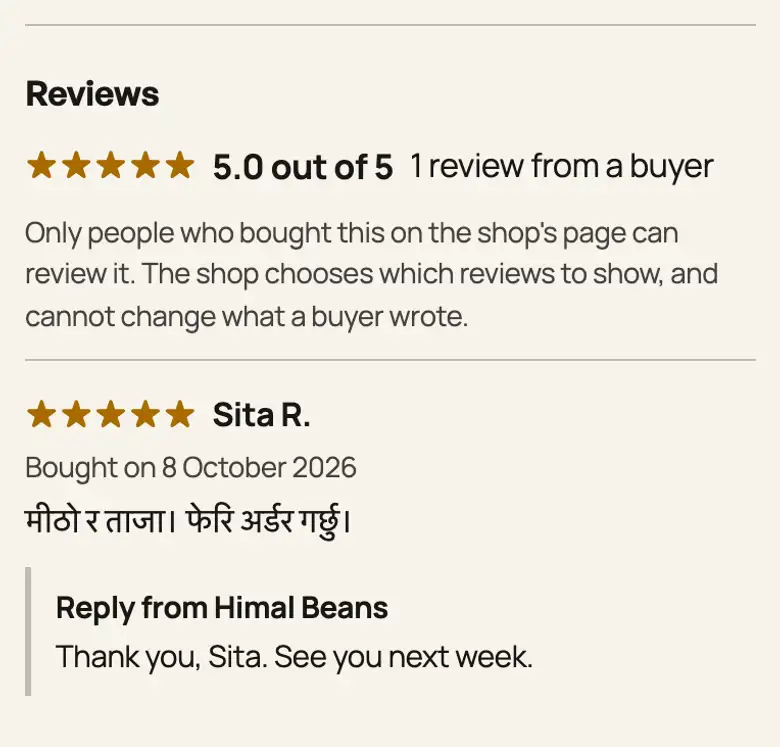
- Publish shows it on the product page, with the buyer's first name and initial and the day they bought. Hide takes it off again. You can publish it again later.
- Reply in public adds your answer under the review, as "Reply from" your shop. You can reply once, and cannot change it after.
- Nobody can change what a buyer wrote or the stars they gave, you included.
Star ratings you typed yourself
If you typed a star rating on a product before, it now shows as Shop's rating, with no count, until the product has a published review from a buyer. Then the buyers' average takes its place.
Turning Take reviews from buyers off hides every review from your shop page. None are deleted; turn it on again and the published ones come back.
प्रचार → सामानको समीक्षा मा ग्राहकबाट समीक्षा लिनुहोस् खोल्नुहोस्। तपाईंको पसलको पेजबाट अर्डर गरेका ग्राहकले, अर्डर पूरा र भुक्तानी भएपछि, किनेको सामानलाई १ देखि ५ तारा दिन सक्छन्। हरेक समीक्षा तपाईंले प्रकाशित नगरेसम्म देखिँदैन। तपाईं लुकाउन वा एक पटक सार्वजनिक जवाफ दिन सक्नुहुन्छ, तर ग्राहकका शब्द वा तारा बदल्न सक्नुहुन्न।
Google reviews are separate: see Ask customers for an honest Google review.
- Ask customers for an honest Google reviewSave the Google link in Settings, Notifications; show its QR after payment and control optional emails.
- Add your own 360° photos or a 3D product modelLet shoppers rotate a set of product photos or explore a GLB model, alongside the usual gallery.
- Make the shop look like yoursTemplate, colours, logo, hero photo, and the order of the page, all from the Design tab.