
The card in your customer's phone
How a customer adds it to Apple Wallet or Google Wallet, what to do when they show you one, and what happens if they have no smartphone.
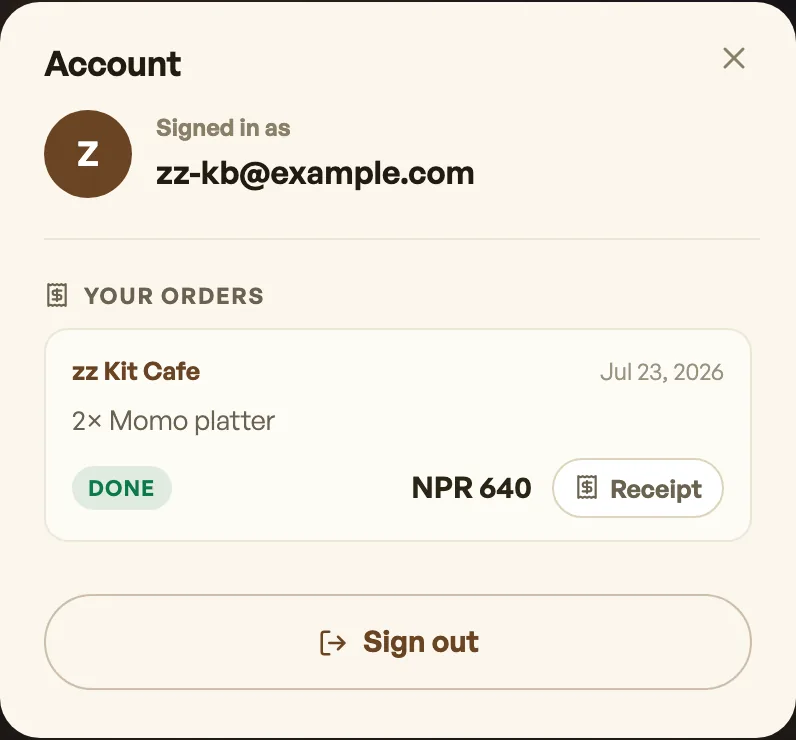
A customer who signs in on your shop page sees their own card, with the points they have built up with you. From that sheet they can add the real thing to Apple Wallet or Google Wallet, where it sits with their boarding passes rather than in a drawer. They do not need the Pasal app, because there is no Pasal app to need.
What to do when somebody shows you one
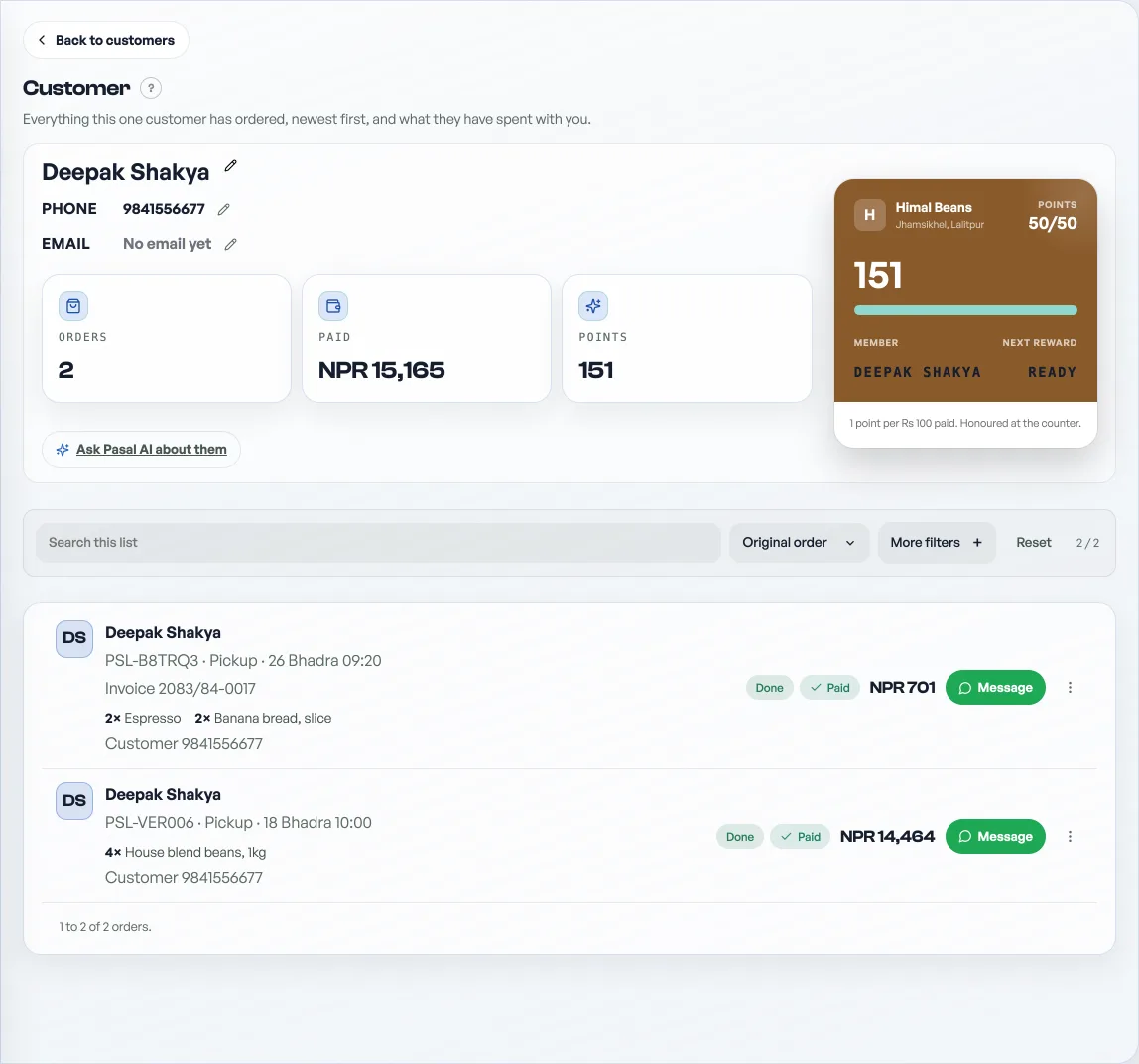
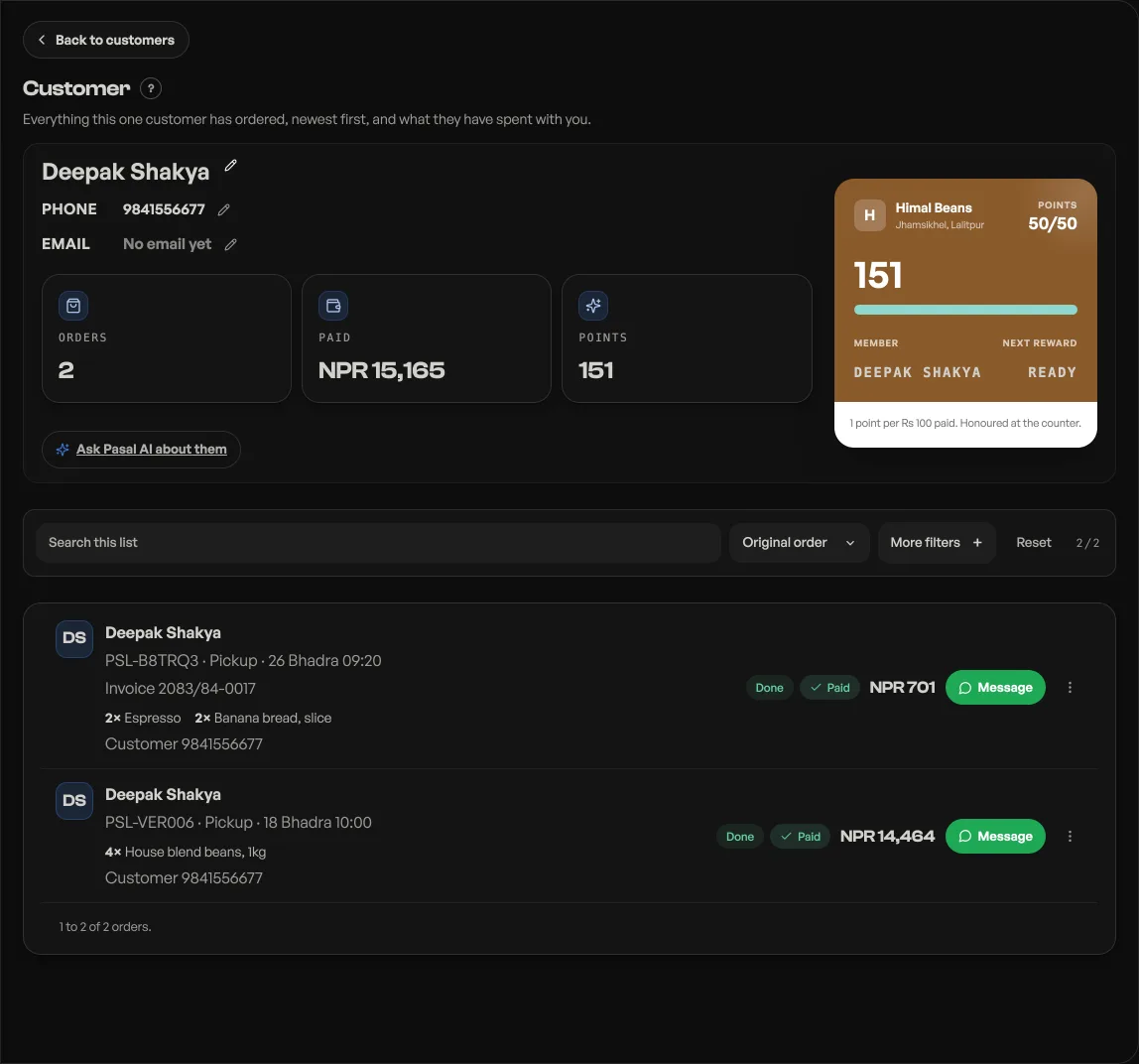
Look at the number on it, hand over the thing they have earned, and then redeem it from your side. Open their row on Customers, press Adjust, choose Redeem, and write what it was for.
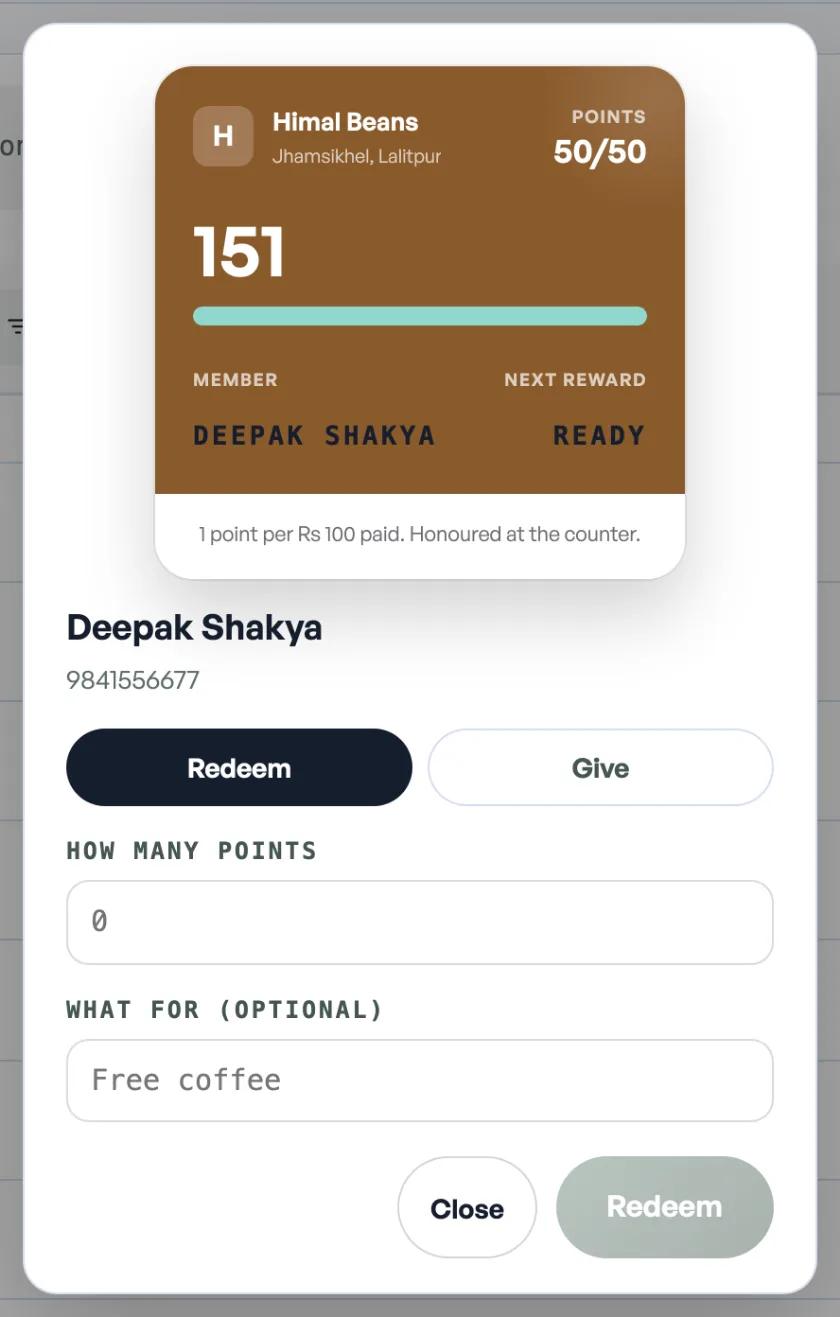
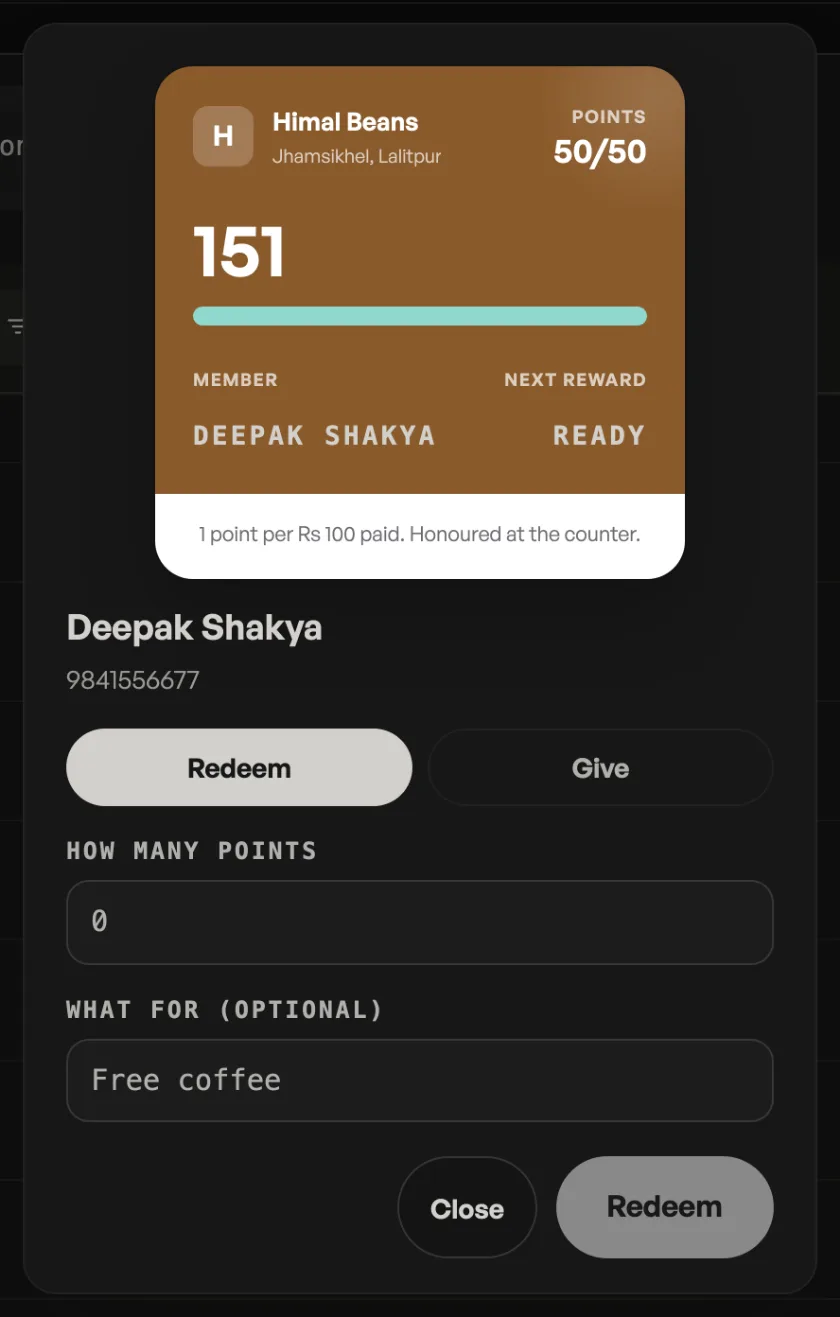
Do that second part while they are still standing there if you can. A reward given and not redeemed is a reward you will give again next week, and the customer will be right to expect it.
Pasal counts, you honour
This is the one thing worth saying to staff on their first shift. Pasal never emails a discount code, and unless the owner has priced the reward on the card it takes nothing off at the checkout either. The points are a record of what somebody is owed, and the reward happens at the counter, from a person.
That is deliberate rather than missing. An automatic discount applied by a website is a rebate. Somebody recognising a regular and saying this one is on us is the thing customers actually come back for.
A customer with no smartphone still has points
The card is a convenience, not the record. Points belong to the customer, and you can find anybody by name or phone number on the Customers tab and see the balance there. Somebody with a keypad phone, or somebody who has simply never added the card, earns and spends exactly the same way. Look them up and redeem.
If the card looks wrong to them
A balance a customer disputes is nearly always one of two things. Either an order was never marked paid, in which case it earned nothing, or a reward was redeemed and they do not remember it.
Both are answerable from their row, because every redemption and every gift stays there with the date and the note whoever did it wrote. Nothing is overwritten and there is no undo: if a mistake was made, you post the opposite and both lines stay, which is exactly what you want when somebody asks why their balance moved.
A customer who deleted the card can add it again from your shop page. Nothing is lost by deleting it, since the points were never stored on the phone.
- Run a promo codeCreate a discount code customers type at checkout.
- Point a promo code at one event or a few productsNarrow a code to your tickets, your goods, or a named handful of either.
- Give a discount at the counterAgree a price out loud and put it on the bill: one line, the whole bill, or an online order.