
Help · Money
Point a promo code at one event or a few products
Narrow a code to your tickets, your goods, or a named handful of either.
A code used to be a flat percentage off the whole basket. It can now be pointed at part of your shop: your tickets, your goods, or a named handful of either. That is how you run 20% off Teej Night without discounting the hampers as well. The basics have not changed, see Run a promo code.
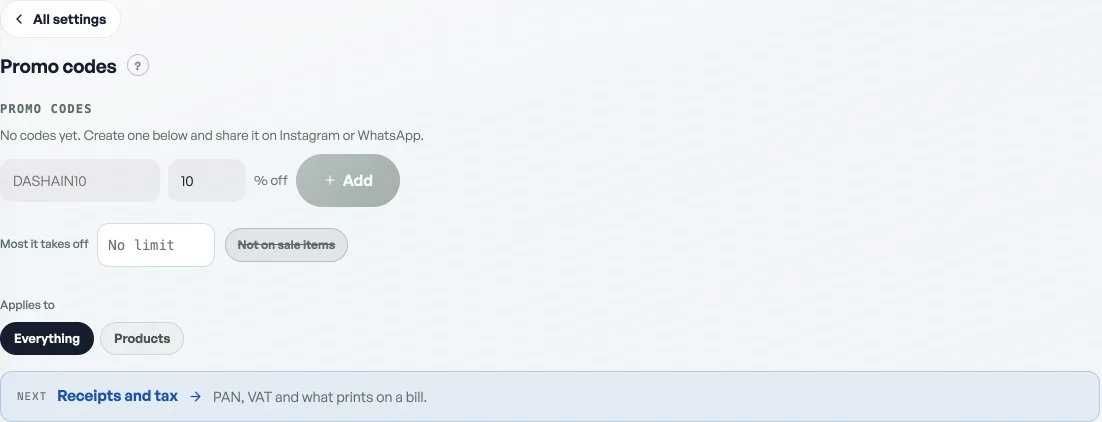
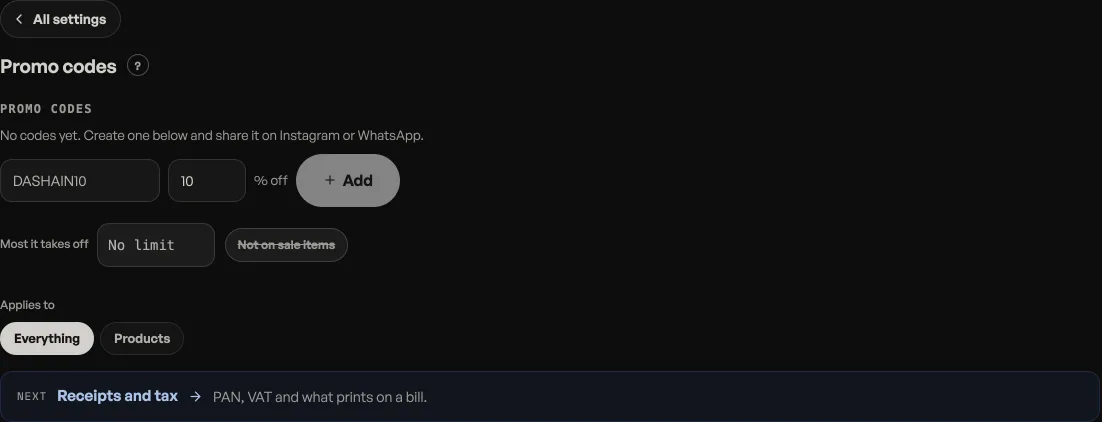
- Open Marketing. Type the code (like TEEJ20) and the percentage off, as before.
- Choose what it applies to. Three chips under Applies to: Everything, Events or Products. Everything is the old behaviour and stays the default.
- Narrow it further, or leave it wide. Pick Events or Products and your events or products appear as tappable names. Tap the ones the code should cover. Tapping nothing means every one of them, so a code on Events with nothing tapped works on any ticket you sell and on no product at all.
- Press Add. The code is live at once, and the line under it reads back what you chose: "20% off · 2 chosen events", or "10% off · all products".
What the customer sees
Both checkouts check the code against what is actually in front of the buyer. A code you scoped to tickets, typed into a bag of goods, comes back That code is not for these items; an events code for a different night comes back That code is not for this event. This is deliberate. The alternative is accepting the code and quietly taking nothing off, which the buyer only notices at the total.
When a code covers only part of the basket, only those lines are discounted and the rest pay full price. The checkout still shows one discount line with the code and the percentage on it.
Tickets are priced by the server
For a ticket sale the discount is worked out in the database, never in the browser, so a code that does not cover that event is worth nothing there whatever is typed. An unknown or switched-off code is worth nothing too, and neither costs anybody their seats: the sale goes through at full price rather than failing.
Changing your mind
Where a code applies is not fixed. The chips under an existing code move it, so a code made for one event can be pointed at another without being retyped. Re-scoping clears any items you had hand-picked, so if the code covered a chosen few, tap them again after the move. The switch still turns any code off, and off takes effect immediately.
The discount comes off before service charge and VAT, so both are worked on the reduced amount, see Service charge, VAT and how a bill adds up. Codes you made before scopes existed apply to everything, exactly as they always did.
- Run a promo codeCreate a discount code customers type at checkout.
- Service charge, VAT and how a bill adds upTurn on VAT if you are registered, set a service charge if you take one, and know which number each is worked on.
- Give a discount at the counterAgree a price out loud and put it on the bill: one line, the whole bill, or an online order.