
Delivery fees by area
Charge a different fee, free-over amount and delivery time for each area you deliver to. Customers pick their area at checkout.
One flat delivery fee does not fit every shop: inside the Kathmandu Valley costs less to reach than Pokhara. Delivery areas let you name each place you deliver to, with its own fee, its own free-over amount and its own delivery time. Customers pick their area at checkout, and the order is charged that area's fee.
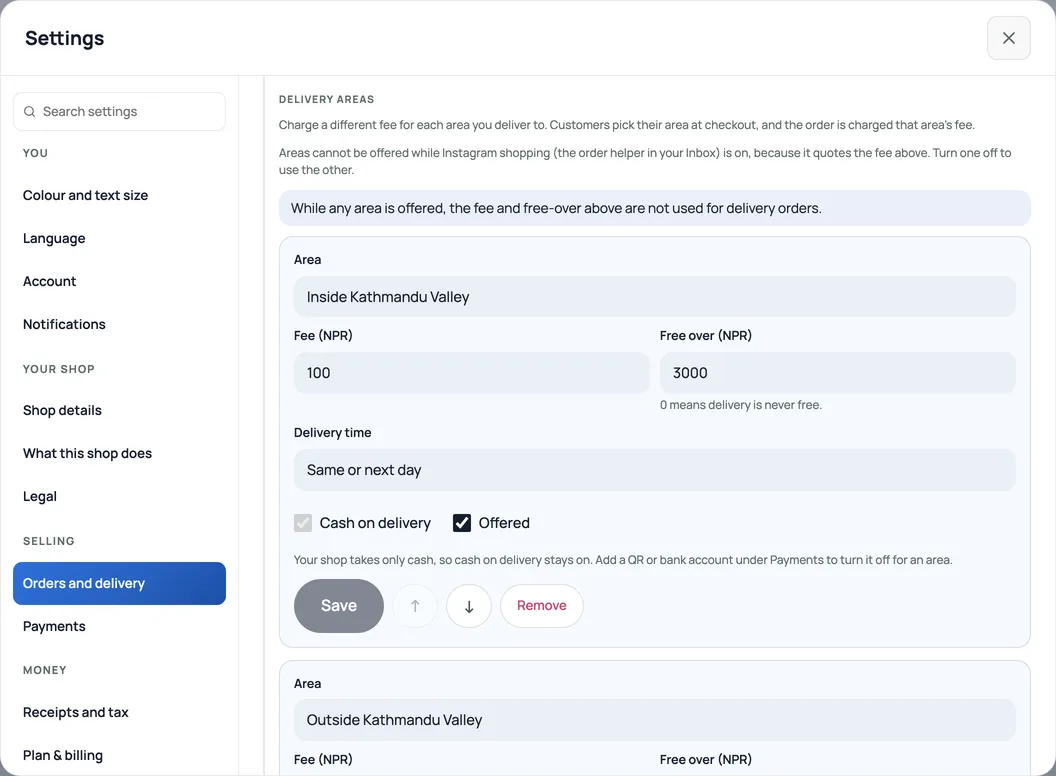
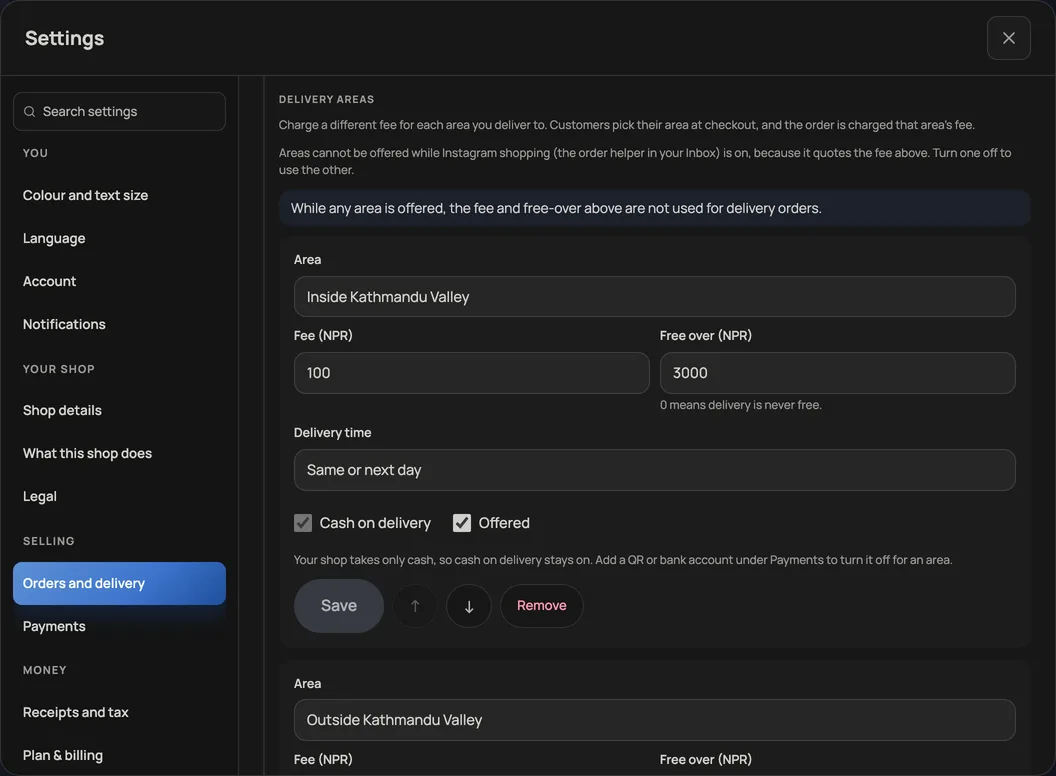
Add your areas
- Open Settings → Orders and delivery and go down to Delivery areas. Delivery must be switched on above it.
- Press Add Inside and Outside the Valley for the two most shops start with, or Add an area for one of your own. The two starters begin switched off at your current fee.
- For each area set the Fee (NPR), a Free over (NPR) amount (0 means delivery there is never free) and a Delivery time such as "Same day" or "2–4 days".
- Tick Offered and press Save. Use the arrows to put the areas in the order customers should see them. A shop can have up to 20 areas.
What changes at checkout
- A delivery order asks the customer to choose their area. The fee, the free-over amount and the delivery time shown are that area's, and Pasal charges the order the same way, whatever the page showed.
- While any area is offered, the single fee and free-over amount above it are not used for delivery orders. Switch every area off and the single fee comes back. Pickup orders never pay a delivery fee.
- Cash on delivery is per area. When it is off, the shop page does not offer cash for that area. Orders are not refused for it, so check how a customer paid before you send. A shop that takes only cash keeps cash on delivery on everywhere.
- Removing an area does not change orders already placed: they keep the area's name.
Instagram shopping. Areas cannot be offered while Instagram shopping (the order helper in your Inbox) is on, because it quotes the single fee. Turn one off to use the other.
सेटिङ → अर्डर र डेलिभरी → डेलिभरी क्षेत्र मा डेलिभरी गर्ने हरेक क्षेत्रको छुट्टै शुल्क, कति रकमभन्दा माथि निःशुल्क, र डेलिभरी समय राख्नुहोस्। ग्राहकले चेकआउटमा आफ्नो क्षेत्र छान्छन्, र अर्डरमा त्यही क्षेत्रको शुल्क लाग्छ। कुनै क्षेत्र खुला रहेसम्म माथिको एउटै शुल्क डेलिभरी अर्डरमा लाग्दैन।
The single fee is explained in Set delivery fees and free delivery.
- Set delivery fees and free deliveryCharge a flat fee, waive it over an amount, and keep checkout totals honest.
- Managing orders on your boardMove tickets through fulfilment, collect payment, and keep the board tidy.
- Take bookings and reservationsLet customers reserve a table or a slot, and manage them on the Bookings tab.