
Stand at any counter in Kathmandu and look at what is taped to the side of the till. There will be a QR sticker. Often there are three, curling at the corners, one of them from a wallet that stopped mattering two years ago.
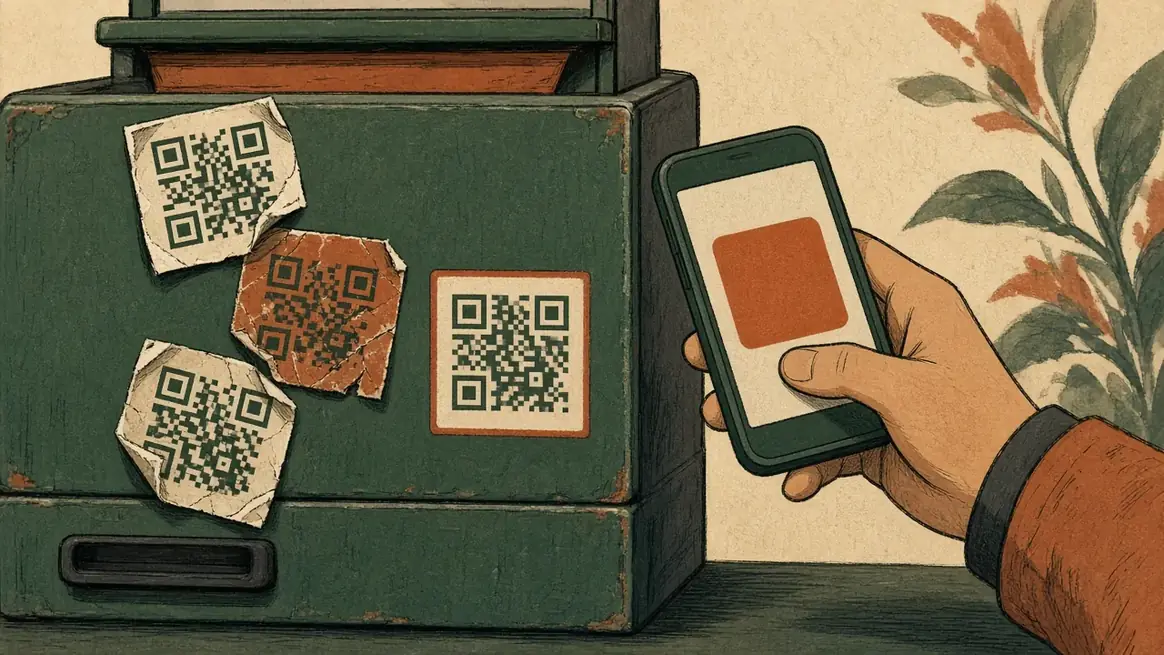
Shopkeepers accumulate these the way they accumulate calendars: somebody came round, it seemed free, it went on the wall. Then a customer asks "eSewa cha?" and there is a small pause while everyone works out whether the sticker on the wall is the one on their phone.
If you are putting your shop online, the same question arrives in a harder form, because there is nobody standing there to sort it out. So it is worth being clear about what these three things actually are, because they are not three of the same thing.
They are not competitors in the way it looks
eSewa and Khalti are wallets. A customer loads money in, from a bank or a top-up, and spends it from a balance that lives with the wallet company. They have been at this for years and a very large number of Nepalis have one.
FonePay is not a wallet. It is a rail between banks. When you scan a FonePay QR, the money leaves the payer's own bank account and arrives in the shop's, and the wallet apps can ride the same rail. That is why one FonePay sticker often works for a customer who has never heard of your bank.
So the honest framing is not "which of the three should I pick". It is: a wallet is an app your customer already has open, and FonePay is the plumbing under most of them.
What this means for a shop, in practice
The important consequence is that you do not have to choose. A shop with a bank account and a FonePay QR is reachable by a very wide set of customers. Adding a wallet on top is about meeting people where they already are, not about covering a gap.
The other consequence is quieter and costs more shops money: the settlement times and the fees are not the same, and neither is the paperwork. Before you commit to any of them, ask three questions and write the answers down.
When does the money actually reach my bank, and is that different on a Friday or over Dashain? What comes off, per transaction and per month, and is there a floor under it? And what does the reconciliation look like at the end of the day: a statement I can read, or a screen I have to squint at?
We are not going to print rates here. They change, they differ by the kind of account you hold, and a number in a blog post from last year is exactly the sort of thing that costs somebody money. Ask, and get it in writing.
The part everyone skips: telling them it worked
Whichever rail the money runs on, there is a moment where a customer has paid and does not yet know whether you know. In a shop you nod. Online, silence in that moment is what generates the "sent, did you get?" message on WhatsApp two minutes later, and then a phone call, and then a bad review from somebody who was in fact paid.
This is worth more attention than the choice of wallet. A payment your customer cannot see confirmed is a payment they do not trust, no matter which logo was on the button.
Where this leaves an online shop
The pattern that works for most small shops in Nepal is unglamorous:
Take bank transfer or a FonePay QR as the backbone, because it reaches the widest set of people and the money lands in your own account. Add a wallet or two if your customers ask for them by name, which they will tell you if you listen at the counter for a week. Keep cash on delivery for the people who want it, because a large part of this market still does and refusing it costs more sales than the wallets win.
Then, whichever they use, make the confirmation obvious. That is the bit that converts a first order into a second one.
How Pasal handles it, honestly
Pasal does not process your payments and does not sit between you and the money. It is not a payment company and it takes no commission on your sales.
What it does is carry your own payment details onto your shop page: your QR, your bank line, whatever a customer needs to see to pay you. When they pay, they can attach the reference or the screenshot to the order, so the number they typed and the payment they made arrive on your board together instead of in two different places. You mark the order paid when you have checked your own account, which is the one step that should never be automatic.
That last sentence is deliberate. A shop that marks orders paid because a screenshot exists will eventually ship goods against a screenshot of somebody else's payment.
The short version
Do not think of it as picking a winner. FonePay is the rail, the wallets are the apps riding it, and cash still matters here. Take the widest one, add what your own customers ask for, confirm loudly, and check your account before you hand anything over.
If you want the longer version of the wallet side, we wrote about taking eSewa and Khalti payments on your shop website. If you are still working out whether you need a registered company before any of this, that one is here.
The step-by-step of putting your own QR on a Pasal shop is in the help centre: Get paid by QR. Confirming it is still your job. The shop, the till and the books stay in one place.