
Run a table from the dashboard
Open a table bill from Orders, add to it on the Tables tab, settle it at the Counter, and clear the seat when they leave.
A table QR lets the guest order. This guide is the staff side: you take a round, you add to it, you take the money, you end the sitting. The codes themselves stay on Table QRs.
Who can do this
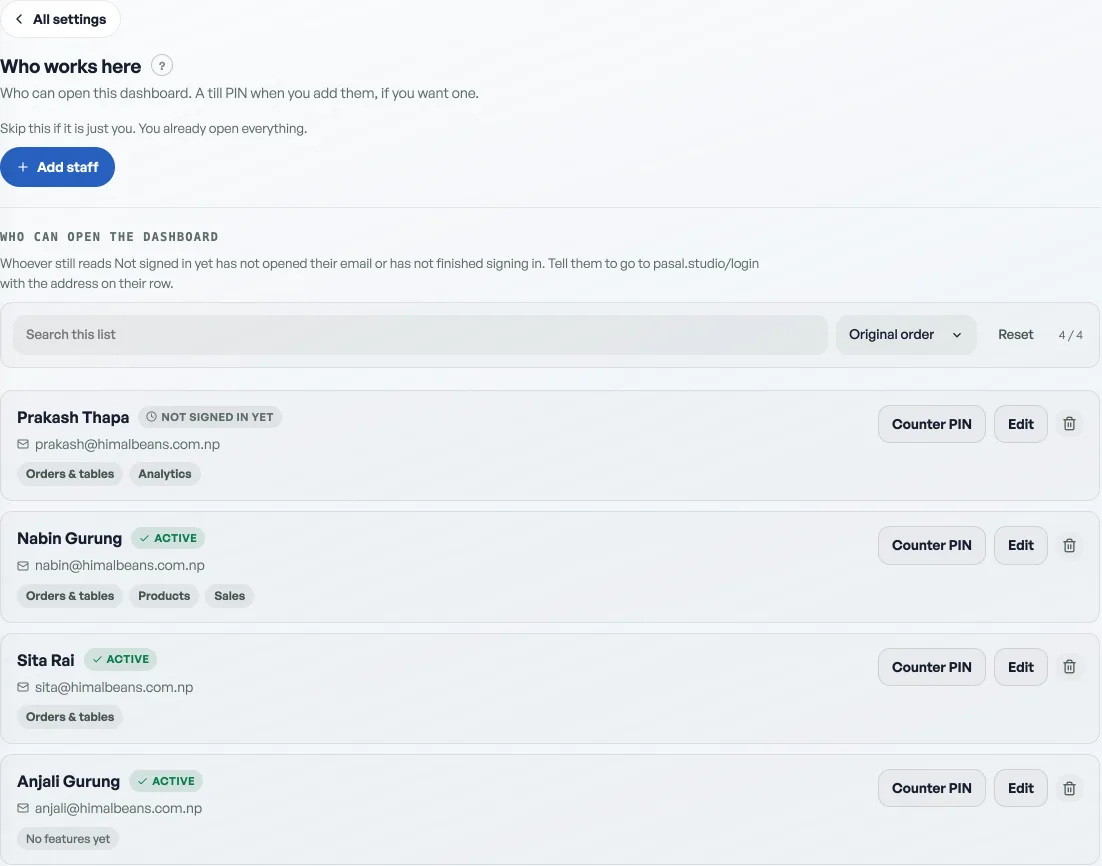
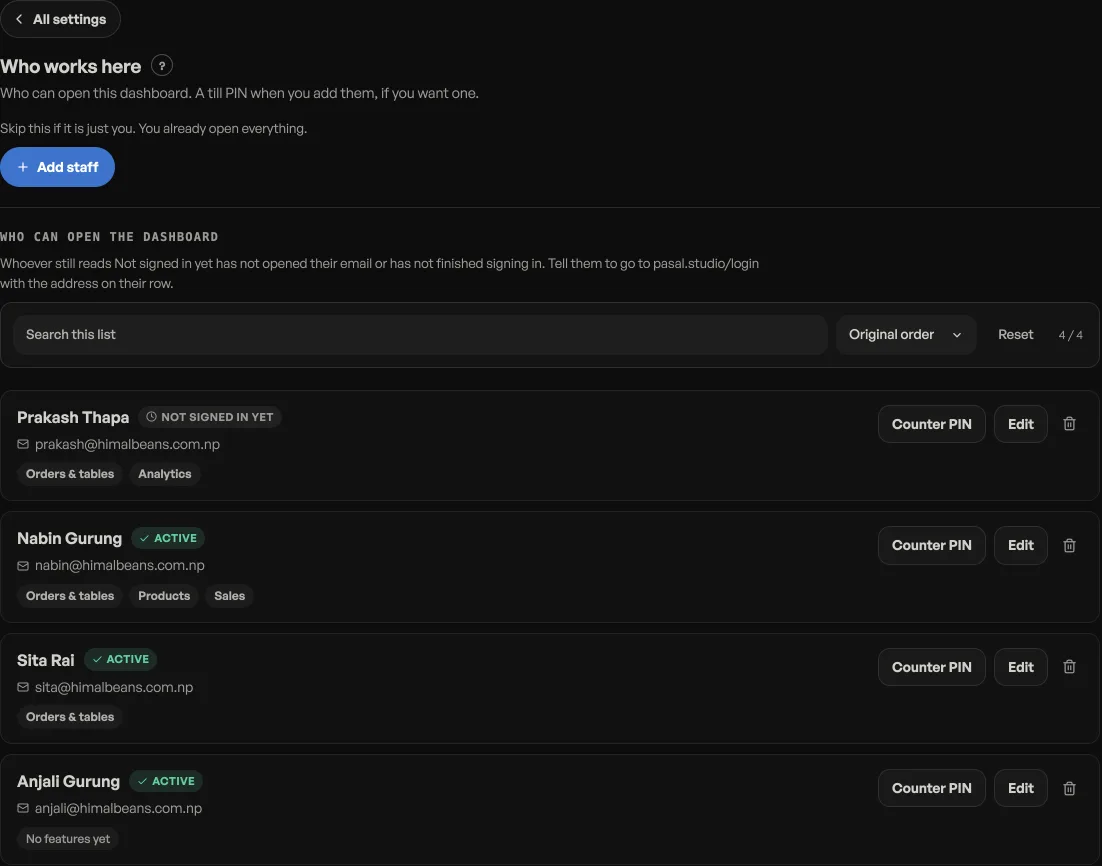
Staff need the Orders tick. On a shop with table QR on, that tick reads Orders & tables. There is no extra tick. See Add staff and choose what they see.
Open a bill
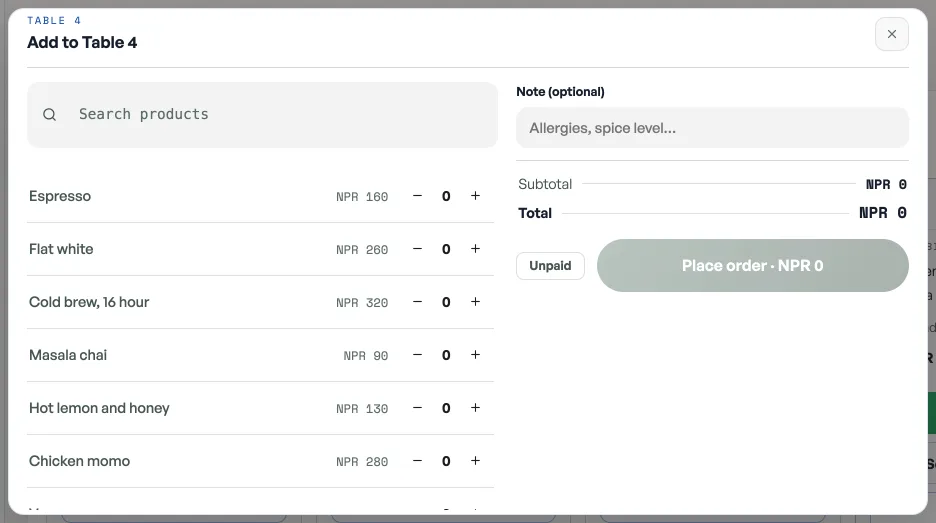
- On Orders, press New order. Handover is three states: Counter, Table, Delivery. Pick Table and the seat.
- Type the name if you asked. If you leave it blank it is Walk-in, never the table number. The seat still shows on the board as a table chip.
- Paid stays off. The kitchen needs an open ticket. The counter is where the money is taken later.
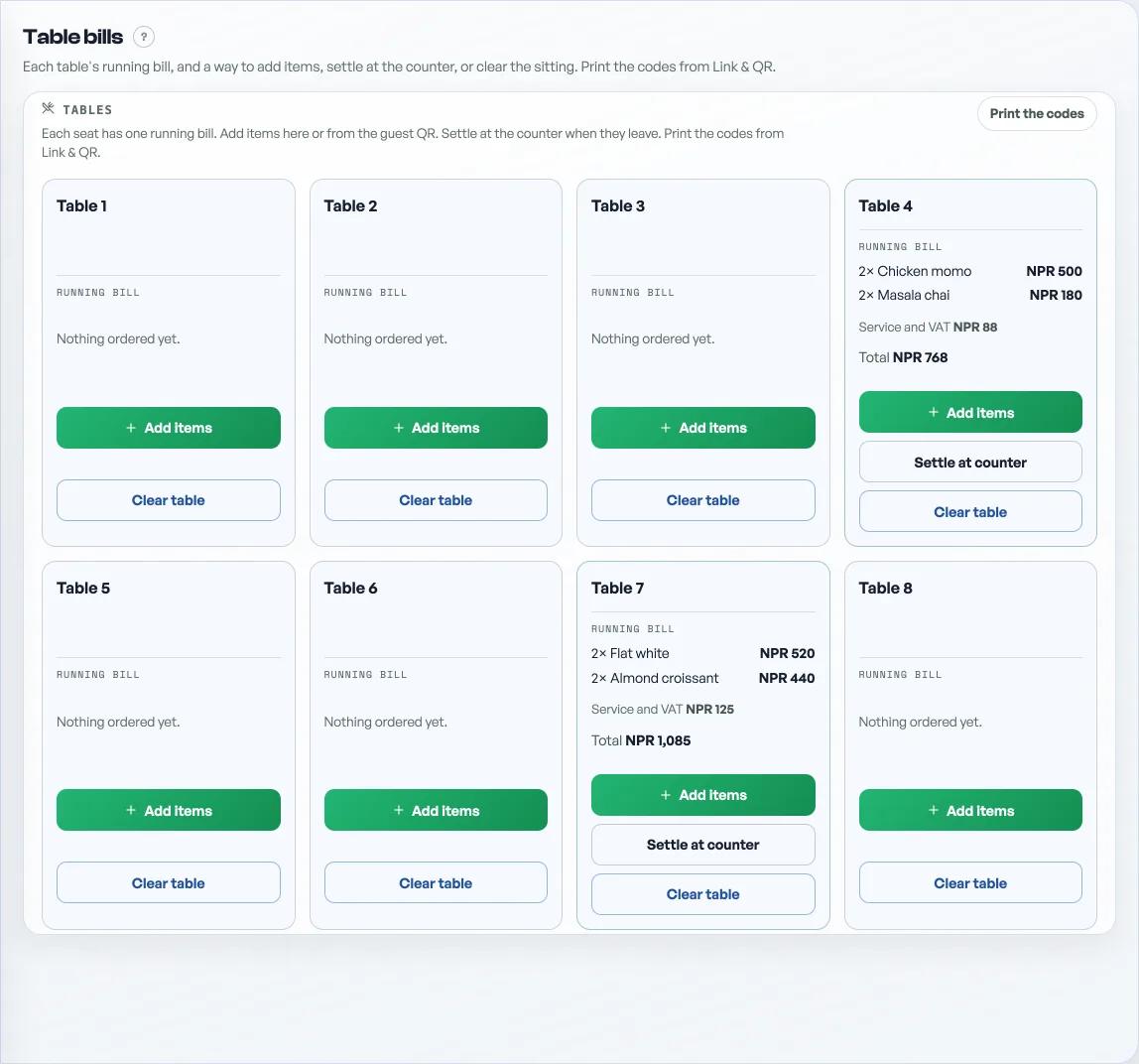
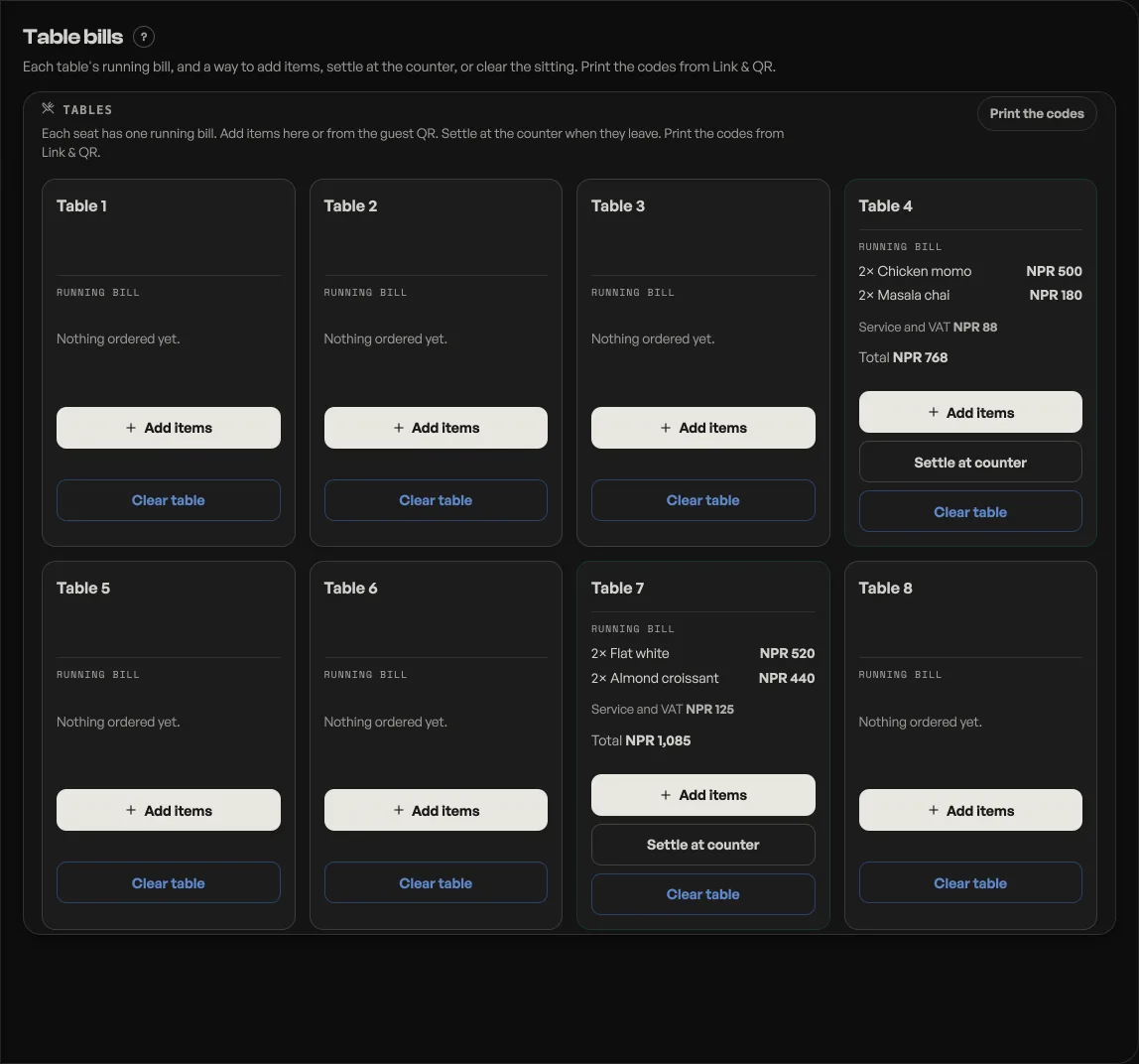
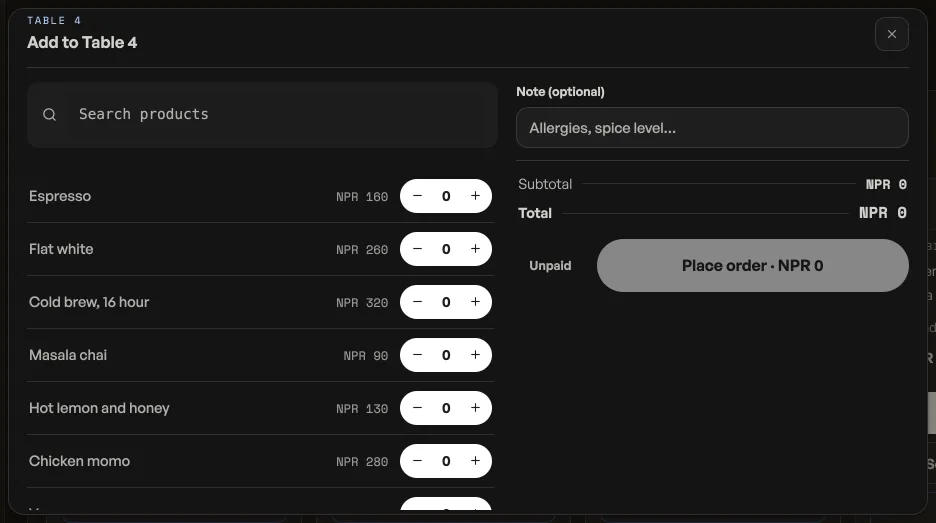
The Tables tab, after Orders, is the floor: each seat, what is on it, Add items, Settle at counter, and Clear table.
Settle at the counter
The counter has the same seats in a Tables strip. Tap the seat. New items are Not sent until you press Send to Table 4, with that seat's number. The sent round keeps the time it went. Checkout takes the money for what is already on the seat. It updates those tickets. It does not ring a new walk-in sale. Walk-in leaves the seat without losing its draft.
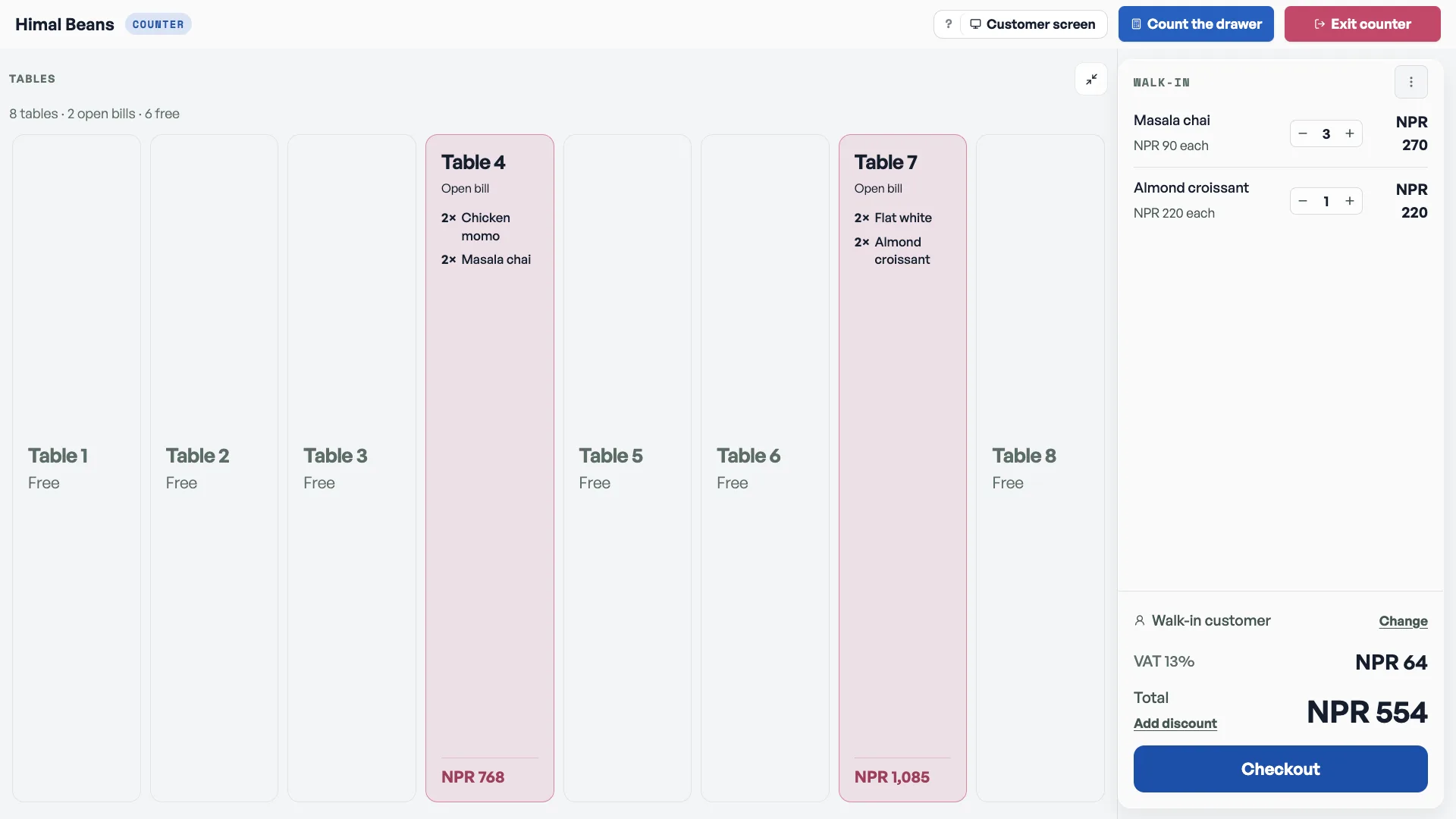
Before you take the money, press Edit sent items. Then you can change a quantity or tap the bin to take a line off. That writes the kitchen ticket. Taking the last line off a ticket asks first, because that cancels the ticket. Keep leaves the line. Done editing puts the bill back.
Clear the sitting
Clear table ends what the next guest at that QR would see. It does not delete the orders from your board. Use it when the party has left, not when the food has arrived. Done on a plate is not the same as the seat being free.
The kitchen wall can move a ticket by holding the card and dropping it, see Put your orders on a TV.
- Let dine-in guests order from the tableA QR on every table: guests scan, order to that table, and it reaches your board labelled Table 4.
- Put your orders on a TVA kitchen board, a collection screen, or a live event door count, on any TV with a browser.
- Ring a sale at the counterOpen the counter, build a bill, take cash or QR, and hand over a receipt.