
Help · Your shop online
Share your shop link
Put your catalog on Instagram, WhatsApp, a QR at the counter, or your own domain.
Every Pasal shop gets a link like pasal.studio/your-shop plus a QR code you can print or post.
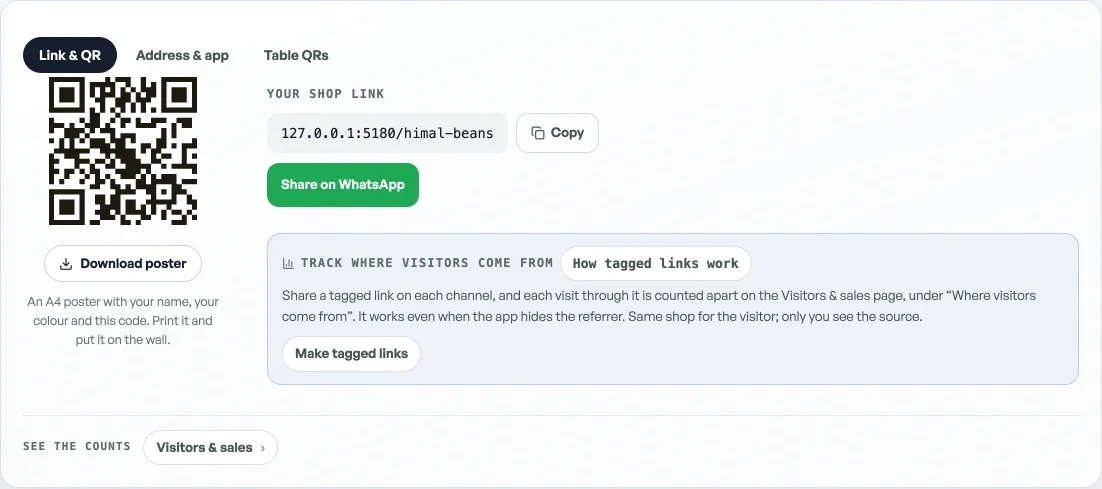
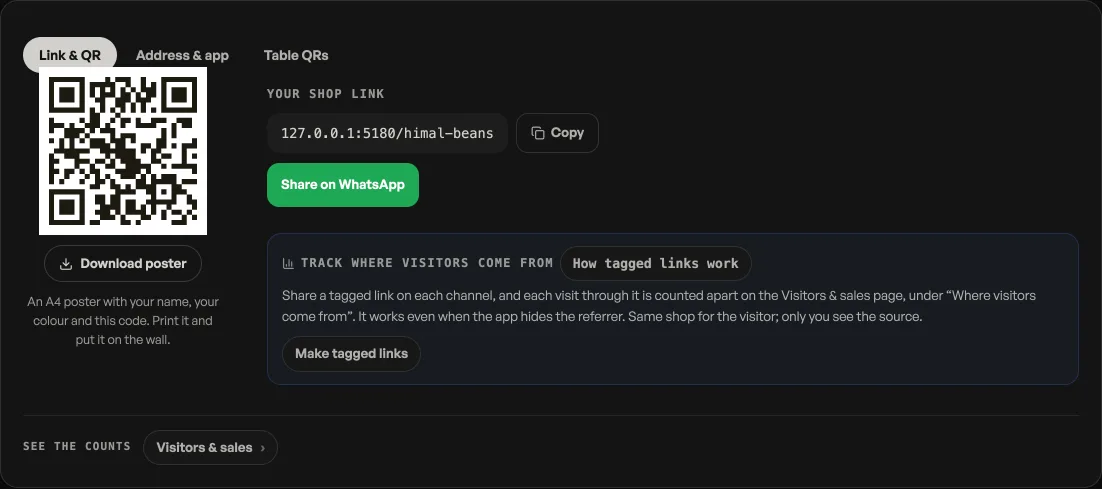
- Instagram bio: paste your link so followers can order without DMing you.
- WhatsApp status or broadcast: share the same link when you have a new drop or promo.
- Counter QR: print the code so walk-in customers can browse while they wait.
On a real shop you can also connect your own domain (for example yourbrand.com). Need help buying one? Ask us and we sort it during setup.
Read next
- Your shop on your own domainServe your shop on your own web address, like yourbrand.com.
- Your own pasal.studio addressTurn pasal.studio/your-shop into yourshop.pasal.studio with one button, and every link and QR follows.
- Make the shop look like yoursTemplate, colours, logo, hero photo, and the order of the page, all from the Design tab.
Still stuck? Message usTell us what is happening and we will reply, usually the same day.
WhatsApp usOr email support@pasal.studio