
Help · Orders & fulfilment
What the order statuses mean
Received, Packing, Ready, Done: what each step tells you and your customer.
Every order moves through the same four steps, and your customer sees each one live on their order page.
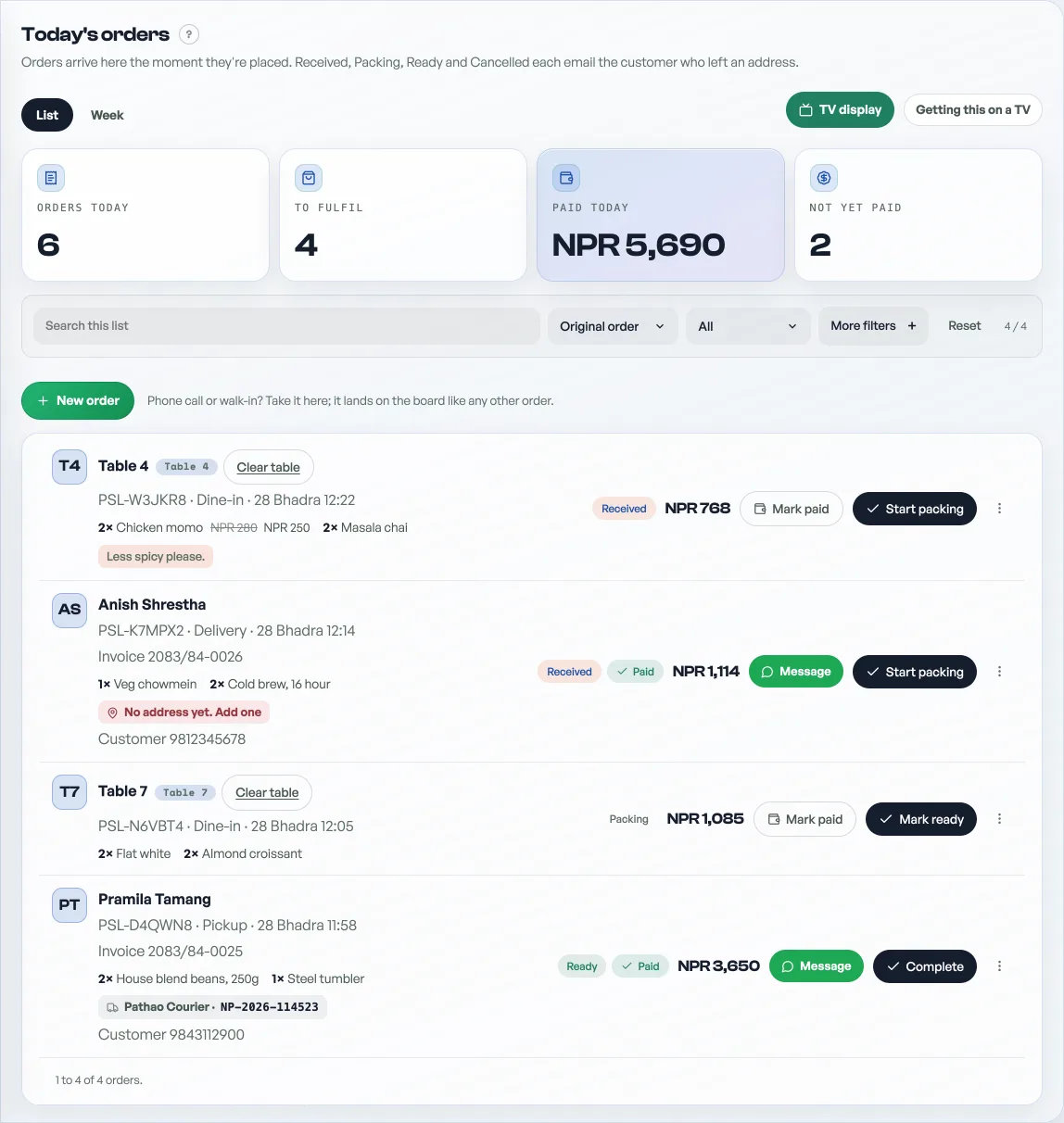
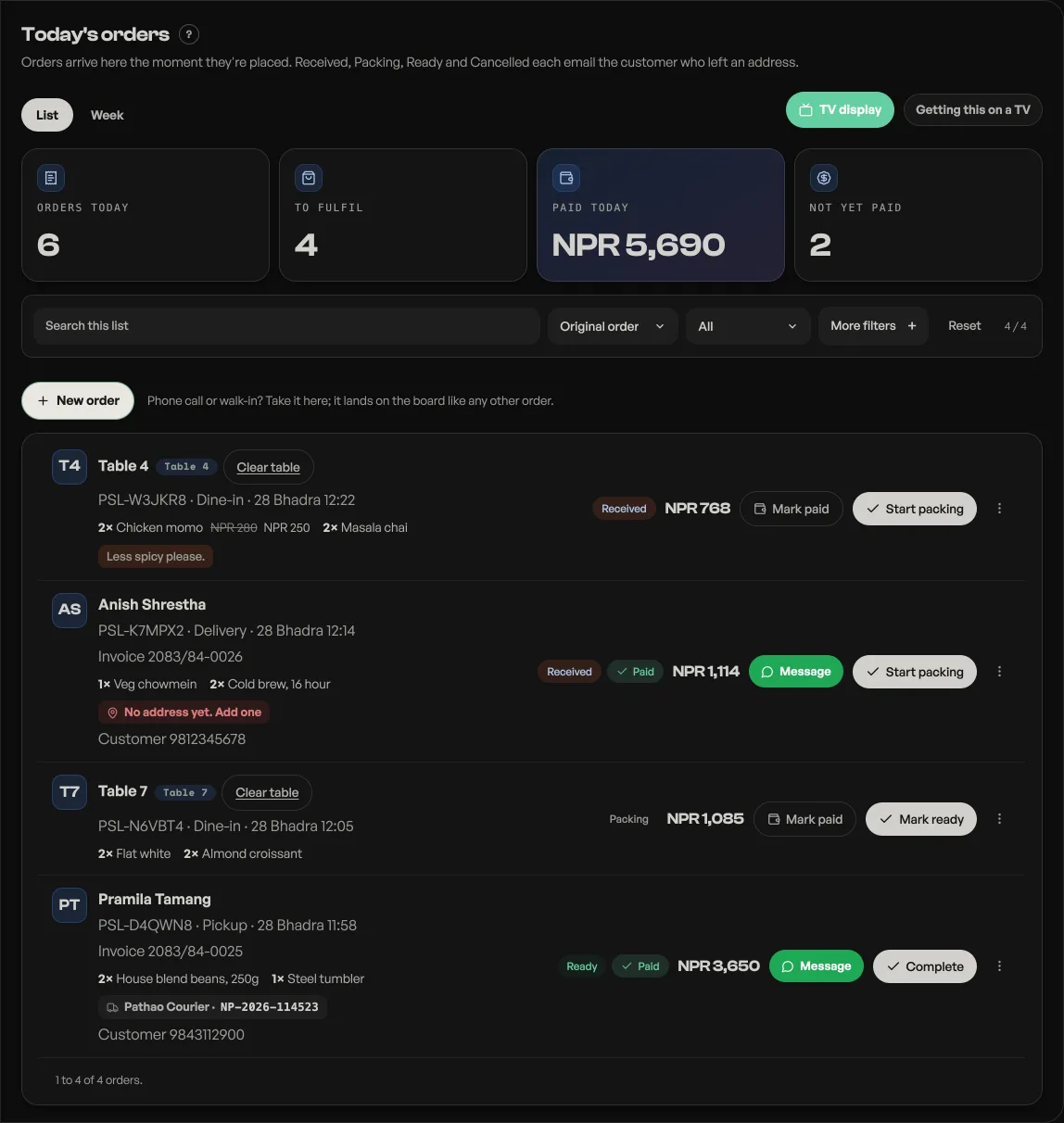
- Received: the order just landed. Nothing has been done yet.
- Packing: you have started it. On Orders that is Start packing. On the TV board it is dropping the card onto Packing, or a tap that walks one step. The customer knows you are on it.
- Ready: packed and waiting for pickup, or heading out for delivery.
- Done: handed over. The order moves off the active board.
Cancelled voids an order so it never counts as a sale, and Mark paid is separate from the steps: tick it whenever the money actually arrives, cash or transfer.
Read next
- Put your orders on a TVA kitchen board, a collection screen, or a live event door count, on any TV with a browser.
- Managing orders on your boardMove tickets through fulfilment, collect payment, and keep the board tidy.
- Take bookings and reservationsLet customers reserve a table or a slot, and manage them on the Bookings tab.
Still stuck? Message usTell us what is happening and we will reply, usually the same day.
WhatsApp usOr email support@pasal.studio