
Help · Running the shop
See what is working
Visitors, what they look at, what they buy, and where they came from.
The Visitors & sales tab answers the questions worth asking: is anyone visiting, are visits turning into orders, and which items people actually look at.
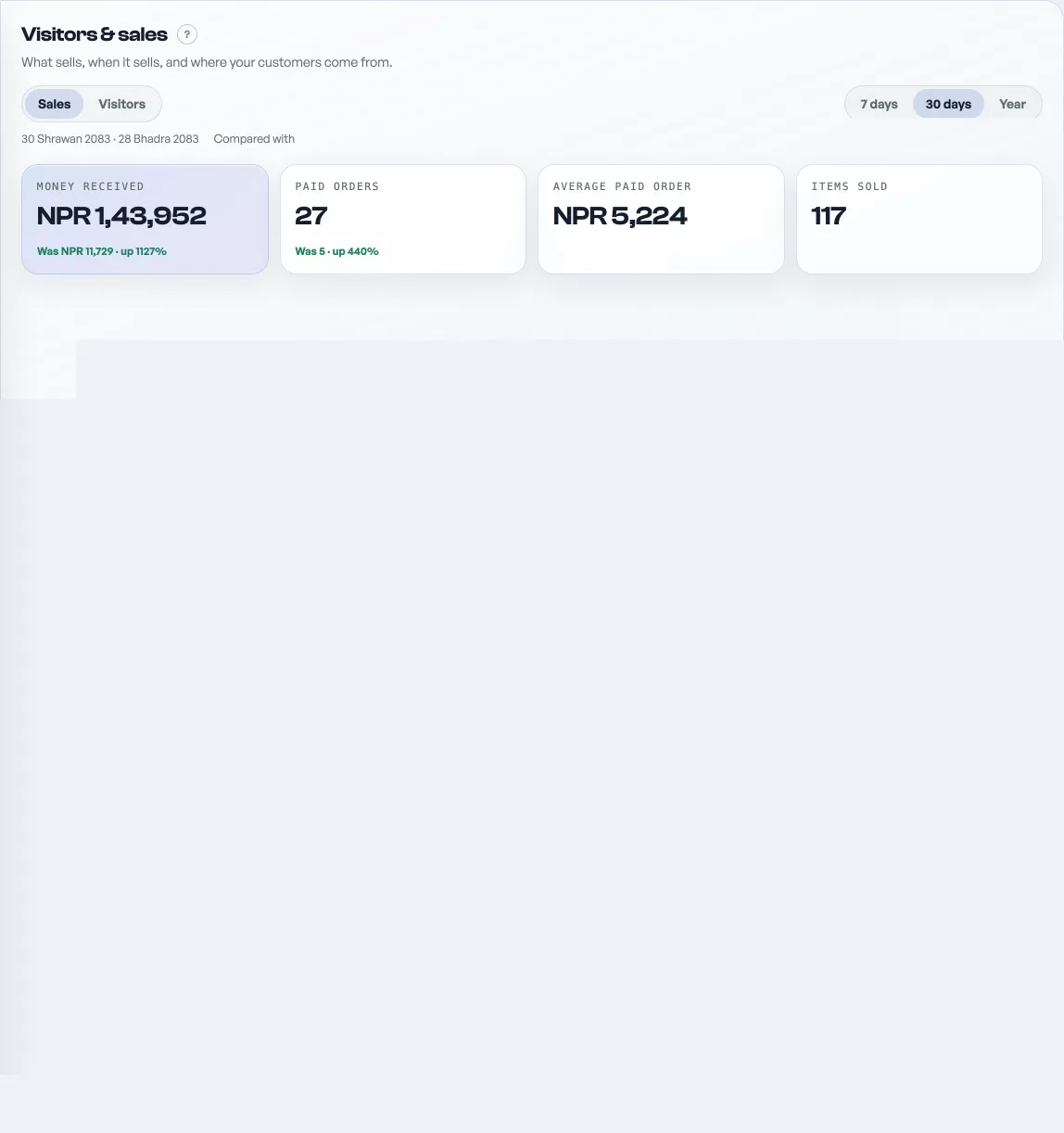
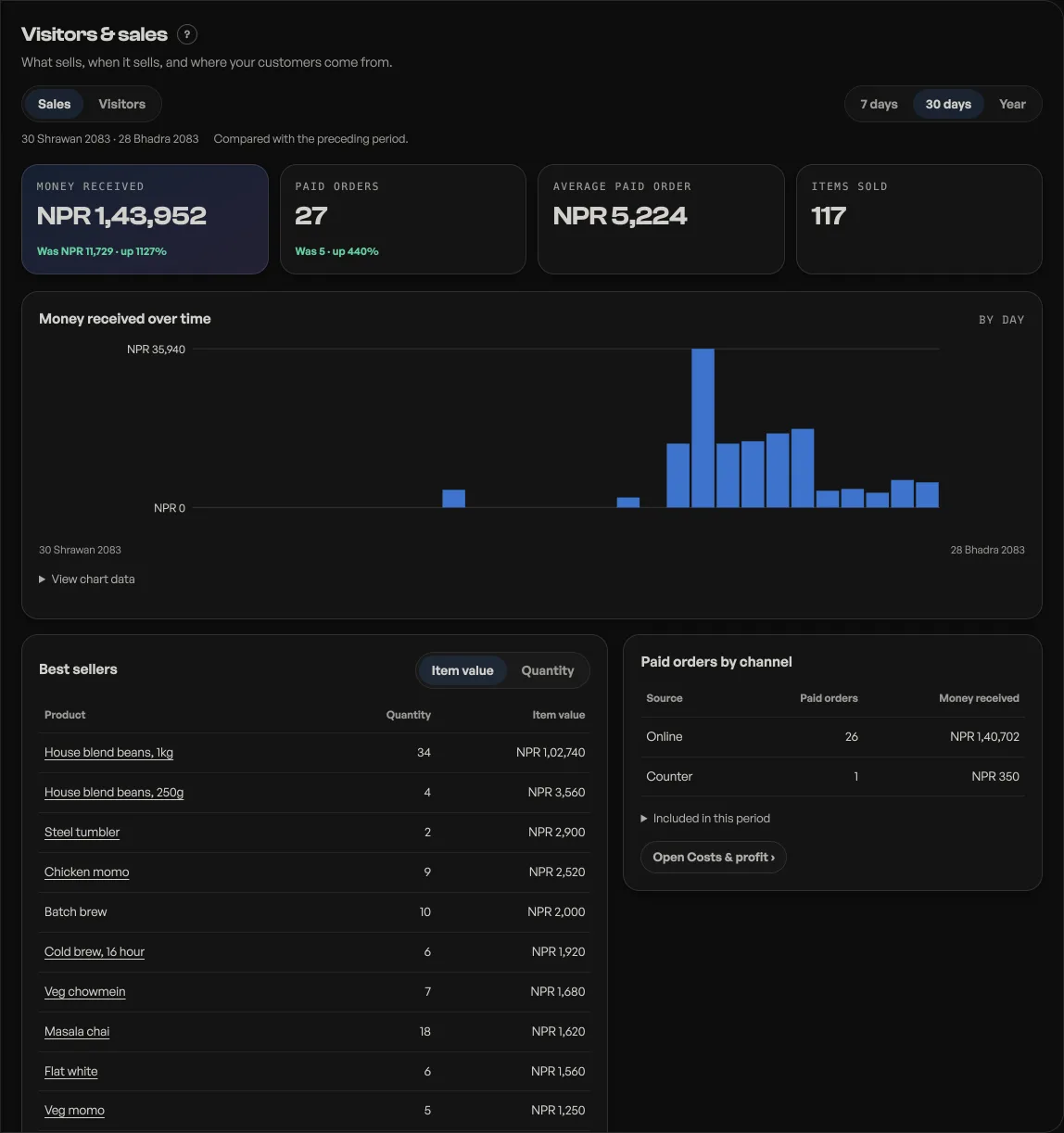
- Visits, visitors and product views over 7 days, 30 days or a whole year, with a daily chart, so you can see what a post or a busy weekend did. A free shop gets the 7 day window.
- Against the window before. Visits, orders, revenue, profit, discounts and money handed back each name what the previous 7 or 30 days did, the amount and whether it is up or down. Visitors, views and add-to-cart do not, because those count distinct people and subtracting would miss anyone who came in both halves. The year range compares nothing: the database will not answer a doubled year.
- Add to cart and orders, plus the conversion between them. Plenty of views and few orders usually means a price, a photo or a delivery rule is putting people off.
- Where visitors came from by source (Instagram, WhatsApp, direct), so you know which channel is worth your time.
- Most-viewed items, which is often not what sells the most.
Events shops also get a ticket board: tickets sold, money earned, how many were checked in at the door, and a per-event breakdown. Comp tickets are counted apart, so giveaways never flatter your earnings.
This is first-party and privacy-safe. There is no third-party tracker, no cookie banner, and no personal data: a visit is a random token in the browser, and referrers are stored as a host name only, never a full address.
Read next
- Know your customers: history and pointsSearch anyone who has ordered, open every past invoice, and see the points they have built.
- Where customer replies landChoose the address a customer reaches when they reply to your order or booking email.
- Deleting things, and what each one destroysProducts, events, ticket types, promo codes and staff: what goes, what survives, and the safer option.
Still stuck? Message usTell us what is happening and we will reply, usually the same day.
WhatsApp usOr email support@pasal.studio