
Help · Running the shop
Where customer replies land
Choose the address a customer reaches when they reply to your order or booking email.
Every order email, status update, receipt and booking confirmation your shop sends invites the customer to reply. Those replies used to come to Pasal and go nowhere. Now they come to you.
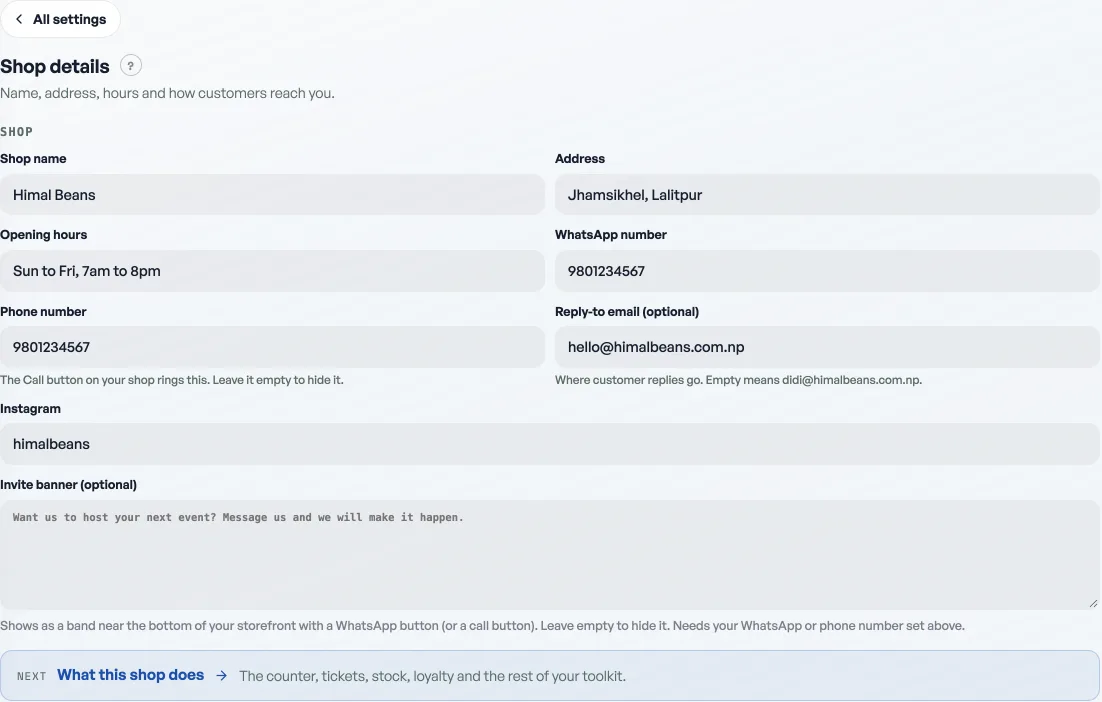
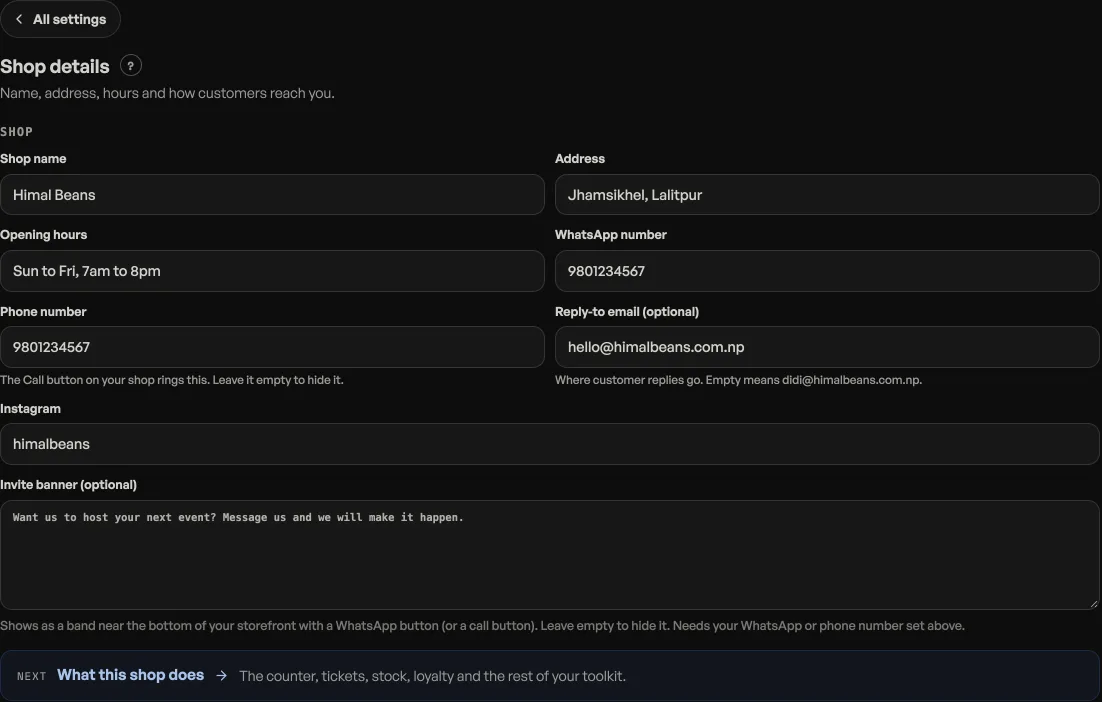
- Open Shop profile, then Shop details under Your shop.
- Find Reply-to email, just under your WhatsApp number. Leave it empty and replies go to the address you sign in with, which the box shows you in grey.
- Type a different address to use that one instead, then press Save.
Why you might want to fill it in
Most people open their shop with a personal Gmail, because that is the address they had. Left as it is, that personal address is printed in front of every customer you ever email. Filling this in puts your shop address there instead, and your own inbox stays yours.
It is also how you hand the job over. Point it at the address your counter staff actually read, and a customer asking "can I change my order to pickup" reaches somebody who is at the shop.
What it does and does not change
- Emails still come from Pasal and still carry your shop name. Only the address a reply lands in changes.
- It does not change how you sign in. That is still your login address, and it is unaffected by anything you type here.
- Use an address you actually read. Pasal cannot tell you that a customer replied to a mailbox nobody opens.
Nothing here is required. Left empty it behaves exactly as it did, which is the right default and the wrong thing to force on a shop.
- Know your customers: history and pointsSearch anyone who has ordered, open every past invoice, and see the points they have built.
- Deleting things, and what each one destroysProducts, events, ticket types, promo codes and staff: what goes, what survives, and the safer option.
- Add staff and choose what they seeTwo lists: a PIN for the till, or an email for this dashboard.