
The sticker on the counter has been there since Dashain. The customer scans it, types NPR 450, and both of you hope they typed 450. That sticker is a static QR. The other kind, the one a checkout draws for this bill and then throws away, is a dynamic QR. Shops are starting to ask for the second because the first one cannot tell a paid bill from a screenshot.
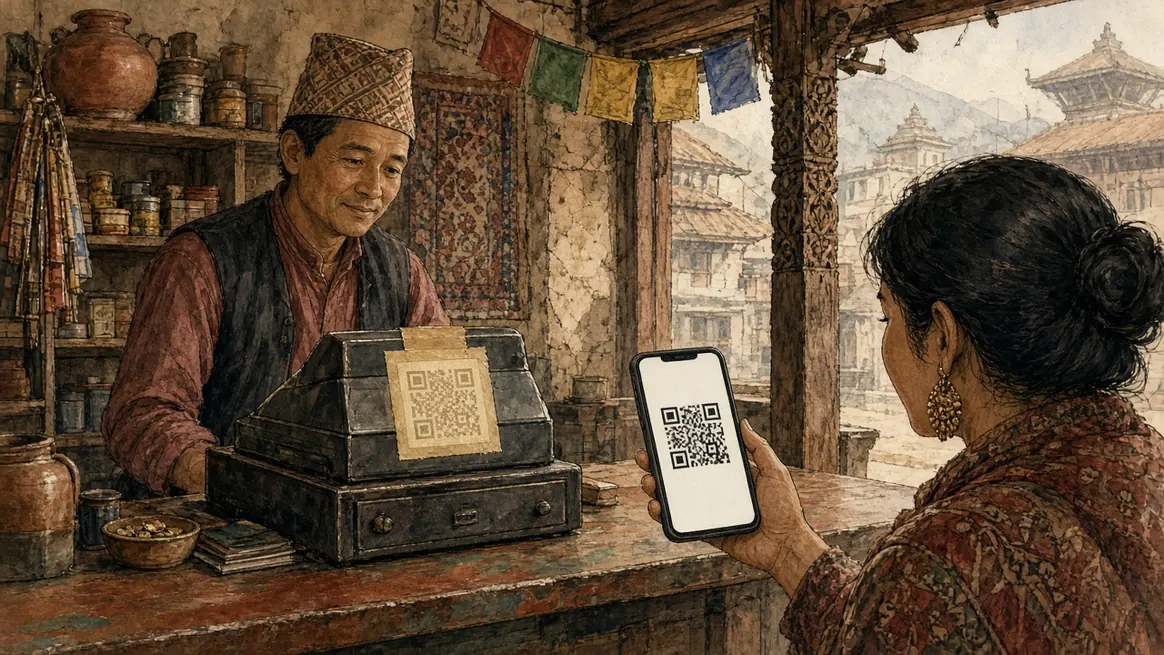
The sticker
A static QR is a picture of an account. Fonepay, eSewa, Khalti or the bank prints it once. Every customer who scans it lands on the same payee, and the amount is whatever they type. At a counter where the shopkeeper can see the phone, that is fine. The nod is the confirmation.
Online, and on a busy counter where three people are paying at once, the typing is the failure. NPR 450 becomes 540. Two tables pay the same sticker and you cannot see which payment belonged to which bill. The customer sends a screenshot because nothing else told either of you that it worked. A screenshot is a clue. It is not a receipt. That argument is already in Fonepay QR for your shop.
The code that already knows the amount
A dynamic QR is generated for one payment. The amount is inside the code, so the customer does not type it. A good one also carries a reference for that bill, and it stops being payable once that bill is paid or once it expires. The confirmation is the bank or the wallet telling the merchant that this reference arrived, not a photograph of a success screen.
That confirmation is why people call it a gateway rather than a sticker. It is a contract with Fonepay, eSewa, Khalti or the bank, with a fee schedule you should get in writing. We are not printing those fees. They move.
What Pasal does with each
Pasal is not a wallet and it does not take a cut of a momo. Your customer's money is supposed to land in your account, in your name. The shop page can show the QR you uploaded, next to the amount they owe, and the order can hold the reference they send. You mark it paid when your own statement agrees. That step stays yours on a static code, on purpose.
An amount-generated code is the other pattern, and it is the one a checkout uses when a gateway is actually connected: the page asks for a code for this total, the customer scans, and the payment comes back tied to that order. Pasal's own plan bills can be taken that way, because there Pasal is the merchant and the thing being bought is the software. A customer's payment for your coffee is not that. We should not be the name on that success screen.
If you are choosing which sticker to tape up first, the comparison of the rails is eSewa, Khalti and Fonepay. Putting the code you already have onto the shop is Get paid by QR.