
Help · Your shop online
Publish your terms and privacy policy
Write the two documents customers accept when they order, in your own words.
Two documents, both optional, both yours to write: Terms & Conditions (the rules of buying from you) and a Privacy Policy (what you collect and why). Nothing shows until you write one.
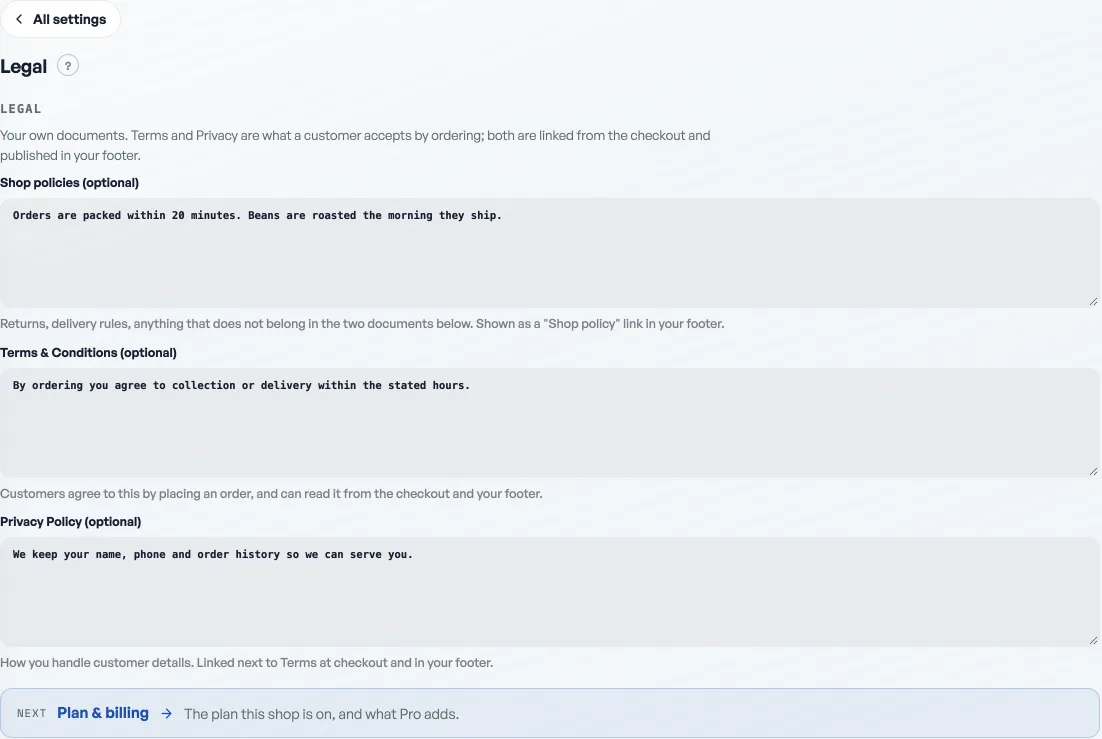
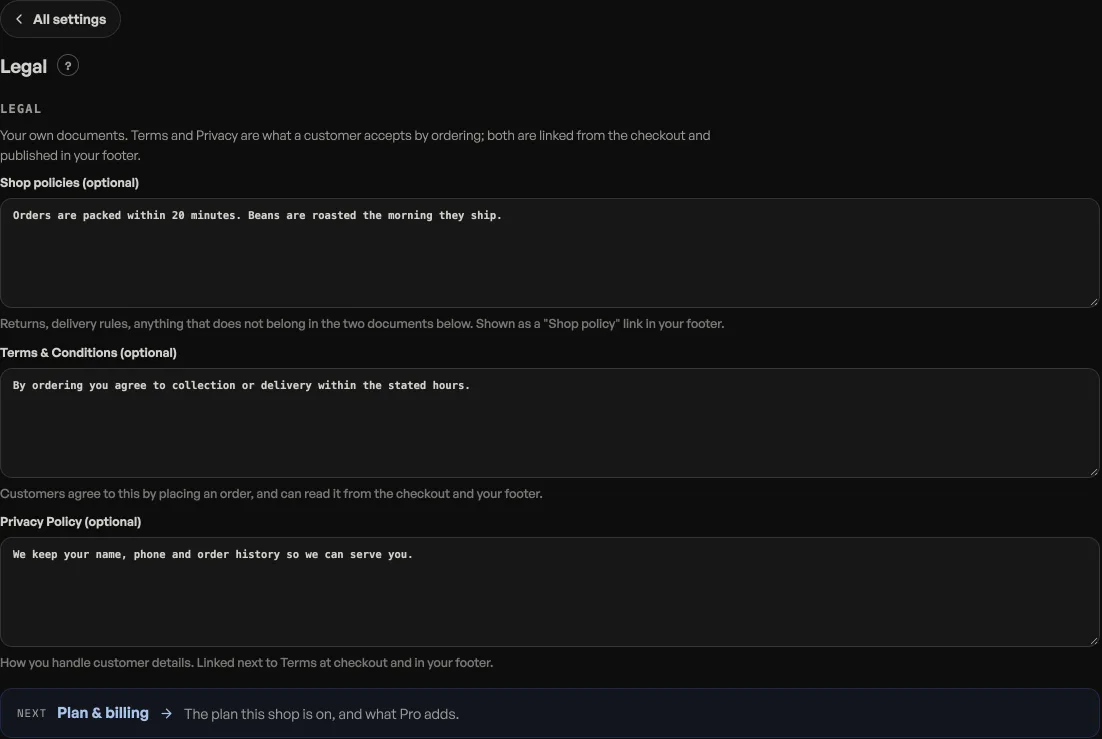
- Open Shop profile, Legal.
- Write your Terms: what an order commits to, cancellations, who is responsible for what.
- Write your Privacy Policy: what you collect (name, phone, address), why, and that you do not pass it on.
Where they show up
Above the Place order button, checkout reads "By placing your order you agree to your shop's Terms and Privacy Policy", each a link that opens the document. That is the acceptance, in the same place the order is committed.
Both also sit in your storefront footer and get their own published pages, so a customer can read them any time, not only at checkout. Shop policies, the first box, is for everything else: returns, delivery rules, anything that does not belong in the two documents below it.
- Write your shop policyReturns, delivery rules and terms, shown on your site without sending customers anywhere else.
- Make the shop look like yoursTemplate, colours, logo, hero photo, and the order of the page, all from the Design tab.
- Add Instagram and social linksPut your Instagram, TikTok or other profiles in your storefront footer.