
Help · Your shop online
Add Instagram and social links
Put your Instagram, TikTok or other profiles in your storefront footer.
Most Nepali shops live on Instagram and TikTok first. Link them from your Pasal site so customers can find and follow you.
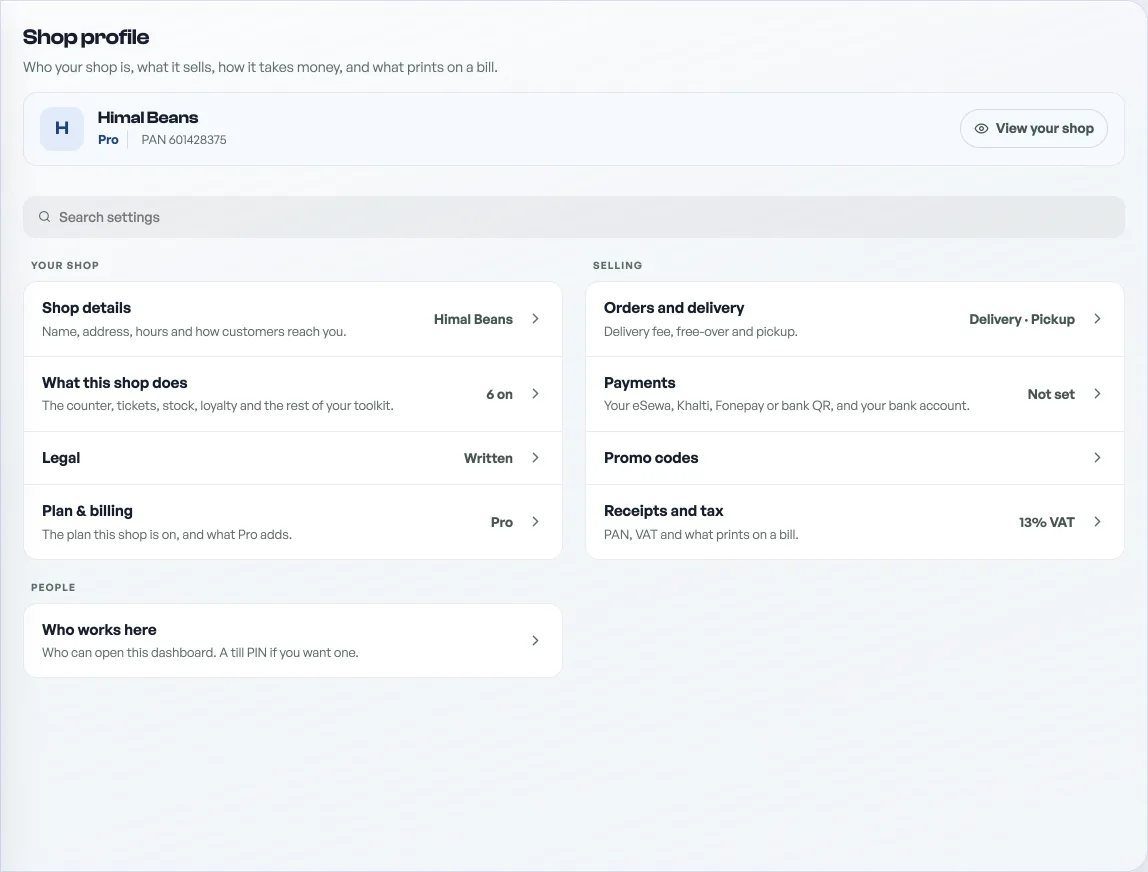
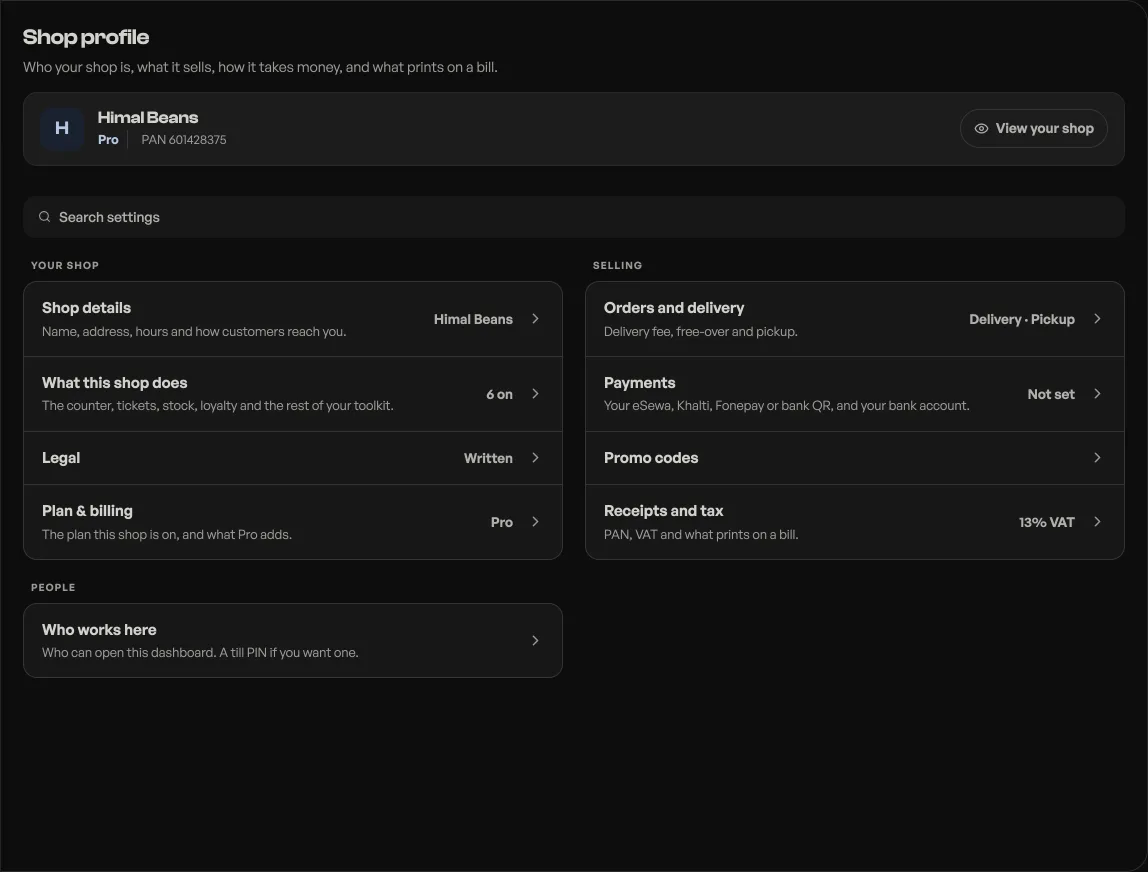
- Instagram: open Shop profile, under More on the rail, then Shop details under Your shop, and add your handle. It appears as an icon in your storefront footer.
- More platforms: add Facebook, TikTok, YouTube and others under social links on the same page; each shows as its own icon.
- The other direction too: put your shop link in your Instagram bio, so followers can order without DMing you.
Read next
- Make the shop look like yoursTemplate, colours, logo, hero photo, and the order of the page, all from the Design tab.
- Write your shop policyReturns, delivery rules and terms, shown on your site without sending customers anywhere else.
- Share your shop linkPut your catalog on Instagram, WhatsApp, a QR at the counter, or your own domain.
Still stuck? Message usTell us what is happening and we will reply, usually the same day.
WhatsApp usOr email support@pasal.studio