
Help · Your shop online
Write your own selling points
The strip of icons under your hero and the band of reasons further down: what to write in them, and how to leave them out.
Two places on your shop let you say why someone should buy from you rather than the shop next door. Both are on the Design tab, in the blocks listed under Homepage structure, and both stay completely invisible until you write something, so an empty shop is never left with a row of blank promises.
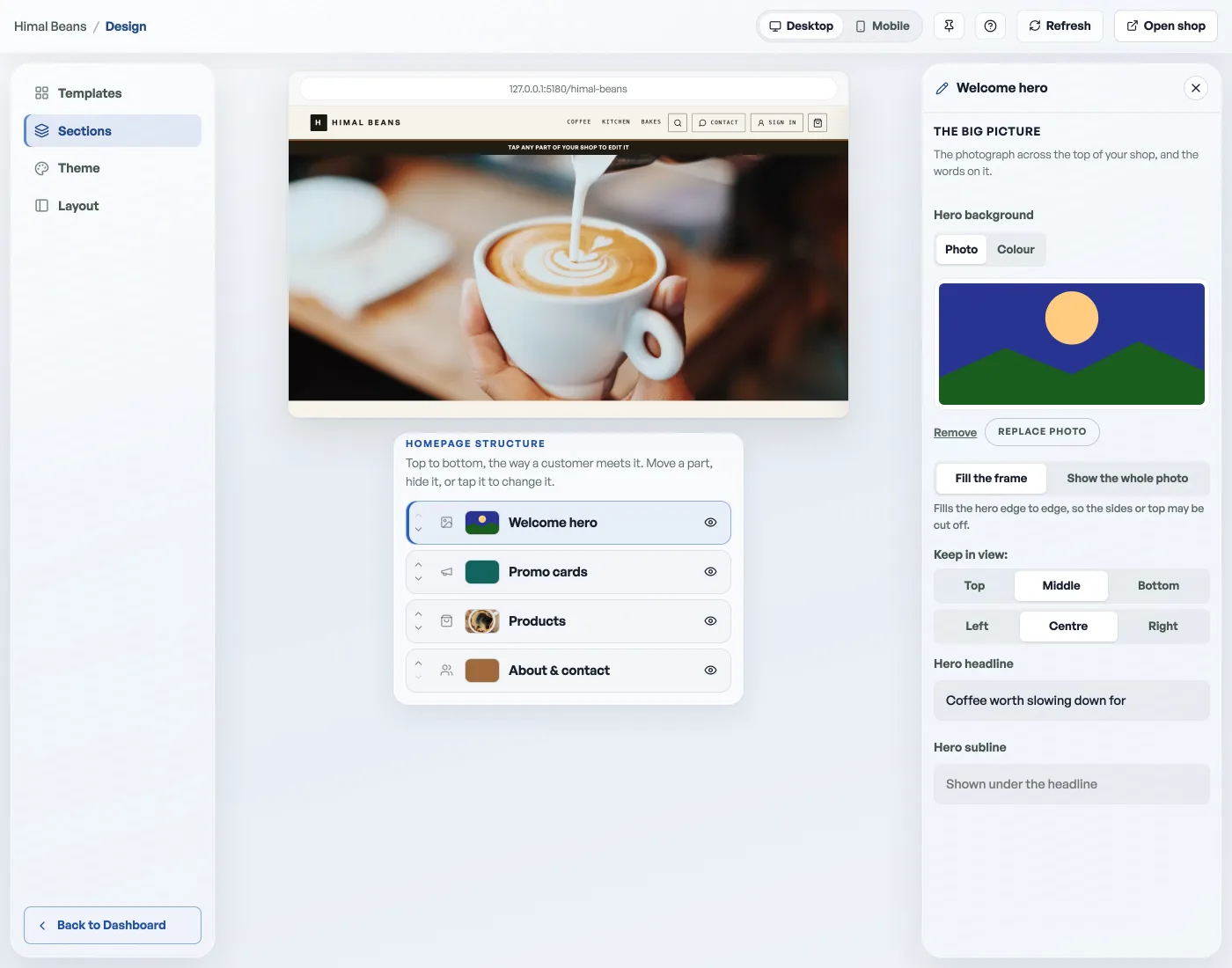
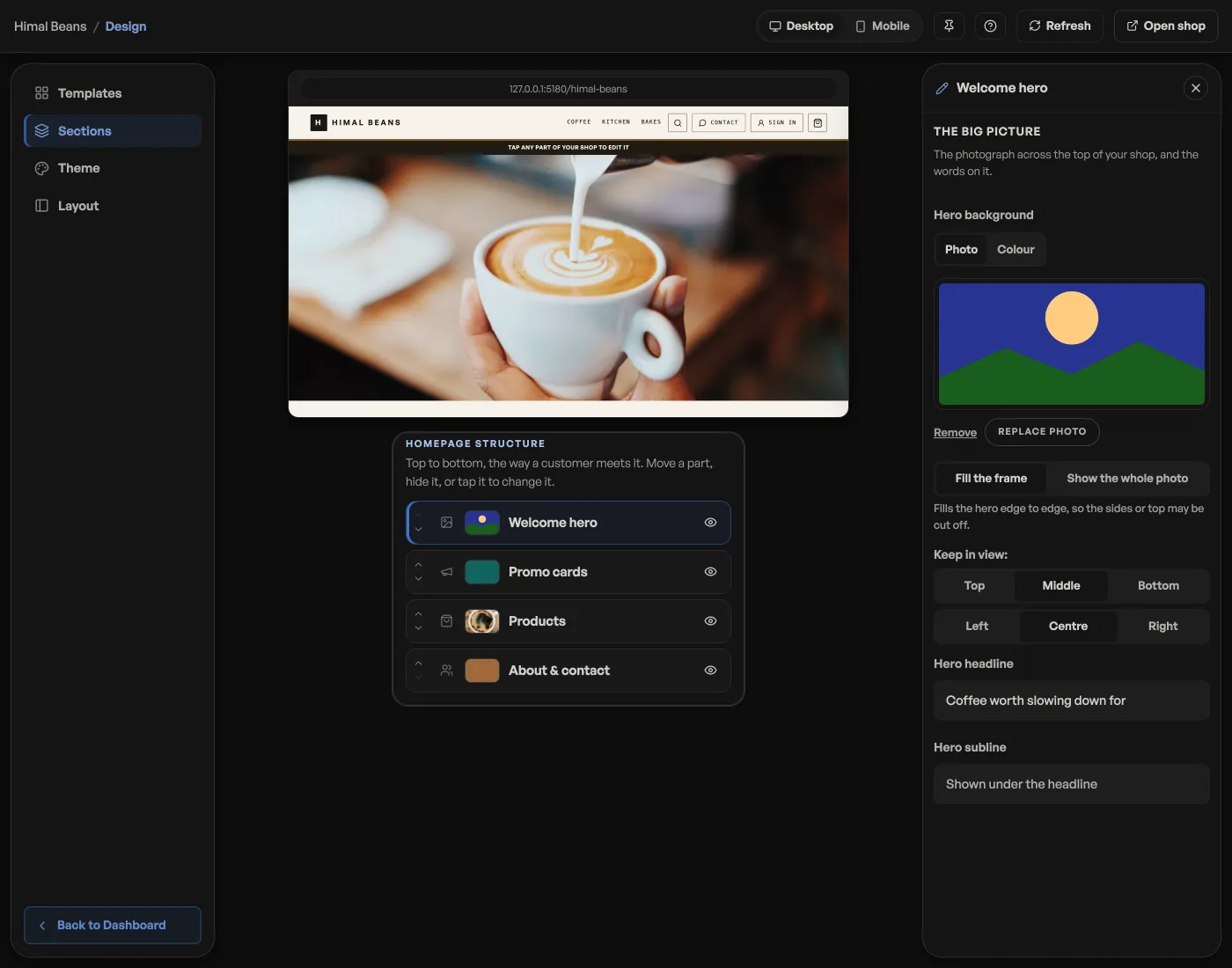
The feature strip
A short row right under your hero, before anyone has scrolled. Each entry is an icon, a couple of words, and one line beneath.
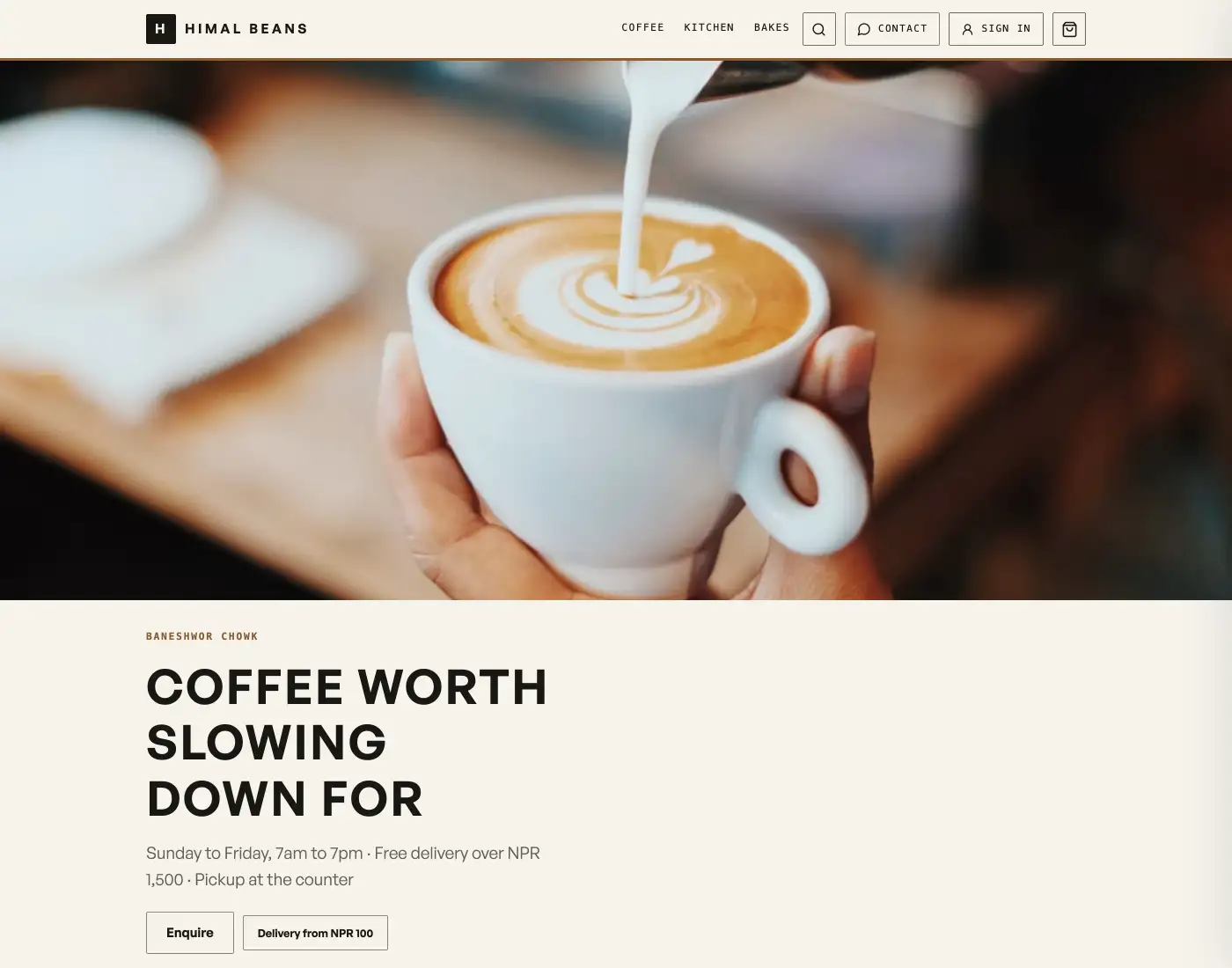
- Open Design, tap Promo cards in Homepage structure, and open Extra blocks on your page.
- Press Add feature.
- Pick an icon from the list: Tick, Delivery, Returns, Warranty, Support, Quality or Package. The tick is the default and it suits most things.
- Type the title and the line under it. Free delivery / Inside Ring Road. Baked at 5am / Every morning.
Add as many as you like, and take one away with the small cross at the end of its row. A preview sits above the fields and appears as soon as one row has a title, so you can see the strip taking shape without opening your shop.
Why shop with us
The same idea with room to breathe: a band further down the page with a heading and a few reasons under it. It sits with the About block, so tap About & contact in Homepage structure. This is the one for things that need a sentence rather than two words.
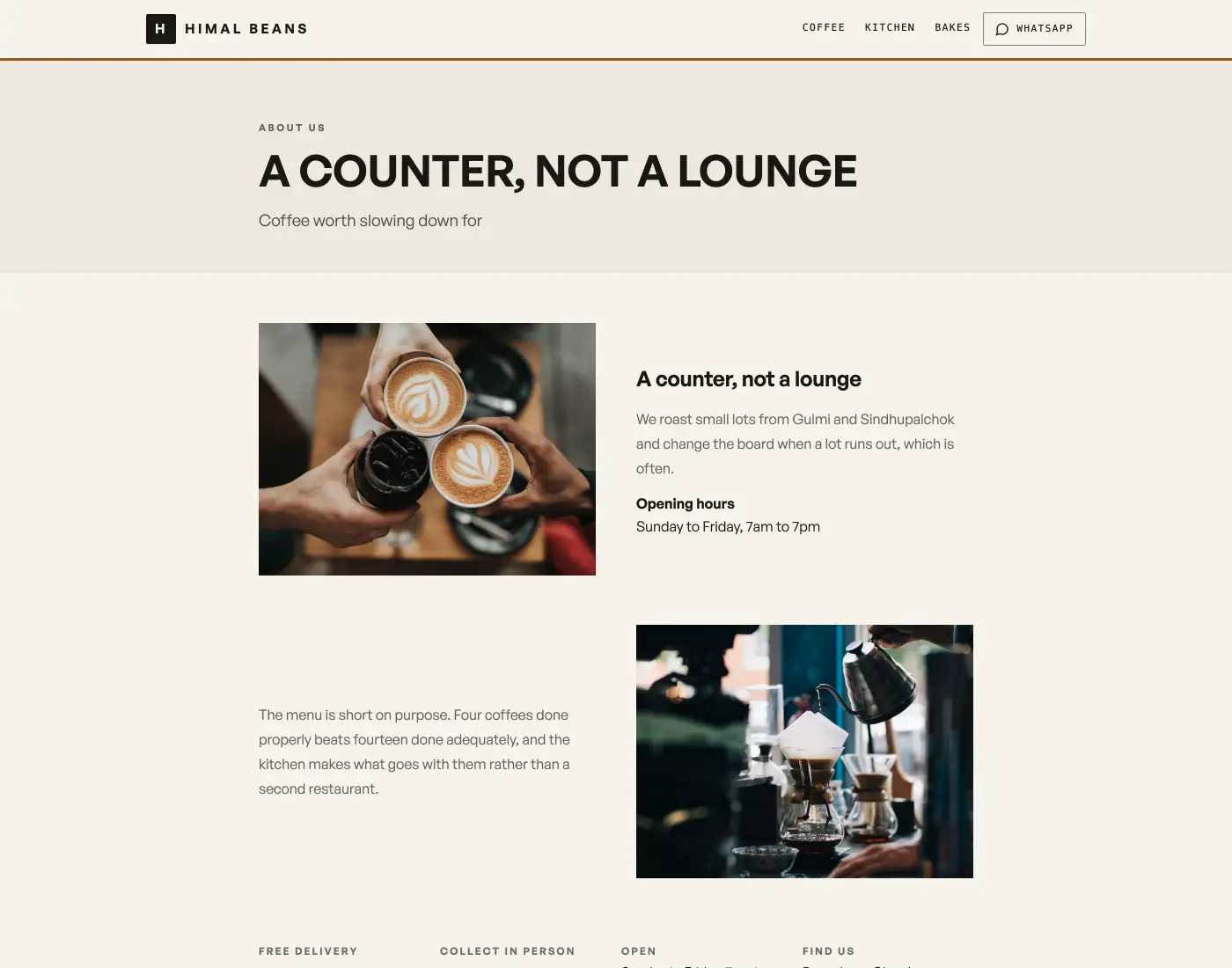
- Heading: the words above the band. Leave it and it reads Why shop with us?
- Add reason, then an icon, a title and a line, the same three fields as the strip. Free delivery / On orders over NPR 5,000. Repairs for a year / Bring it back to the shop, no receipt needed.
What makes them show
A title. That is the whole rule. A row with an icon and a line but no title does not appear, and a heading on the band with no reasons under it does not appear either. So the way to remove either of these from your shop is to clear the titles, or delete the rows, and there is no separate switch to hunt for.
Everything here saves as you type, with no Save button, and your live shop has it within a second. For the headline above the strip and the rest of the page, see Arrange your storefront page. For the strap above your shop name, open Promo cards and edit Top offer strip.
Keep them true. A feature strip promising free delivery you do not offer is the fastest way to a message you do not want. Your actual delivery rules are set under Set delivery fees and free delivery, and it is worth making the two agree.
- Arrange your storefront pageReorder the blocks of your shop, hide the ones you do not need, and write the words in them.
- Set delivery fees and free deliveryCharge a flat fee, waive it over an amount, and keep checkout totals honest.
- Make the shop look like yoursTemplate, colours, logo, hero photo, and the order of the page, all from the Design tab.