
Help · Money
Get a merchant QR: eSewa, Khalti, Fonepay and your bank
Where each QR comes from, the papers they ask for, and which one to tape to the counter first.
Pasal shows whatever QR you upload and never touches the money, so the QR itself comes from a wallet or a bank. This guide is the paperwork side: what each one is, where to apply, and what they will ask you for. The day you have the image, Take payment by QR is the two-minute upload.
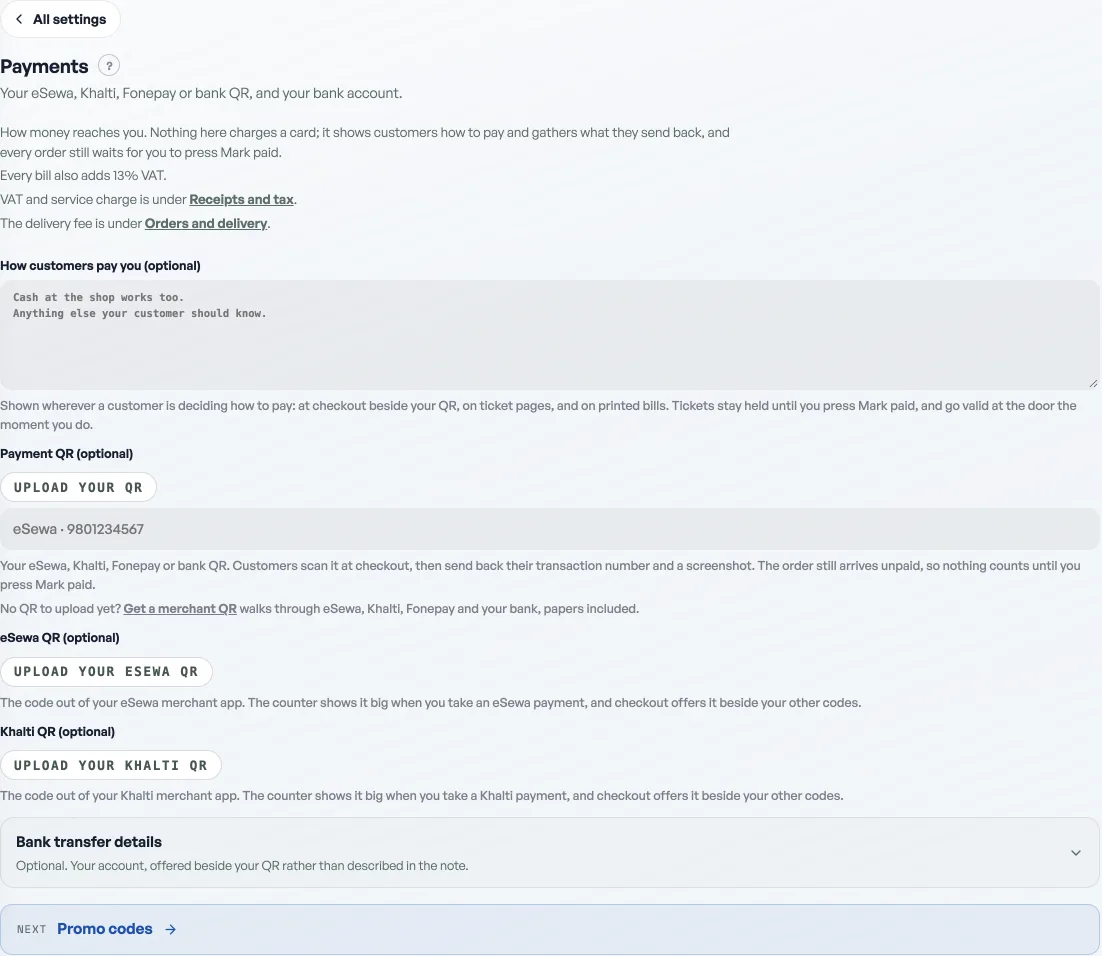
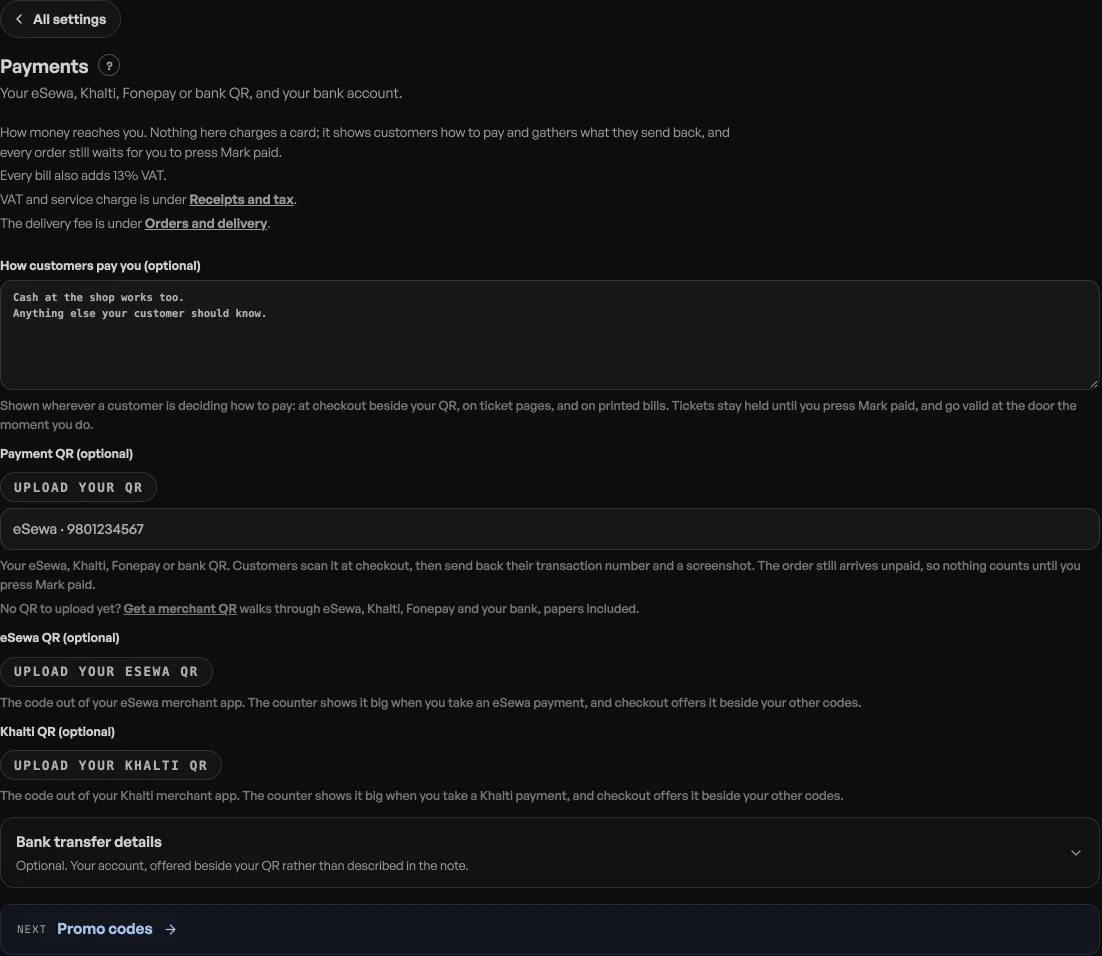
Start today: your personal QR is allowed
Most counters in Nepal run on a personal eSewa, Khalti or mobile-banking QR, and Pasal is happy with that: upload it, label it, done. The limits are worth knowing: money arrives in your own name (messier at tax time), personal wallets cap how much you can receive in a month, and the payment screen shows your name rather than the shop's. A merchant QR fixes all three, so treat it as the upgrade, not the entry fee.
eSewa merchant
- Apply through the eSewa app or at esewa.com.np under merchant services, or walk into an eSewa office; agents in most towns can also register you.
- Have ready: your business registration (PAN certificate, or ward registration for a small shop), the owner's citizenship, a bank account for settlement, and a photo of the shop front. A pure personal upgrade asks for less; the business tier is the one that prints your shop's name.
- They verify, then hand you a merchant QR and a dashboard. Money collects in the wallet and settles to your bank; ask them for the current fee and settlement cycle, because both change and both are negotiable at volume.
Khalti merchant
Same shape: apply in the Khalti app or at khalti.com under merchant, same papers, and you get a QR plus a dashboard. If your customers skew Khalti, get both; a counter with two QRs taped up is a very Nepali sight and nothing about Pasal minds which one they scan.
Fonepay: the one QR every app can scan
Fonepay is not a wallet; it is the network your bank belongs to. You apply at your own bank's merchant desk and ask for a Fonepay merchant QR on your account. The papers are the same list, and the money lands straight in the bank with no wallet in between. Its quiet superpower: eSewa, Khalti and nearly every mobile-banking app in the country can scan it, so one sticker covers everybody. Banks are also issuing NepalPay QR on the newer national rails; from where you stand it works the same way, and the desk that does one does the other.
"Can it confirm payment automatically?"
That is a payment gateway: a formal merchant agreement with eSewa ePay, Khalti checkout, Fonepay PGW or a bank, with contracts, a registered business and per-transaction fees. Pasal does not need one to sell: checkout shows your QR and the exact amount, the buyer sends the transaction number and screenshot, and Mark paid is your confirmation, checked against your own statement, as Getting paid for tickets walks through. If your volume grows to where hand-checking hurts and you have a gateway agreement in hand, write to the Pasal team; that conversation is worth having with real numbers on the table.
One counter's worth of advice
- Week one: upload the personal QR you already have. Sales should not wait on paperwork.
- Then: ask your bank for a Fonepay merchant QR, because it catches every app.
- Then: add eSewa or Khalti merchant if your customers keep asking for them by name.
- Take payment by QRPut your eSewa, Khalti, Fonepay or bank QR on checkout and collect the proof.
- Getting paid for ticketsA ticket is held, not sold, until you say the money arrived. Here is the whole path from checkout to the door.
- Run a promo codeCreate a discount code customers type at checkout.