
Help · Selling
Feature a product on your shop
Star the ones you want seen and they get their own shelf at the top of your shop.
Some things you want seen first: the new arrival, the one with the best margin, the box of Dashain gift sets you need gone this week. The star does that.
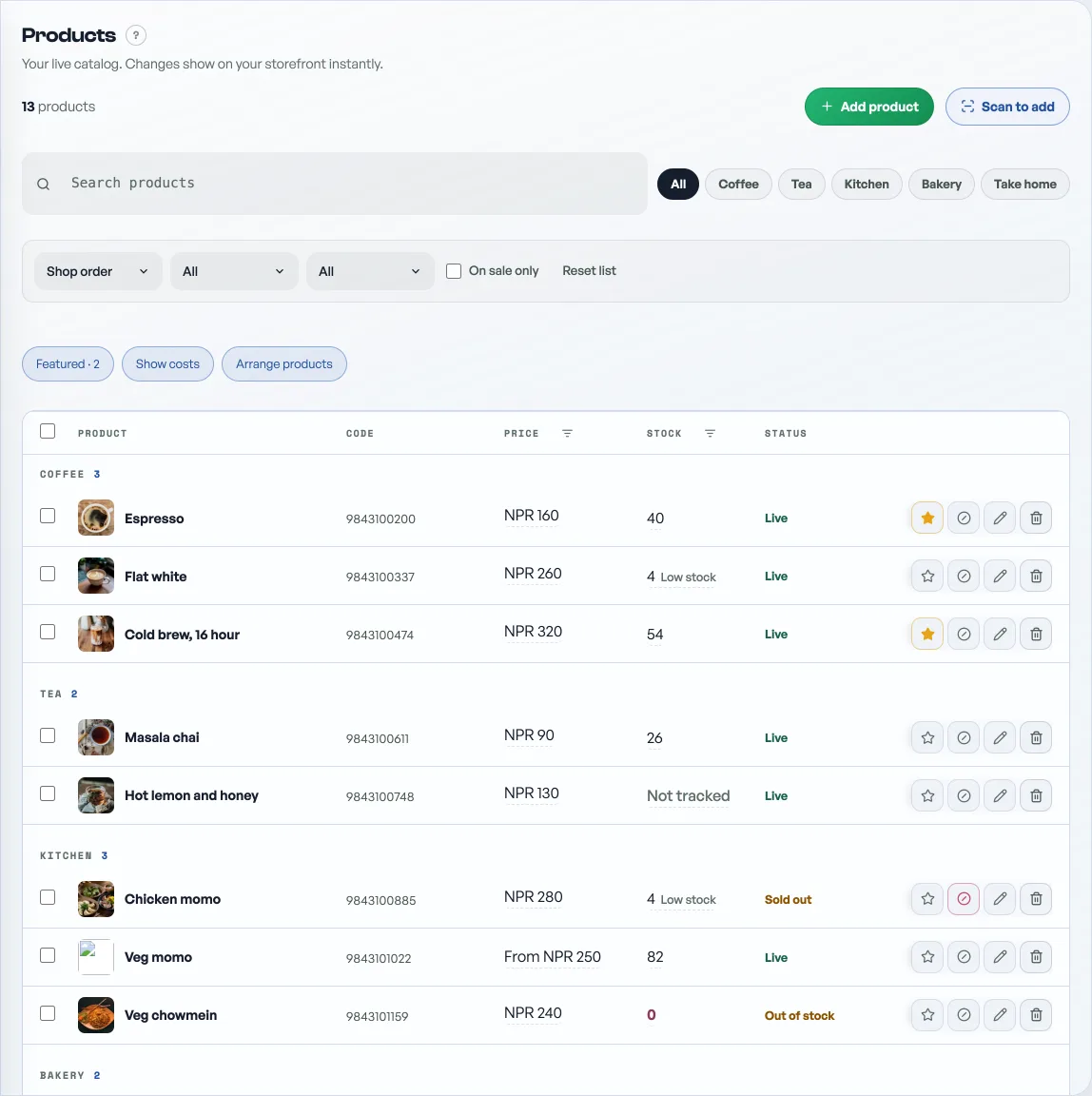
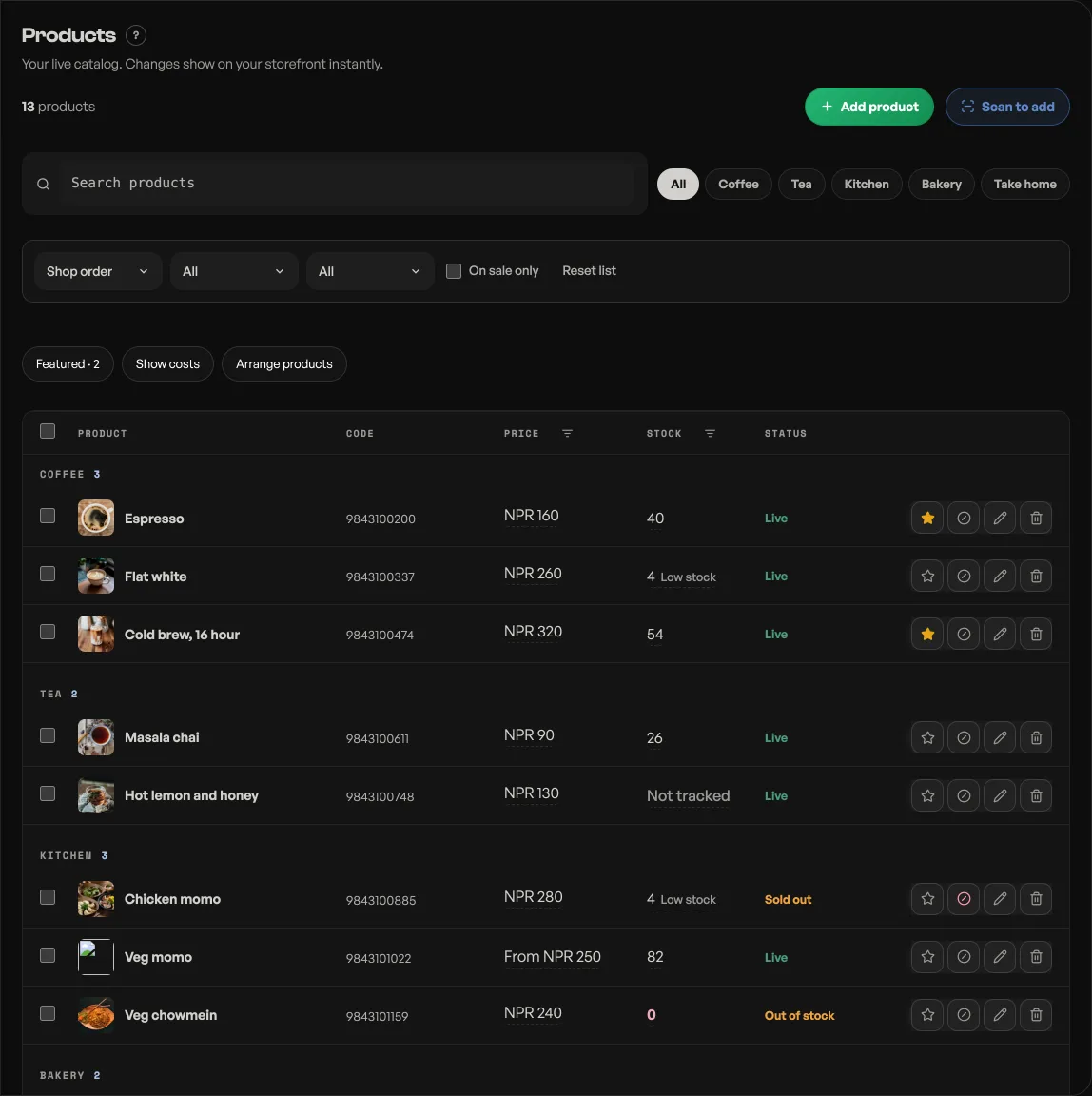
- Open Products. Every row ends with a small row of buttons, and the first is a star.
- Tap it. It fills in, and the product joins a Featured shelf at the top of your shop straight away. Tap it again to take it back off.
A strip above the product list shows what you have starred so far, up to four of them with a +2 more if you have gone further, so you can see your shop window without leaving the tab.
There is no limit, which is the catch
You can star everything. Nothing stops you, and nothing warns you. But a shelf with your whole catalog on it is not a featured shelf, it is your catalog printed twice. Four to eight is where it still means something.
Where the shelf sits
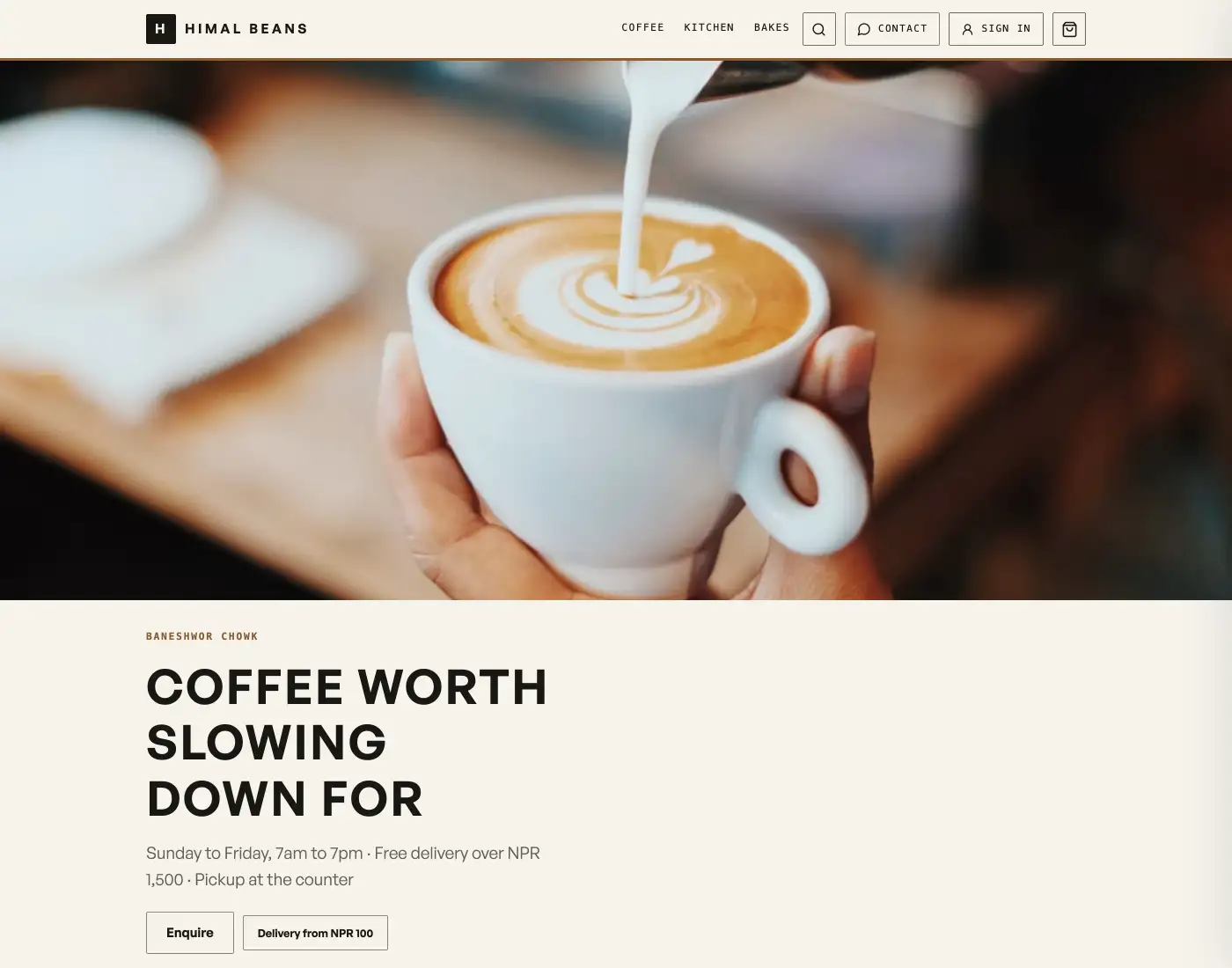
Under your hero and your category buttons, above the categories themselves, with a Featured heading. Each card on it also wears a small Featured flag, wherever else in the shop that product appears. A product that is sold out drops the flag, because a badge on something nobody can buy only annoys people.
Why it disappears when you search
The Featured shelf shows only on the full shop view. The moment a shopper types in the search box, or taps a category, the shelf goes and they see only what they asked for. This is deliberate and it is not a fault: a customer who has just tapped Momo wants momo, and a Featured row of pashmina above the momo is noise. Clear the search or go back to All and the shelf returns.
For the shape of the cards themselves, and whether the category buttons show at all, see Choose how your products and events are shown.
- Choose how your products and events are shownPick the shelf your catalog sits on, and the stage your events take.
- Manage your catalogAdd products, photos, prices, and take items off the shelf when you are out of stock.
- Sell one product in several sizes and coloursOne kurta, three sizes and four colours: one product page, its own price per size, and sold out one size at a time.